


AI Facial Expression Changer
Change your facial expression without reshooting.
Film once, then create every expression variant in about 45 seconds each. Test different emotions to see what resonates with your audience before anyone reads your title.
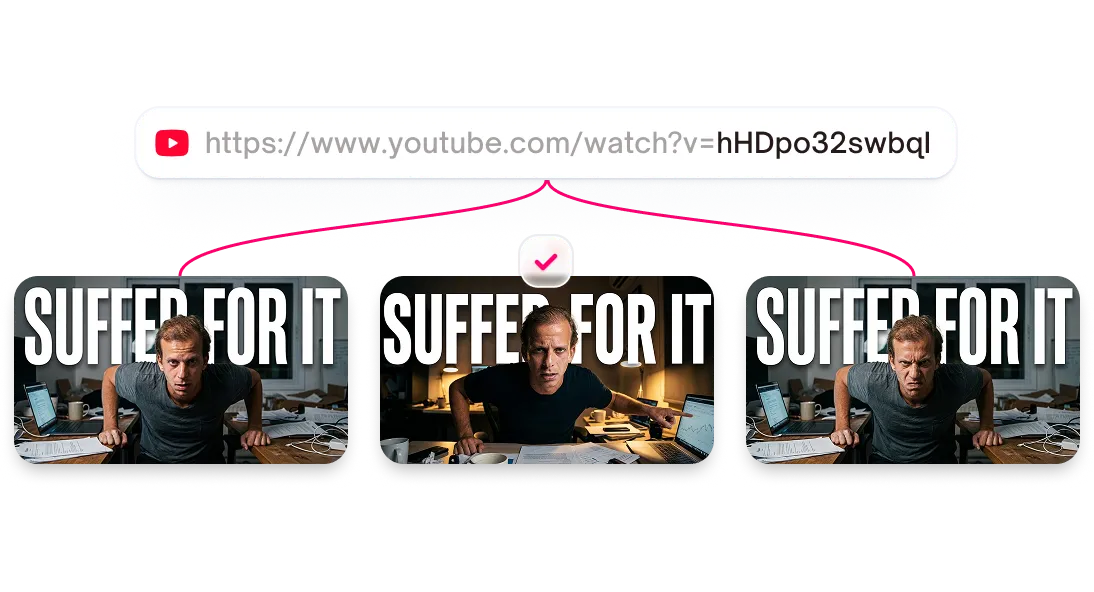



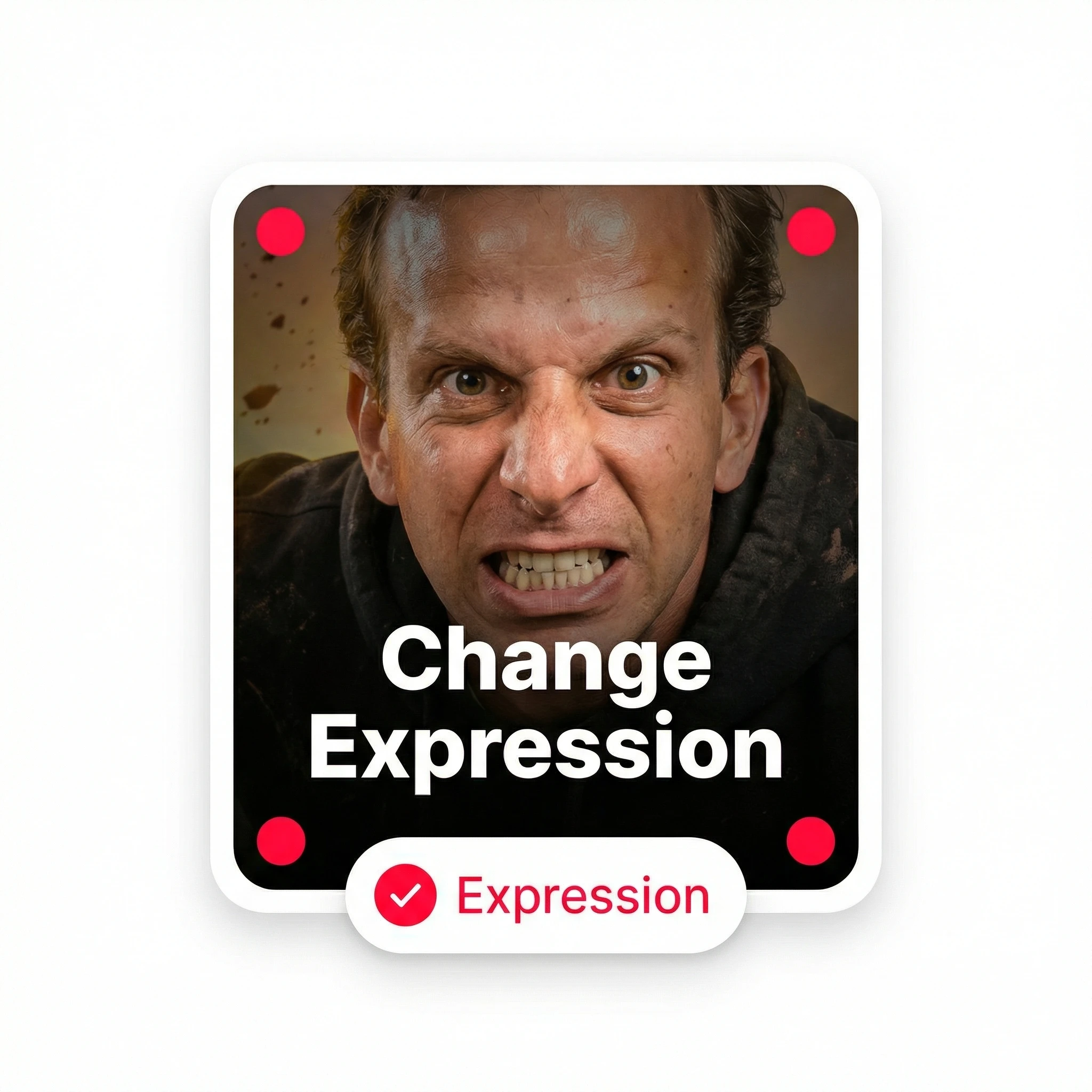
Change face expressions in one click
Your thumbnail's expression signals the video's energy. Select, pick, generate, the AI maps new facial landmarks while preserving your features.
Features
Six AI face expressions for YouTube thumbnails
Select from six expressions designed for YouTube content, and the AI maps new facial landmarks onto your existing photo while keeping your features recognizable.
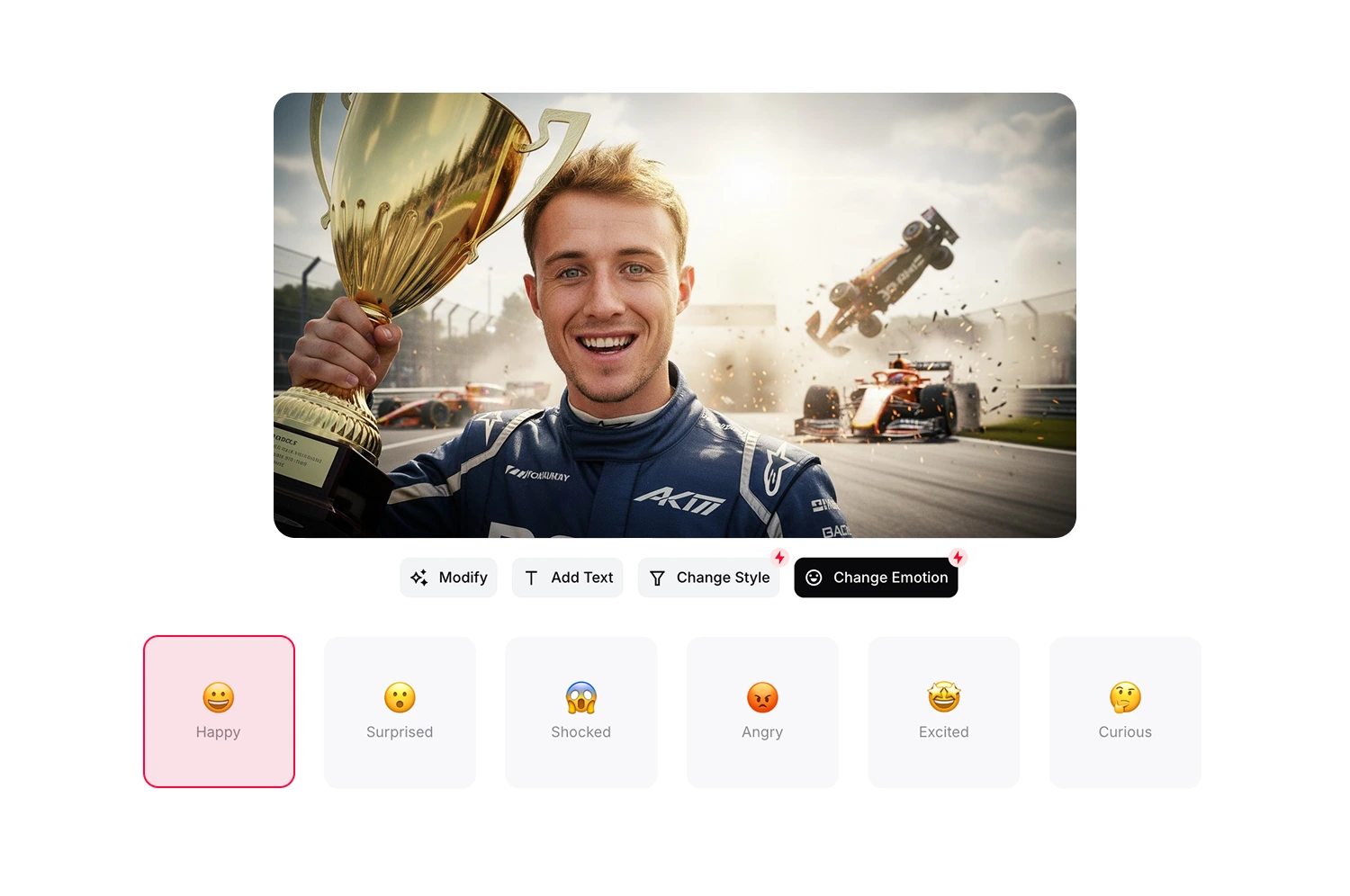
Choose Happy for approachable, friendly content
A warm smile that signals positive energy. Works for lifestyle vlogs and encouraging tutorials.
Create curiosity with Surprised
Eyes widen and eyebrows raise. Use for reveals, news reactions, and discovery videos.
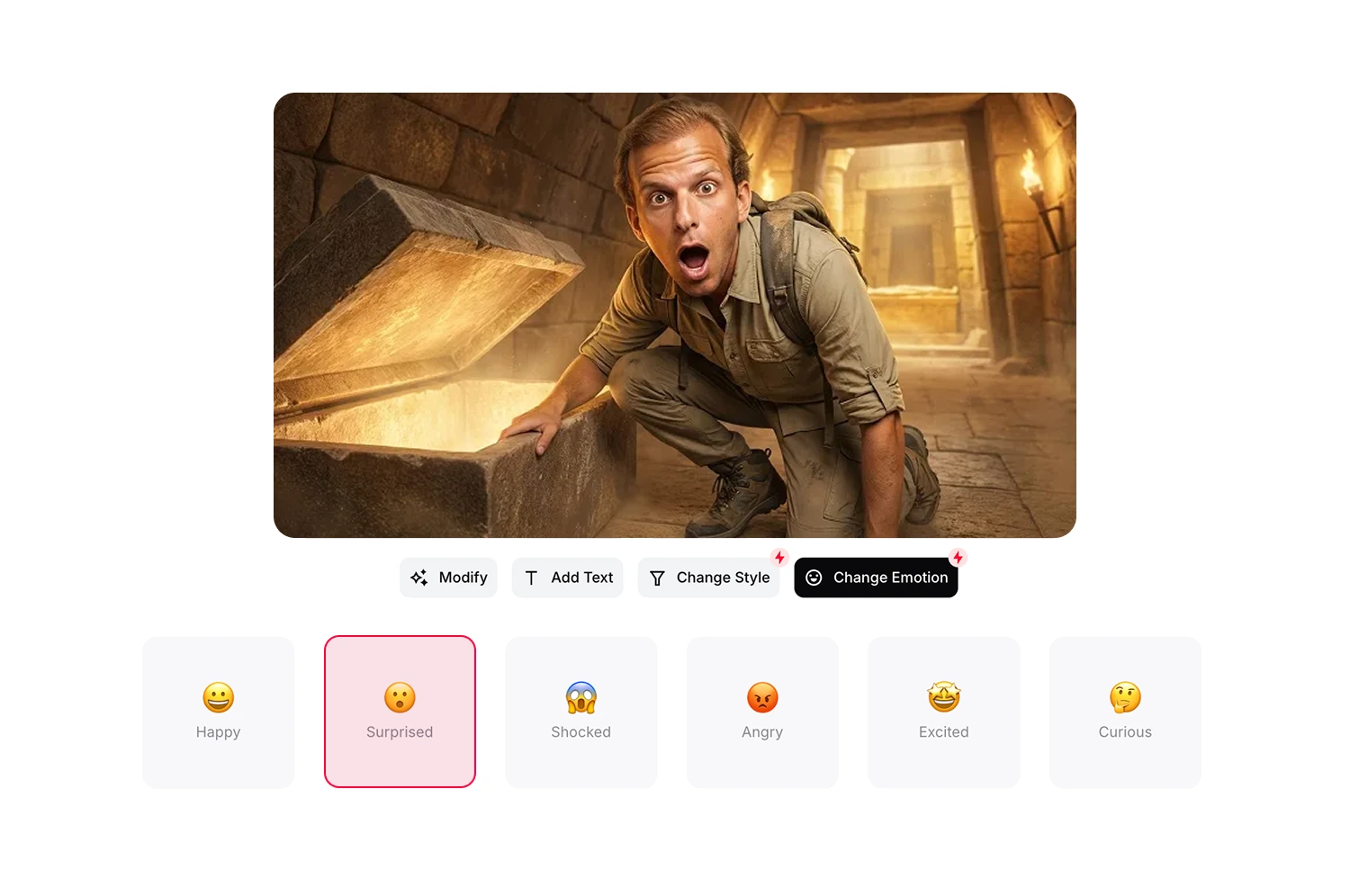

Match dramatic moments with Shocked
Intense surprise for high-stakes content. Works for gaming fails, plot twists, and strong reactions.
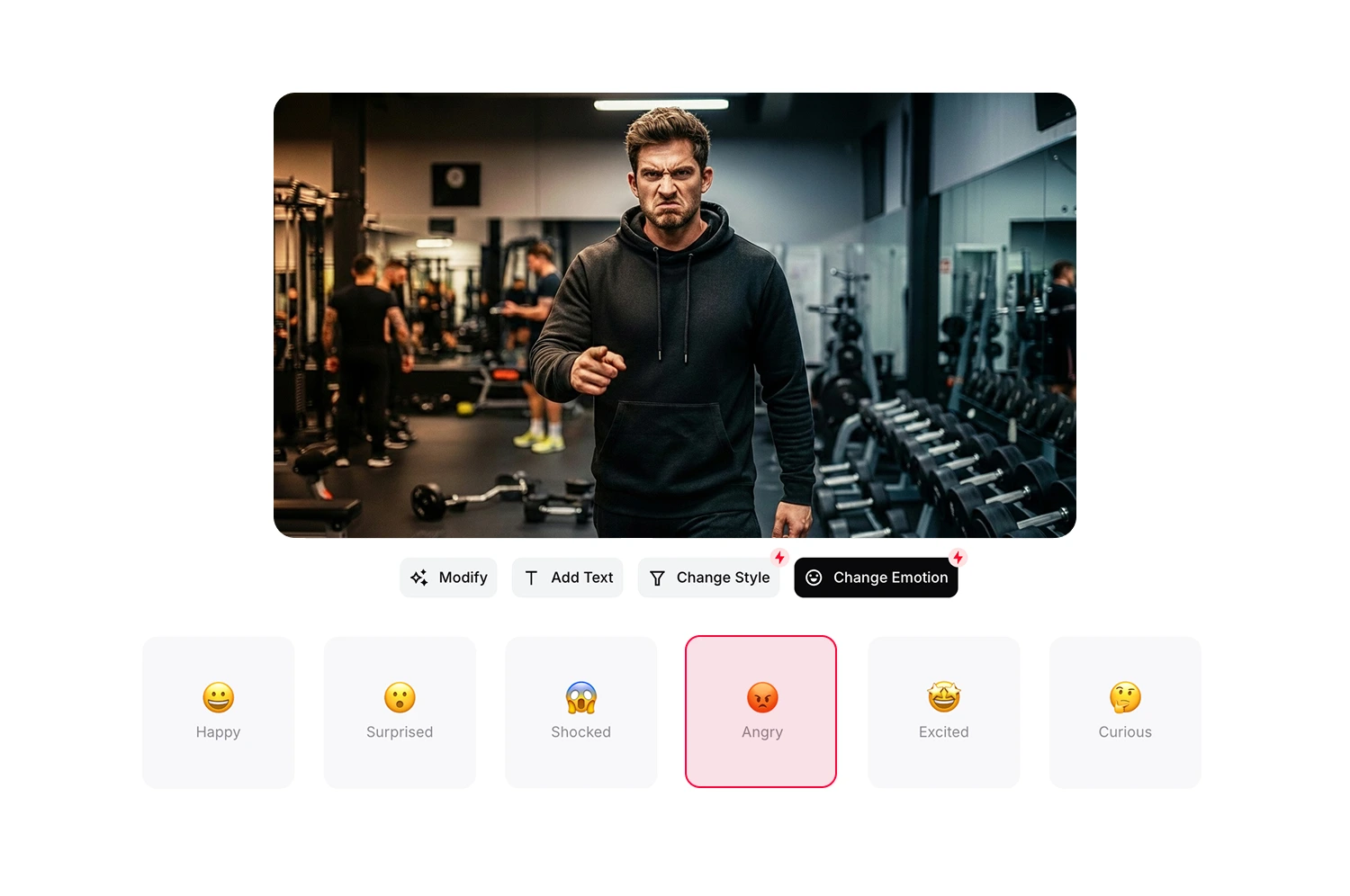
Signal strong opinions with Angry
A serious, intense look for unfiltered takes. Use for rants, critiques, and controversial content.
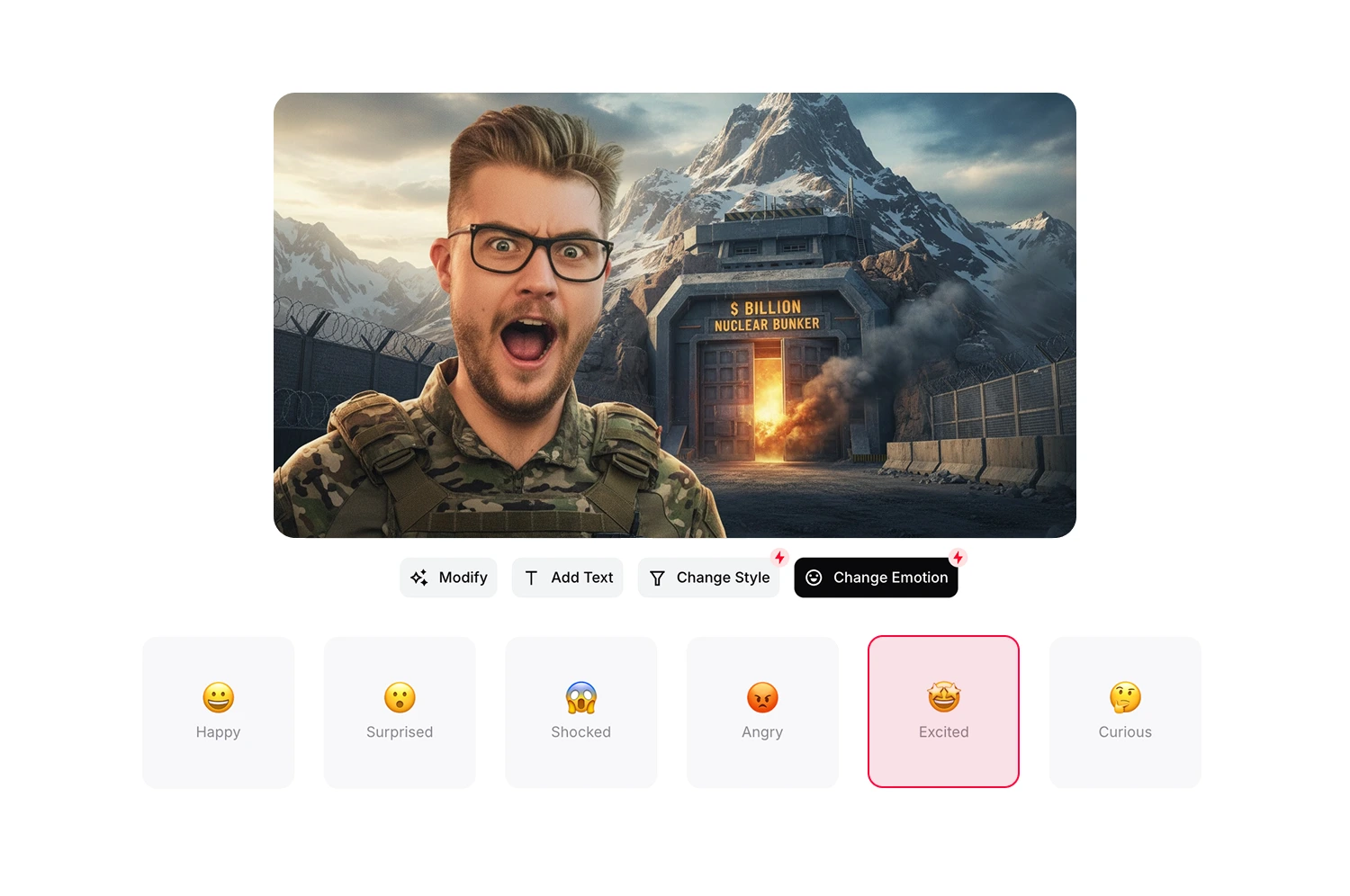
Add energy with Excited
Enthusiastic energy for announcements, unboxings, and hype videos. Stack with styles like Digital Illustration—the expression carries through.
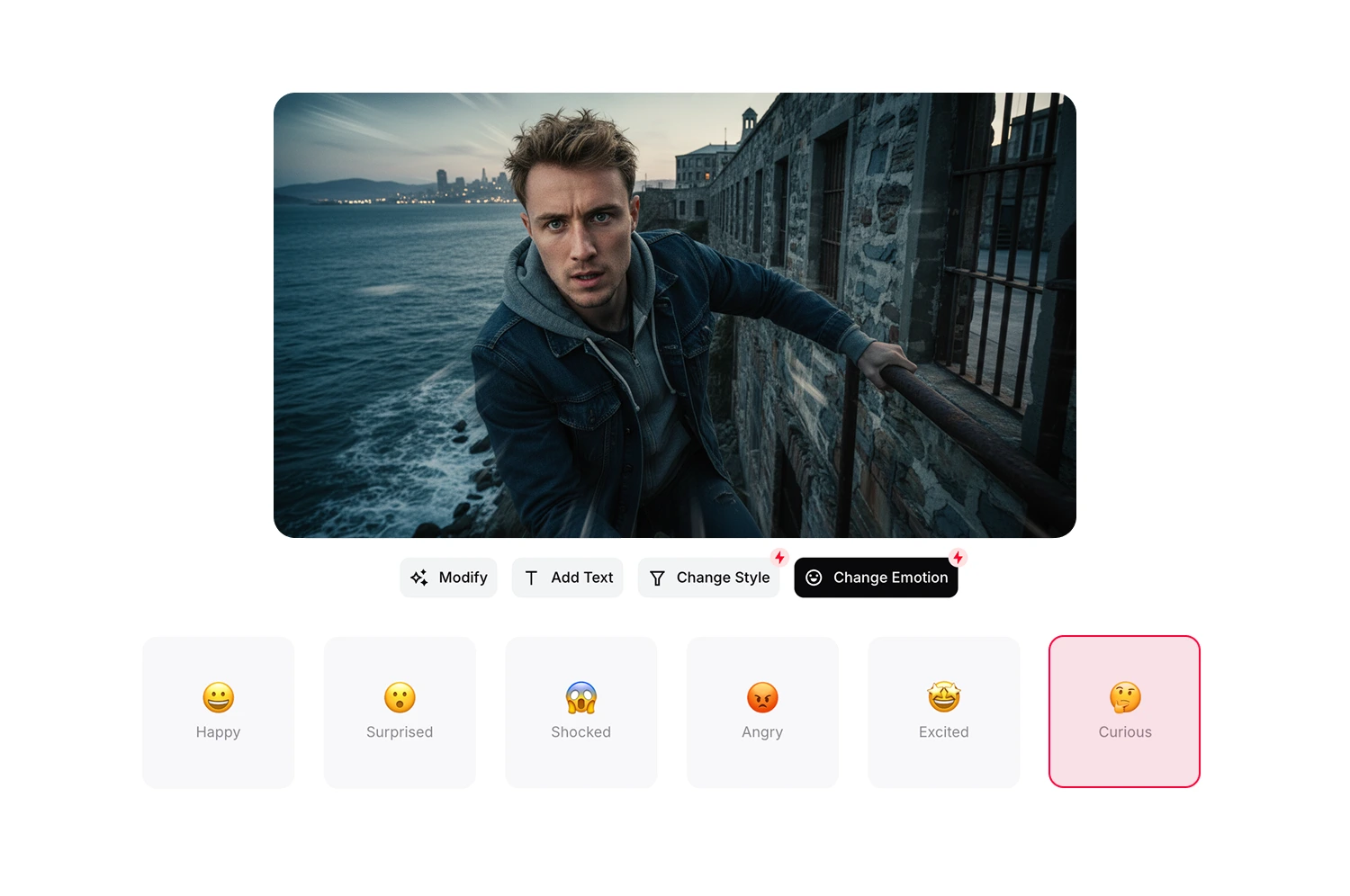
Show thoughtfulness with Curious
A questioning look that matches tutorials and explanations. Signals you're exploring something interesting.
How it works
How the expression changer works
Follow three steps from thumbnail to new expression.
Select your thumbnail
Choose any thumbnail you've generated in Thumbmagic.
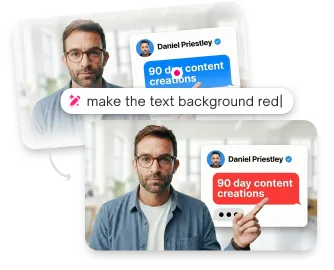
Pick an expression
Click Reactions and choose Happy, Surprised, Shocked, Angry, Excited, or Curious.
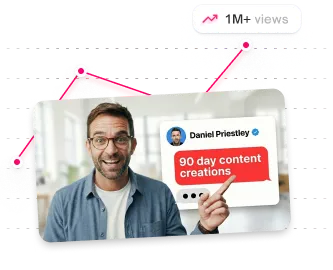
Generate
Your new expression appears as a variant you can compare against the original.
USE CASES
Made for real creators who need real results
Built for anyone who wants faster production and higher CTR.
Gaming creators
Match your expression to the video energy. Shocked for fails, excited for wins, angry for rants.
Reaction channels
Generate authentic reaction expressions without performing them on camera.
Educational creators
Use Curious for tutorials and Happy for encouraging content.
Faceless creators
Use an avatar with different expressions to add personality without showing your real face.
Vloggers
Test Happy vs Excited for lifestyle content. Find which expression resonates with your audience.
Shorts creators
Match your expression to the energy of each Short. Different emotion, same avatar.
Frequently asked questions
How realistic do the expressions look?

The AI transforms your expression while keeping your face recognizable. Results look natural in most cases.
Can I use this on any photo?
It works on thumbnails created in Thumbmagic. Your avatar needs to be generated first.
How long does it take?
About 20 seconds per expression change.
Can I combine expressions with styles?
Yes. Apply an expression first, then add a style. Both changes appear in the final thumbnail.
What if the expression doesn't look right?
Generate again or try a different expression. Each attempt creates a new variant without affecting your original.
How do credits work?
Each expression change uses 1 credit. Check your plan for credit allocation.
Stop losing views to mediocre thumbnails
Generate studio-quality thumbnails that stop scrolling and drive clicks in seconds. No design skills needed.
+50% average CTR increase
2× faster production speed
90% reduction in design cost
