


Video to Thumbnail Generator
Turn your video into thumbnails automatically.
Paste a YouTube URL and generate thumbnails in about 45 seconds. Trained on viral YouTube content, the AI creates thumbnails that match your video. Customize with your avatar and download ready for YouTube.
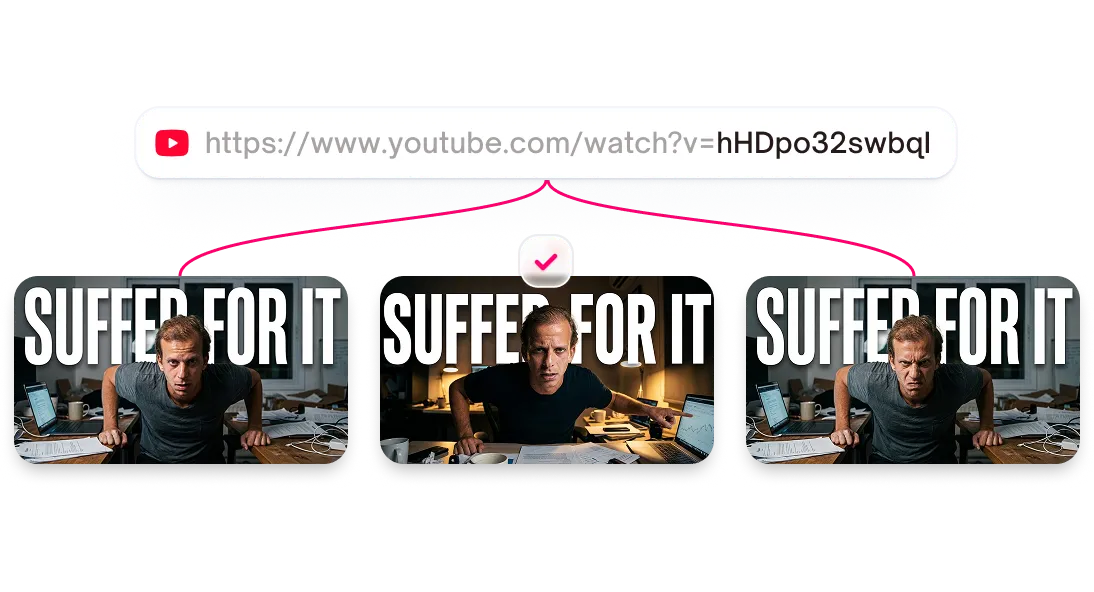



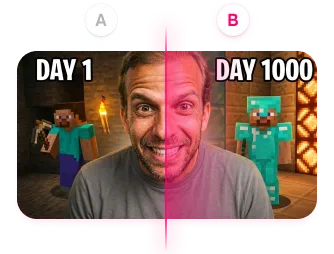
Generate thumbnails from any video source
The AI extracts key frames, identifies faces, and generates thumbnails based on your content. Customize text and colors, pick a template, then download.
Features
Three ways to generate thumbnails from video
Start from a published video, raw footage, or just a script idea. Thumbmagic meets you wherever you are in your workflow.
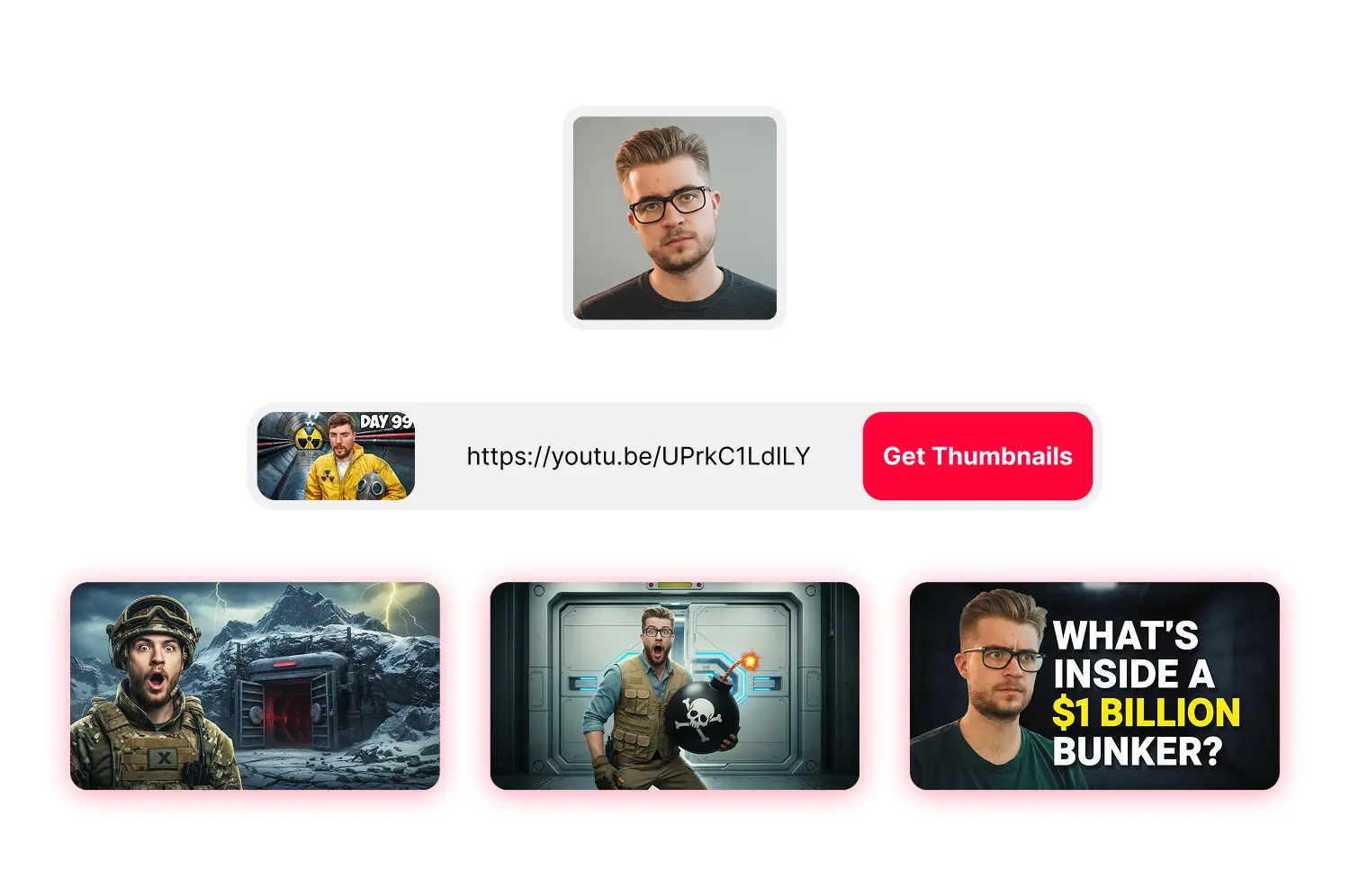
Generate thumbnails from any YouTube video
Paste any public link and the AI pulls your video automatically. It detects faces, identifies key moments, and generates thumbnails. Just paste and generate.
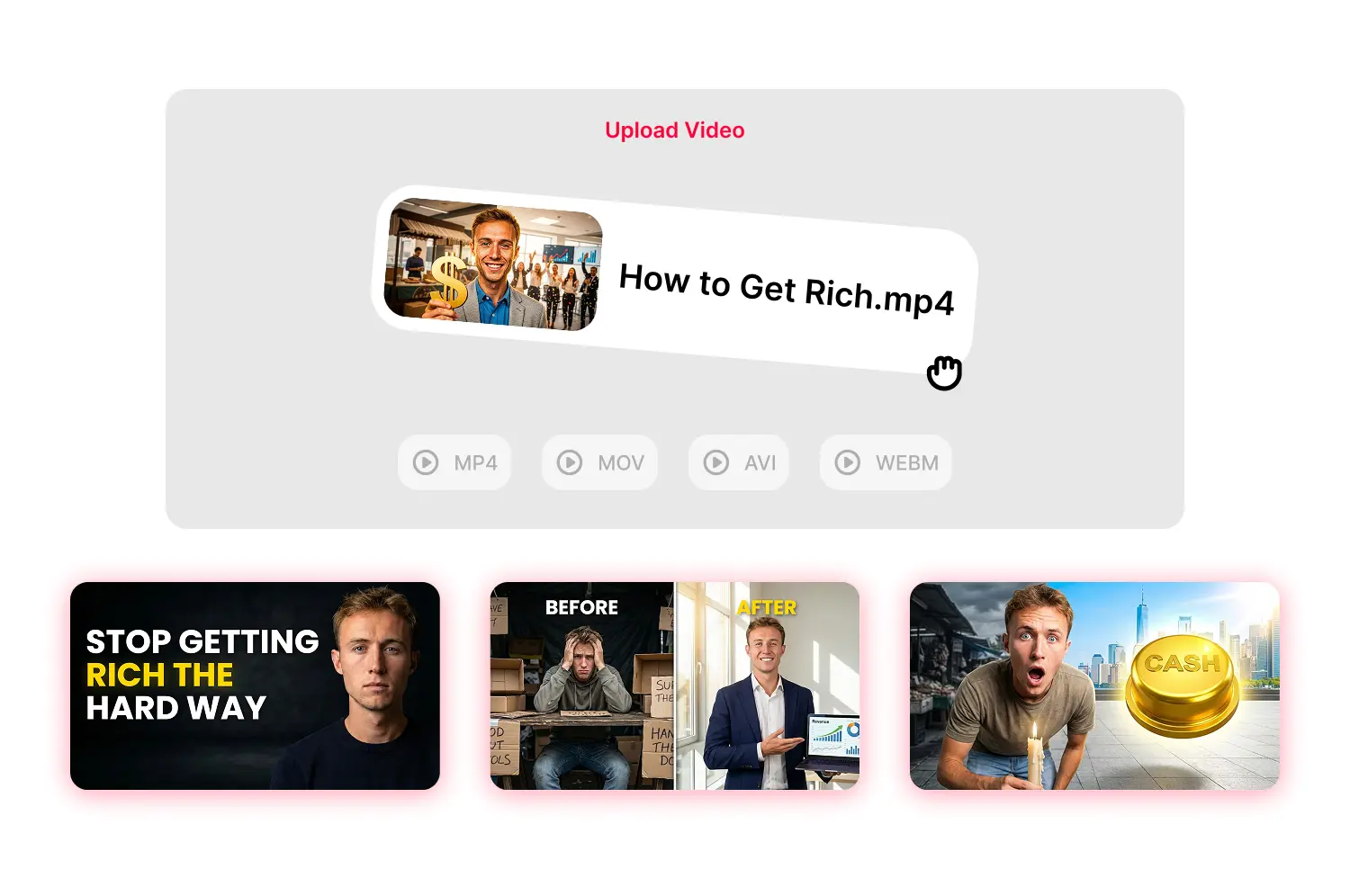
Auto generate thumbnails from uploaded video
Upload MP4, MOV, AVI, or WEBM files up to 5GB. The AI extracts frames and generates thumbnails the same way it handles YouTube URLs.
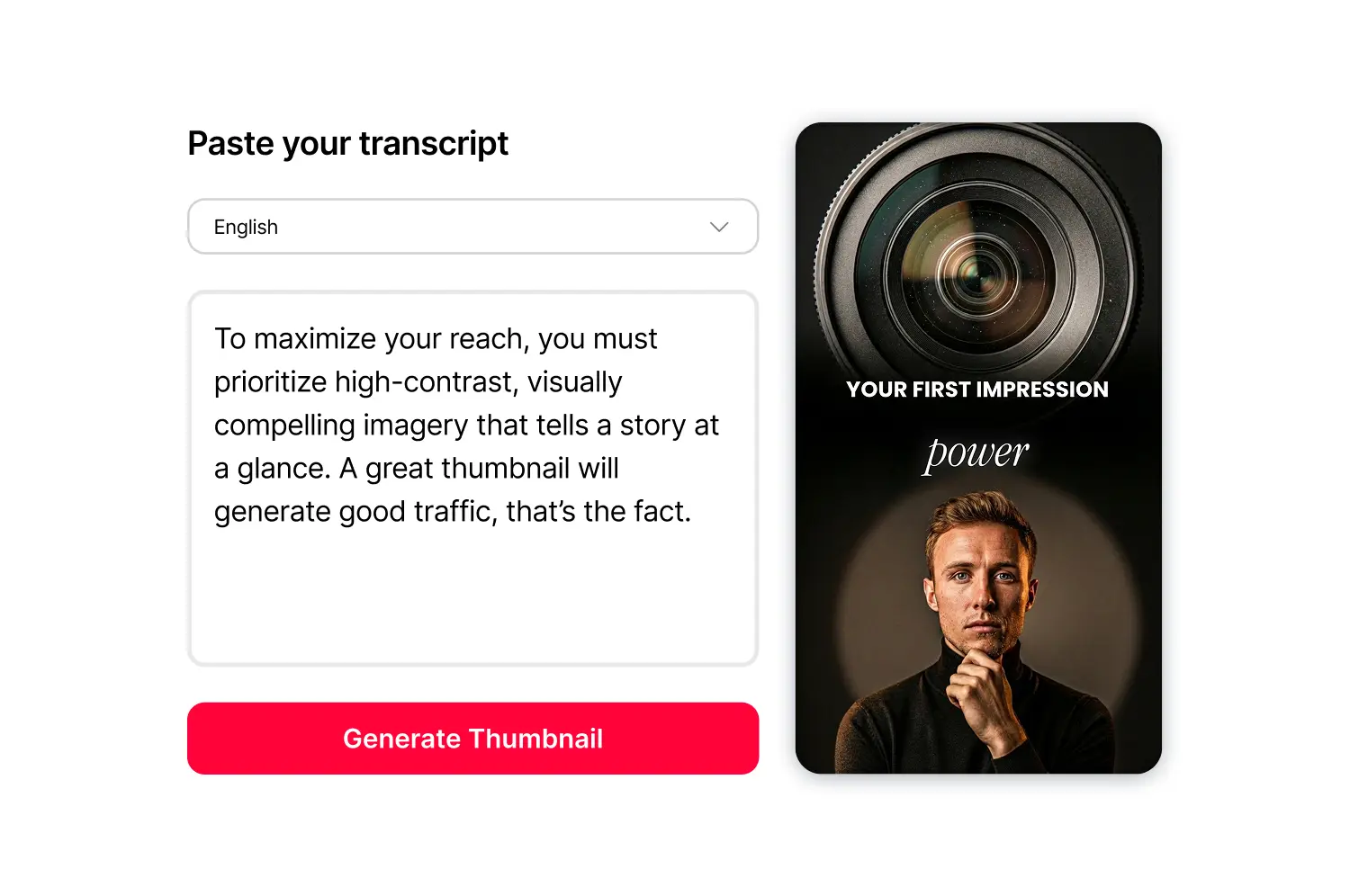
Create thumbnails before you film
Paste at least 100 characters of your script and the AI generates thumbnails based on topic and tone. Plan your visual hook before filming.
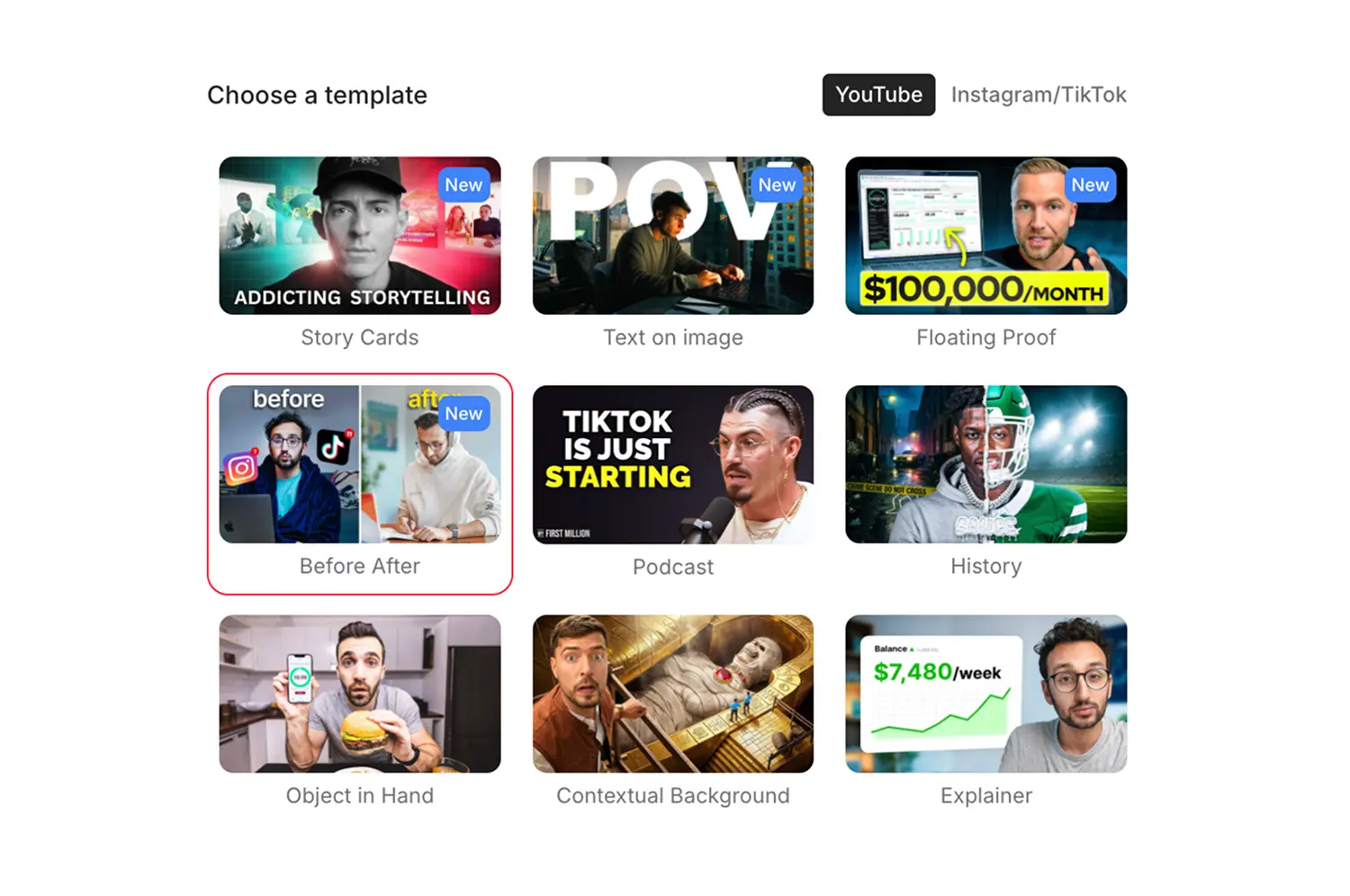
Choose from 15+ layout styles
Before/after comparisons, podcast speaker grids, educational layouts with text hierarchy, and headline-forward designs—each built for specific creator needs.
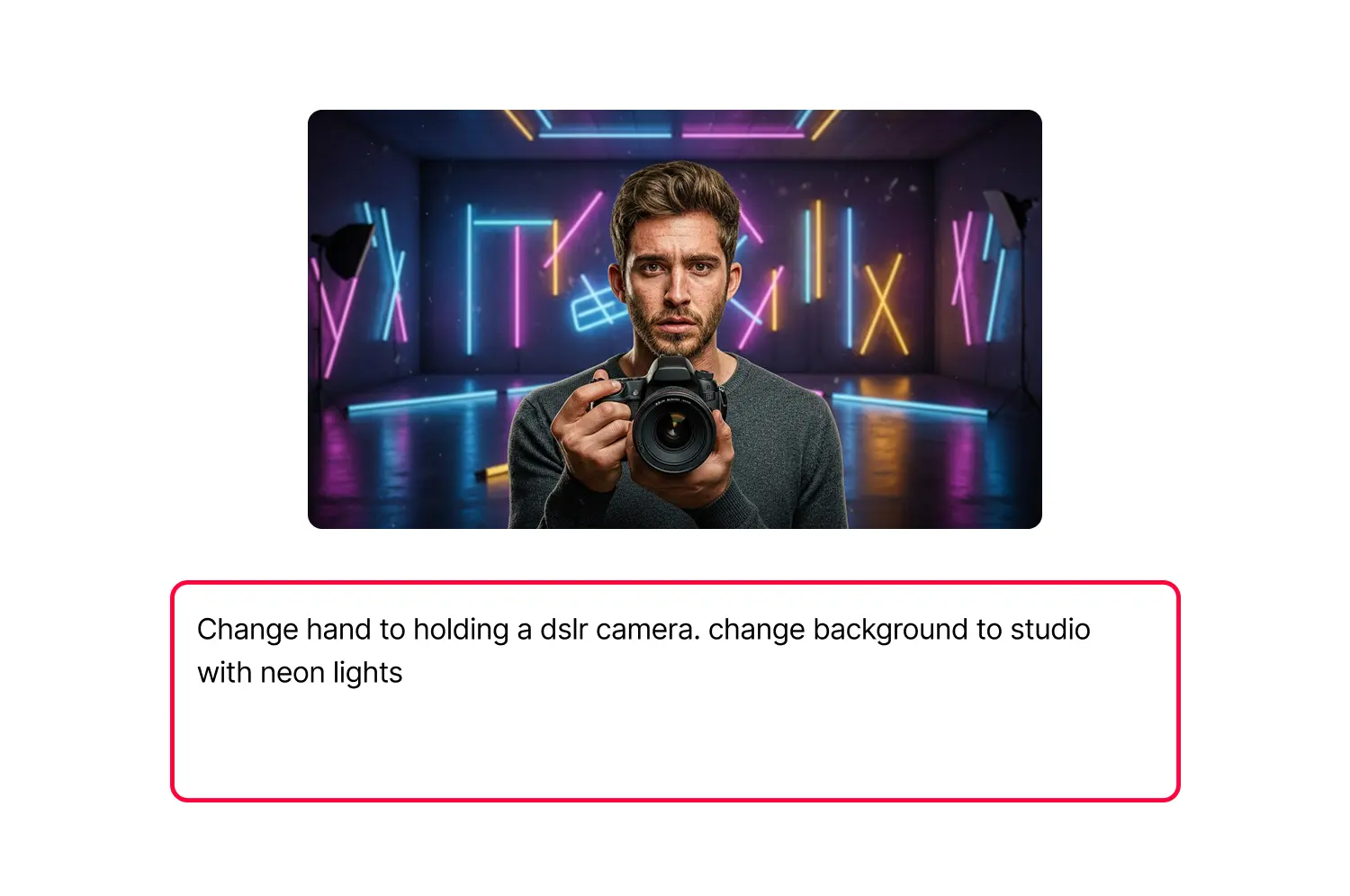
AI-generated backgrounds and objects
Put a camera, controller, or book in your avatar's hand to signal your topic. Describe your scene and the AI generates a matching background.
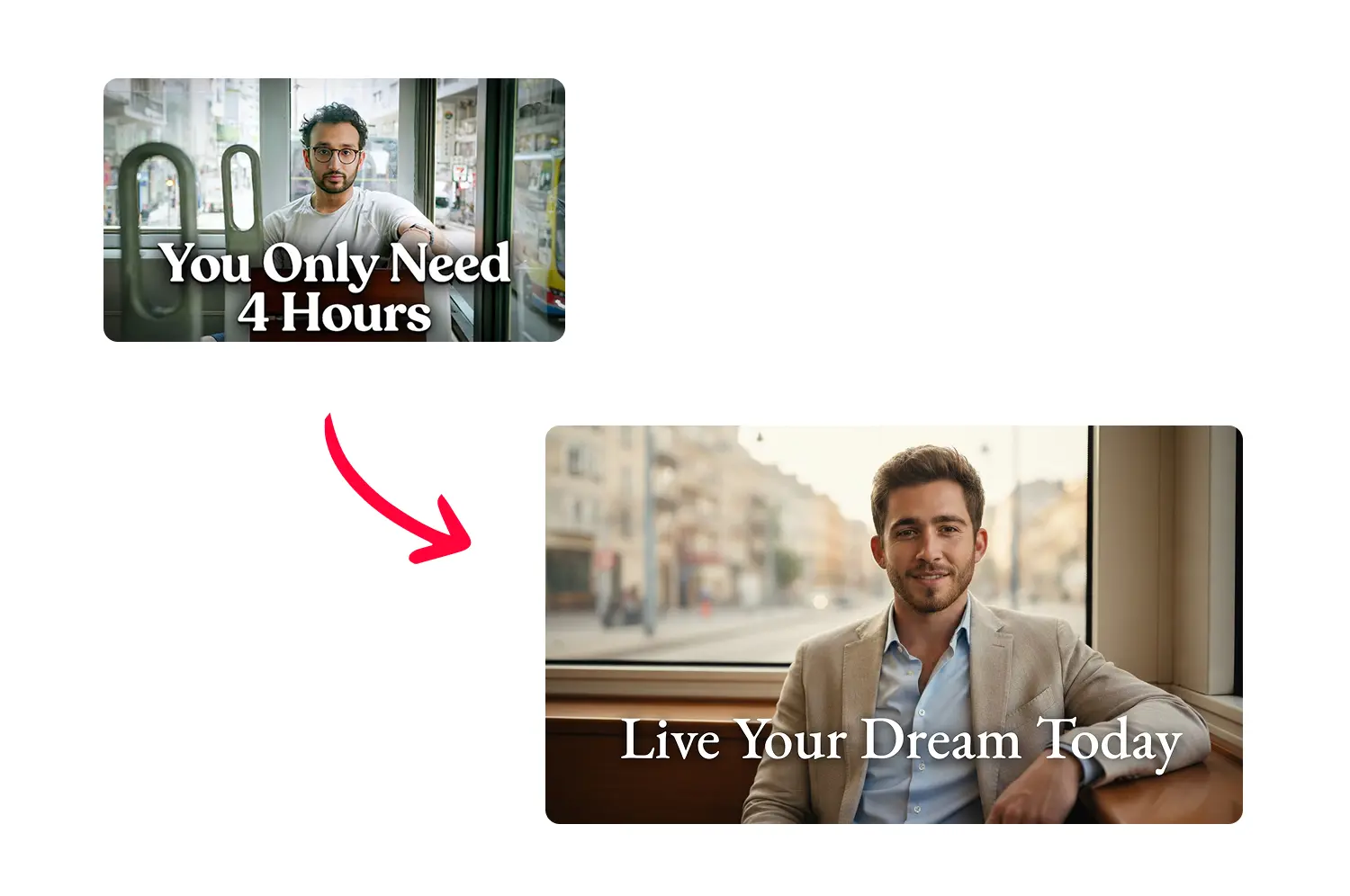
Replicate any thumbnail design
Paste any thumbnail URL. The AI analyzes the layout and recreates it with your avatar and text.
How it works
How the thumbnail generator works
Follow three steps from video to finished thumbnail.
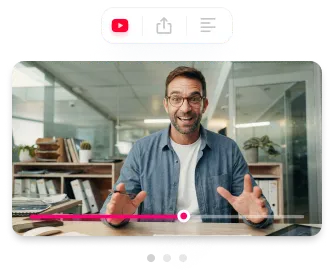
Import your video
Paste a YouTube URL, upload a file, or enter your script. The AI analyzes your content automatically.
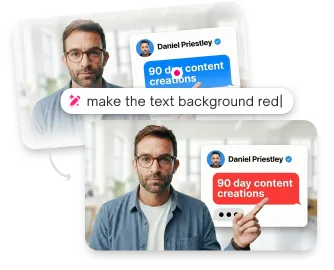
Select template & customize
Choose from layouts, adjust text, colors, backgrounds, or expressions. Perfect your style with zero design skills.
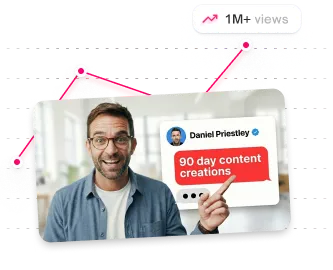
Export in 4K & publish
Download high studio-quality thumbnails optimized for YouTube, Shorts, and A/B testing. See how your views increased.
USE CASES
Made for real creators who need real results
Creators who want thumbnails that match their content without manual design work.
Youtubers
Generate thumbnails for every video in your upload workflow. Paste the URL, pick a template, and download.
Agencies
Deliver client thumbnails without booking photo shoots. Change the video, regenerate the thumbnail.
Brands
Keep your visual identity sharp without hiring an in-house designer for every video.
Short-form Creators
Produce scroll stopping thumbnails for Shorts, TikTok, and Reels instantly.
Content Creators
Create pro-level thumbnails without touching Photoshop or hiring designers.
Teams
Move faster, publish more, and keep every thumbnail on-brand across channels.
Frequently asked questions
What video formats are supported?

MP4, MOV, AVI, and WEBM. Files up to 5GB.
What resolution are the thumbnails?
1280x720 pixels (16:9) for standard YouTube videos.
Can I create thumbnails for Shorts, TikTok, and Instagram?
Yes. Switch to 9:16 templates for vertical thumbnails that work across all short-form platforms.
How does the YouTube URL option work?
Paste any YouTube video URL. The AI pulls the video and generates thumbnails based on the content.
What makes a good avatar photo?
Frontal face, good lighting, face clearly visible. No celebrities or public figures.
How do credits work?
Each generation uses 1 credit and produces 2 variants. Edits use additional credits.
Stop losing views to mediocre thumbnails
Generate studio-quality thumbnails that stop scrolling and drive clicks in seconds. No design skills needed.
+50% average CTR increase
2× faster production speed
90% reduction in design cost
