


Thumbnail Text Generator
Add styled text to your thumbnails.
Paste your video, get 3-5 AI-suggested headlines, and customize text styling in under 10 seconds. Six fonts optimized for thumbnail readability, no design skills needed.
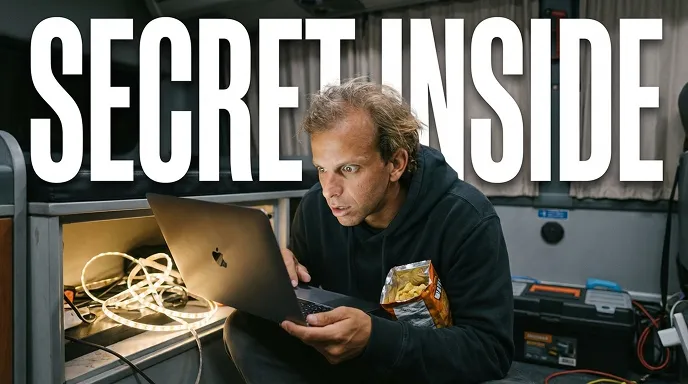



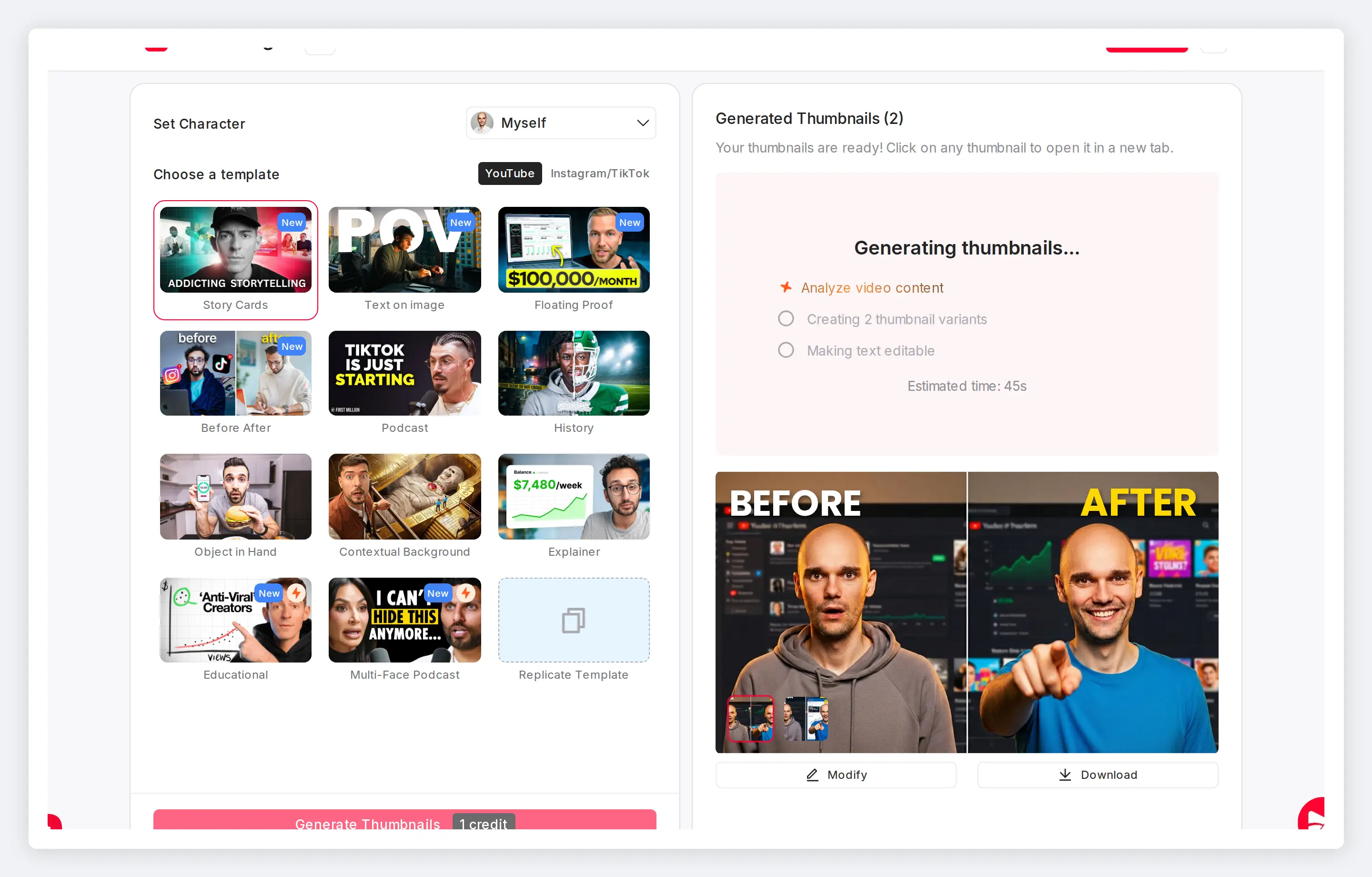
Add thumbnail text that stands out
Your thumbnail text needs to be readable at small sizes. The text generator gives you font, color, shadow, and positioning controls.
AI suggests headlines based on your video content. Edit the text, style it, and position it where it works best.
Features
Thumbnail font styling with simple controls
Thumbnail text needs to grab attention in a fraction of a second. Choose fonts proven to work at thumbnail scale, add shadows and backgrounds for contrast, and position text exactly where it creates the most impact.
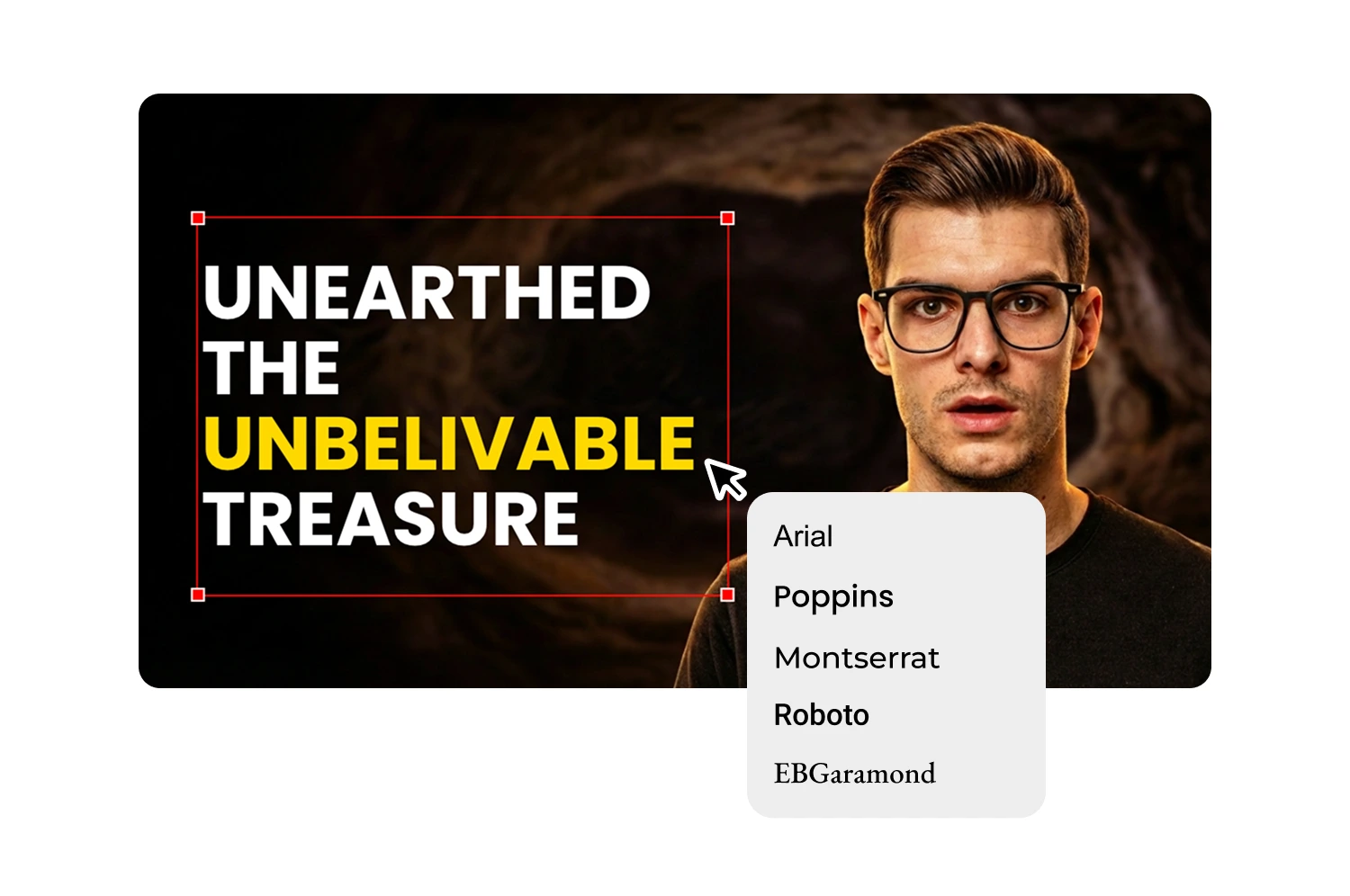
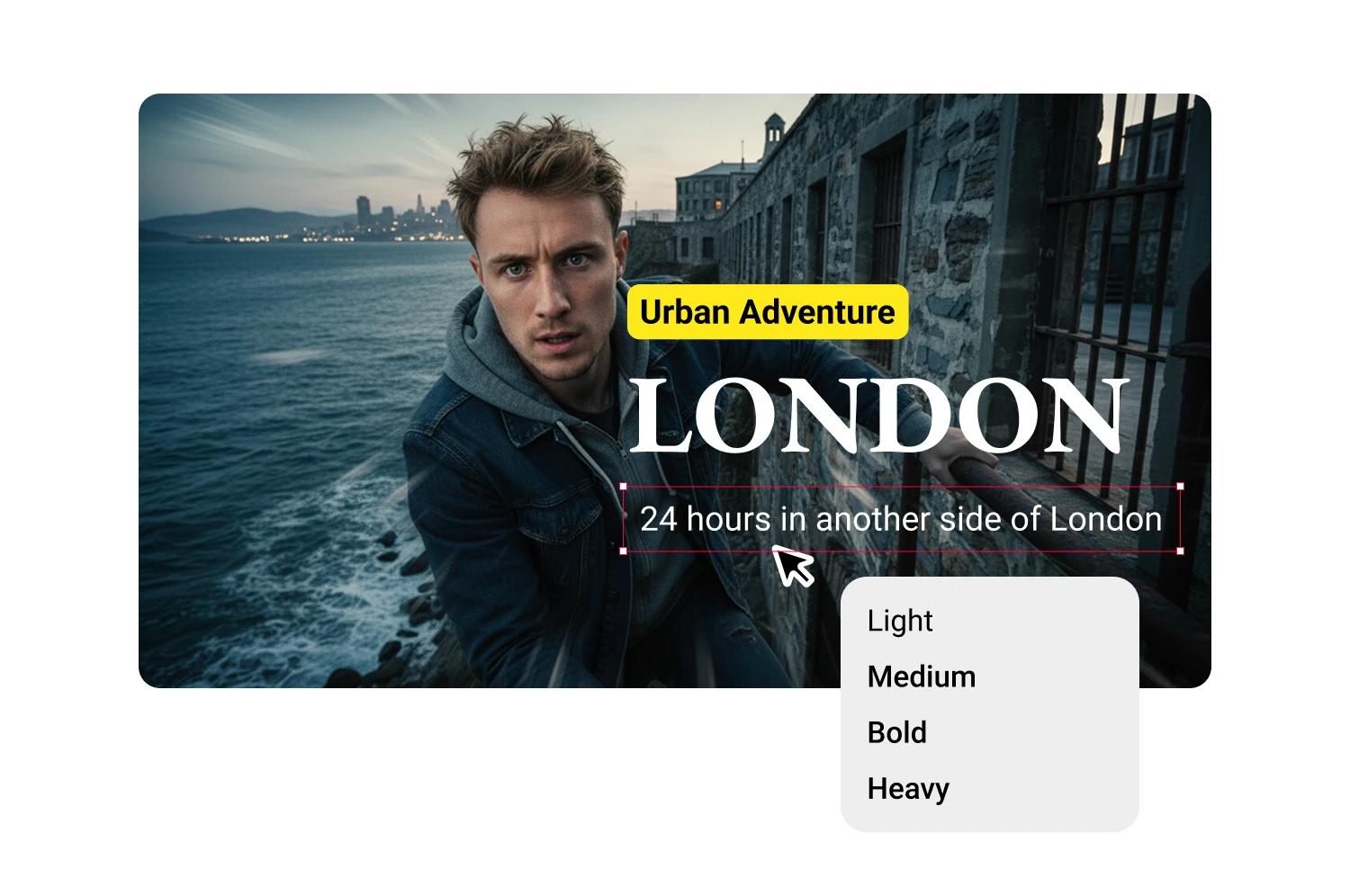
Choose from fonts optimized for thumbnail readability
Six fonts selected for small-size clarity: Arial, Poppins, Montserrat, Roboto, EBGaramond, and ItcGaramond. Bold weights by default keep headlines sharp on mobile.
Pick colors that contrast with your background
Select any hex color or let the AI suggest high-contrast options based on your image. Click a suggestion to apply it or enter your brand color manually.

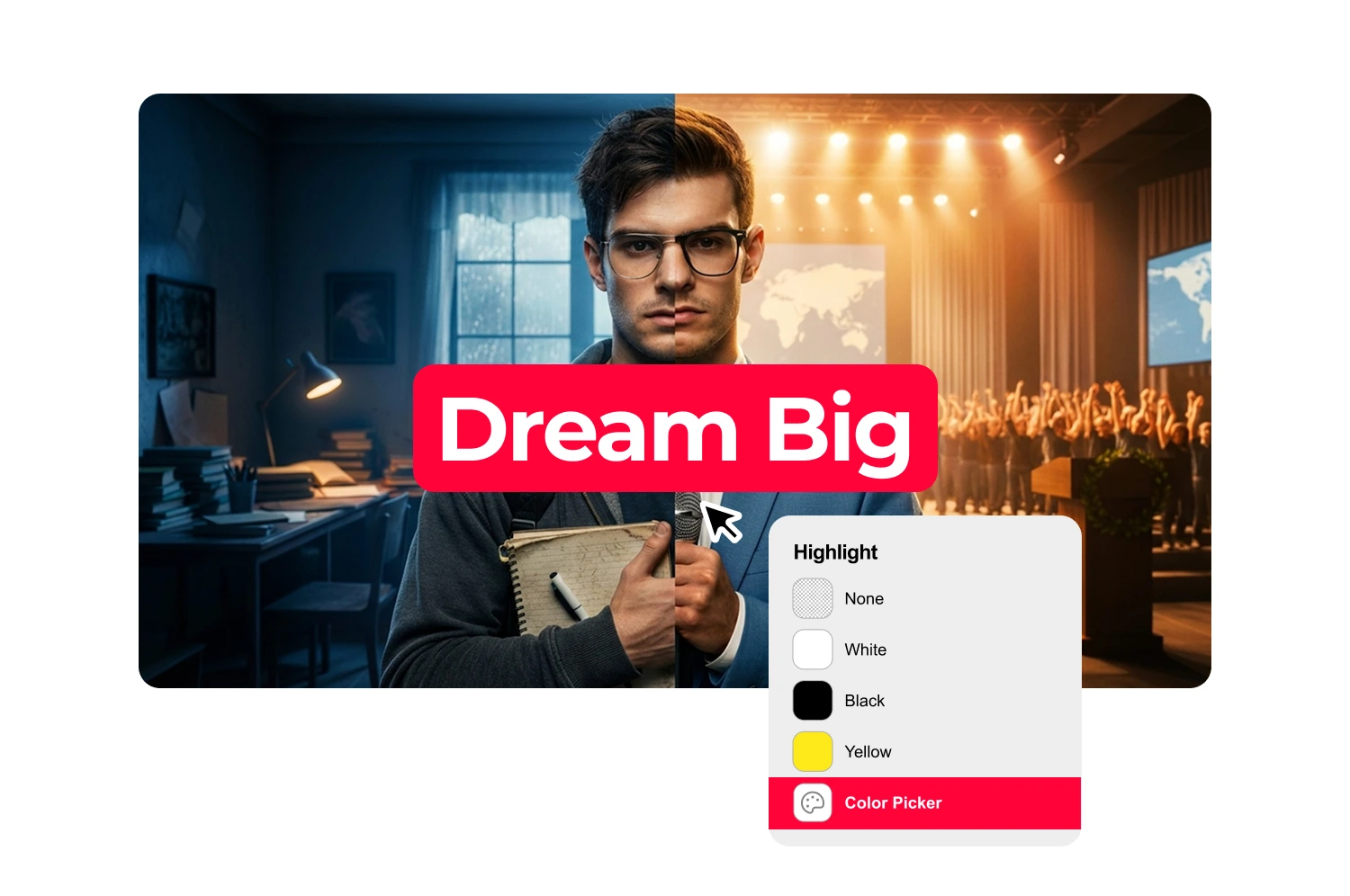
Add text backgrounds for busy images
Toggle the background option to place a colored rectangle behind your text. Adjust color and opacity to create a clean reading surface.
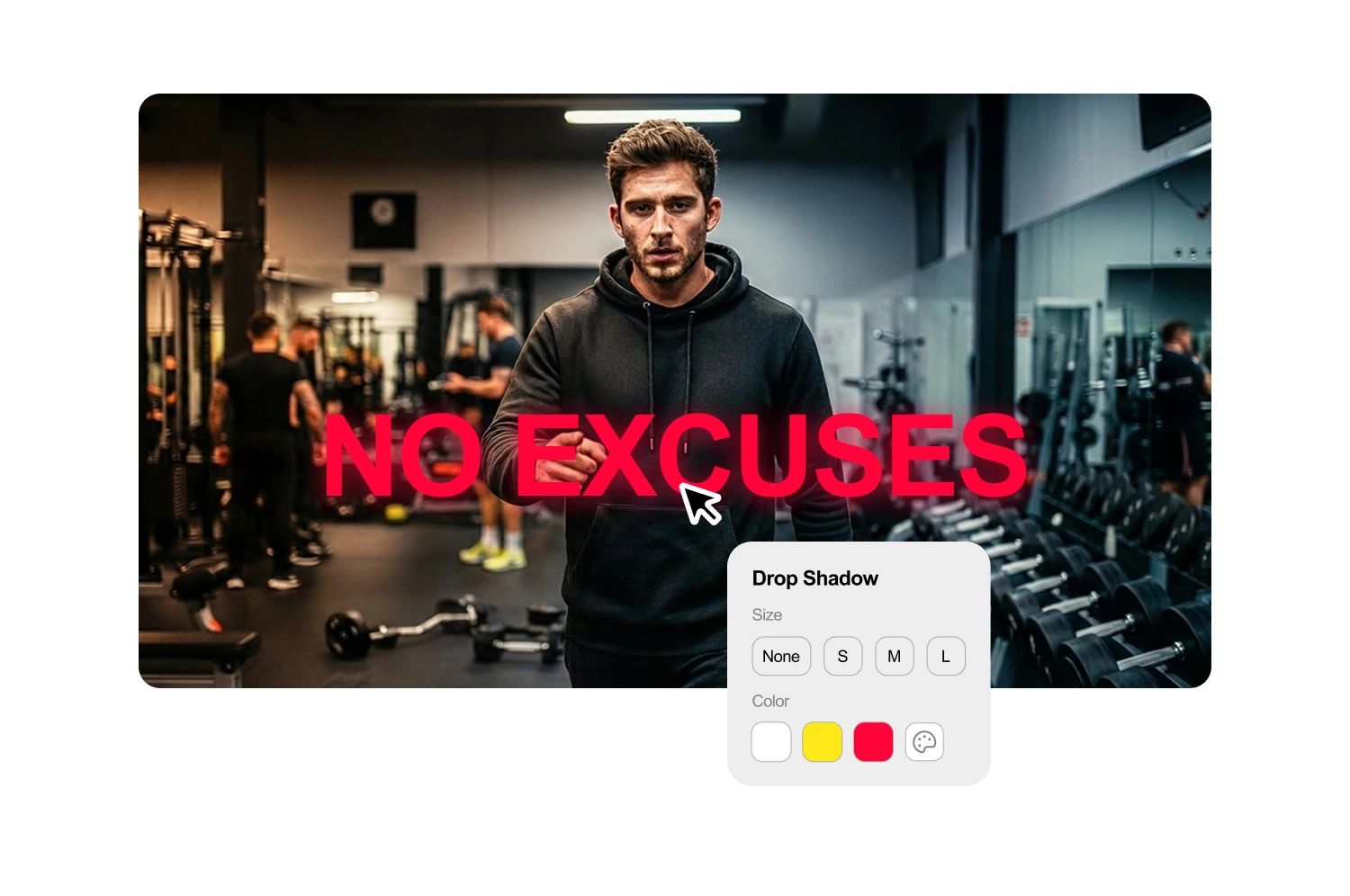
Apply drop shadows to separate text from images
Add depth with small, medium, or large shadows. Pick a shadow color or use the default black for universal contrast.

Position text exactly where it creates impact
Snap to nine preset positions or drag directly on the canvas. Guides appear when text aligns with other elements.
Control text hierarchy with size and layering
Scale text from small labels to dominant headlines. Layer controls move elements forward or backward for visual hierarchy.
How it works
How the text generator works
The AI analyzes your video and suggests headlines that match your content. Start with options you can use directly or refine to fit your style.
Generate or select a thumbnail
Paste a YouTube URL or upload your file. The AI extracts key phrases and generates 3-5 headline suggestions based on what you actually say.
Edit your text
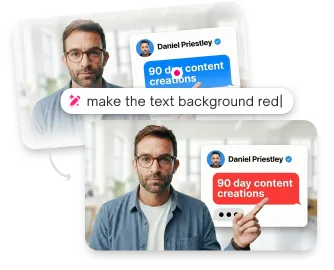
Click any suggestion to add it, then modify however you want. The text field is fully editable.
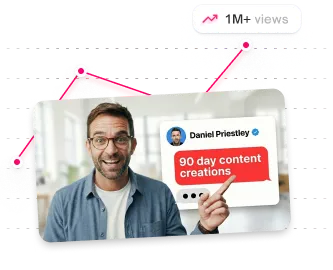
Style and position
Create additional text blocks for subheadlines, labels, or guest names. Each block has independent styling and positioning.
USE CASES
Who uses the text generator
Creators who want styled text without design software.
Youtubers
Style headlines that match your brand. Consistent fonts and colors across every thumbnail.
Educational creators
Make text readable at small sizes. Clear headlines help viewers understand what they'll learn.
Shorts creators
Style text for vertical thumbnails. Position and size text for mobile viewing.
Non-designers
Skip Photoshop entirely. Style text with simple controls instead of layer management.
Content Creators
Create pro-level thumbnails without touching Photoshop or hiring designers.
Teams
Move faster, publish more, and keep every thumbnail on-brand across channels.
Frequently asked questions
Can I use my own fonts?

Choose from six fonts optimized for thumbnail readability. Custom font uploads are not currently supported.
How do I make text readable over busy backgrounds?
Toggle on Text Background in the toolbar, or add a drop shadow.
Can I add multiple text elements?
Yes. Add as many text blocks as you need. Control each one separately.
Does the AI write the text for me?
Yes, the AI analyzes your video and suggests relevant headlines. Edit them or write your own.
What text colors work best?
High contrast works best. White or yellow text on dark backgrounds. Dark text on light backgrounds.
What's the best font size for thumbnails?
Large enough to read at mobile size. Test by viewing your thumbnail at small scale before downloading.
Stop losing views to mediocre thumbnails
Generate studio-quality thumbnails that stop scrolling and drive clicks in seconds. No design skills needed.
+50% average CTR increase
2× faster production speed
90% reduction in design cost
