


Thumbnail Editor
Click any part of your thumbnail, describe your change, and the thumbnail editor will generate a new version in 20 seconds. Each edit creates a variant you can test without reshooting.
Get Started for Free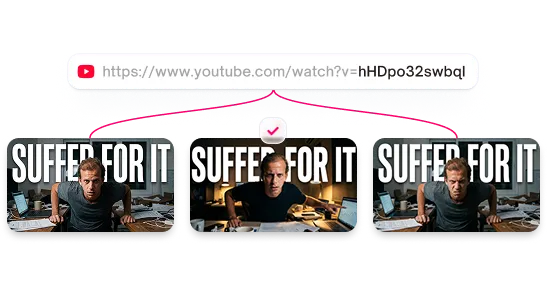


Edit YouTube thumbnails without Photoshop
Our AI was trained on high-performing YouTube thumbnails to ensure edits look natural and click-worthy.
Features
AI thumbnail editing with text prompts
Select any element, describe what you want, and generate a new version in seconds. No layer management or complex selections, just click, describe, and generate.
Change thumbnail backgrounds with AI
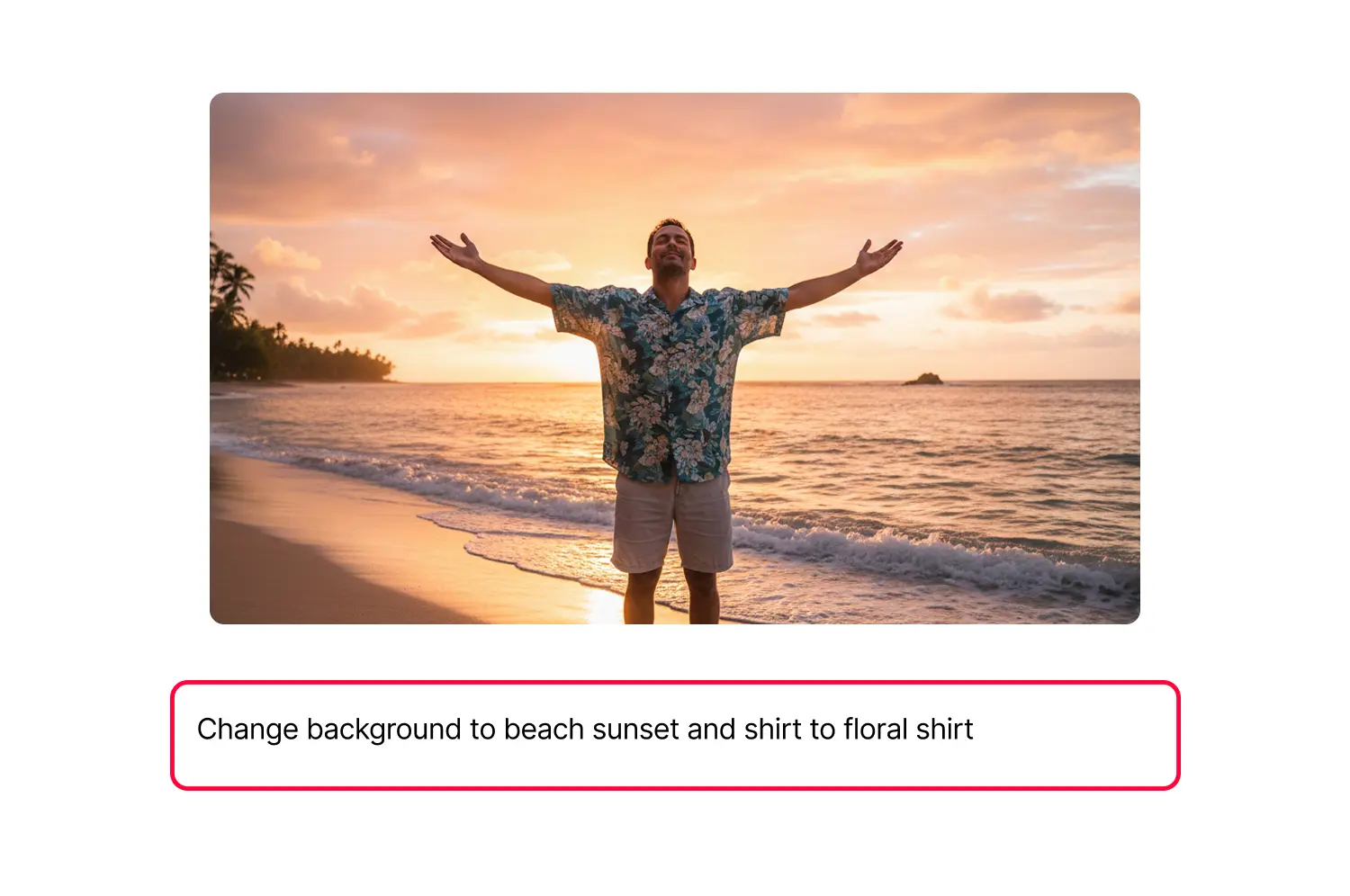
Click the background and type "gaming setup," "beach sunset," or "city skyline." The AI matches your lighting so you look naturally placed.
Change clothes and colors in thumbnails
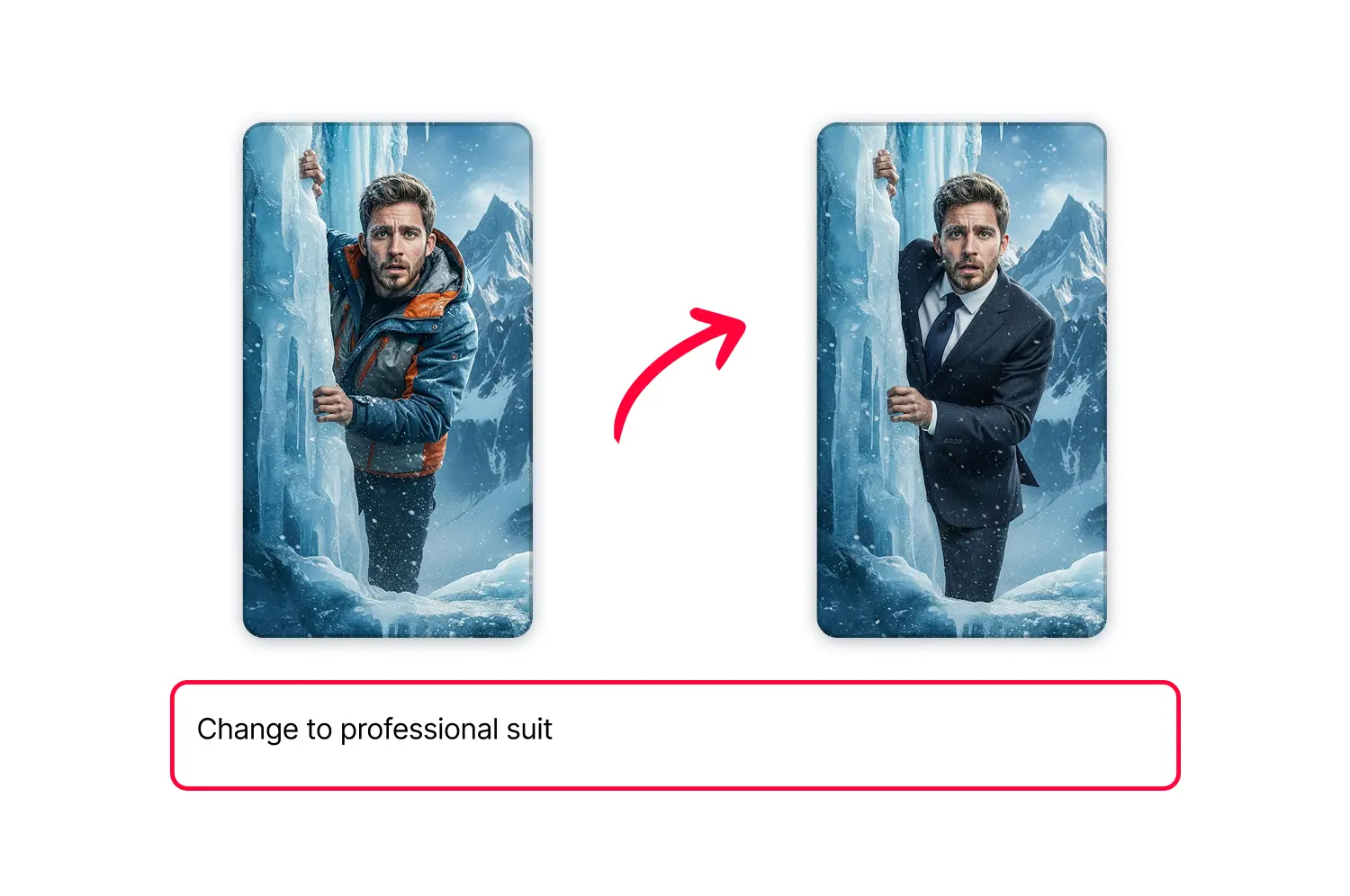
Click on clothing and describe the change. Type "red hoodie" or "professional suit" and the AI swaps it while preserving pose and lighting.
Remove objects from thumbnails with AI
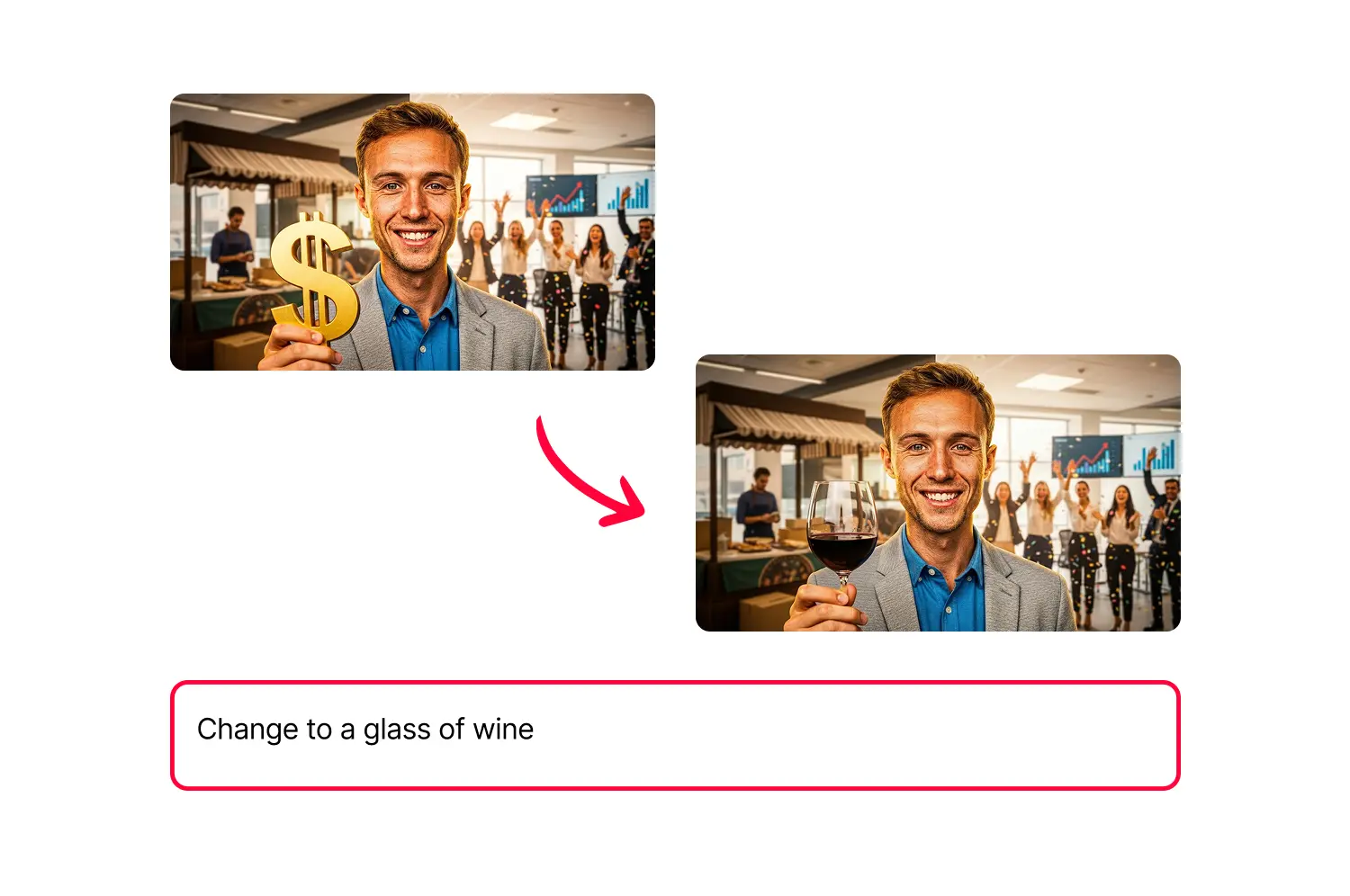
Type "remove the coffee cup" or "add sunglasses." The AI fills removed areas with appropriate background and places new objects naturally.
Use reference images for precise edits
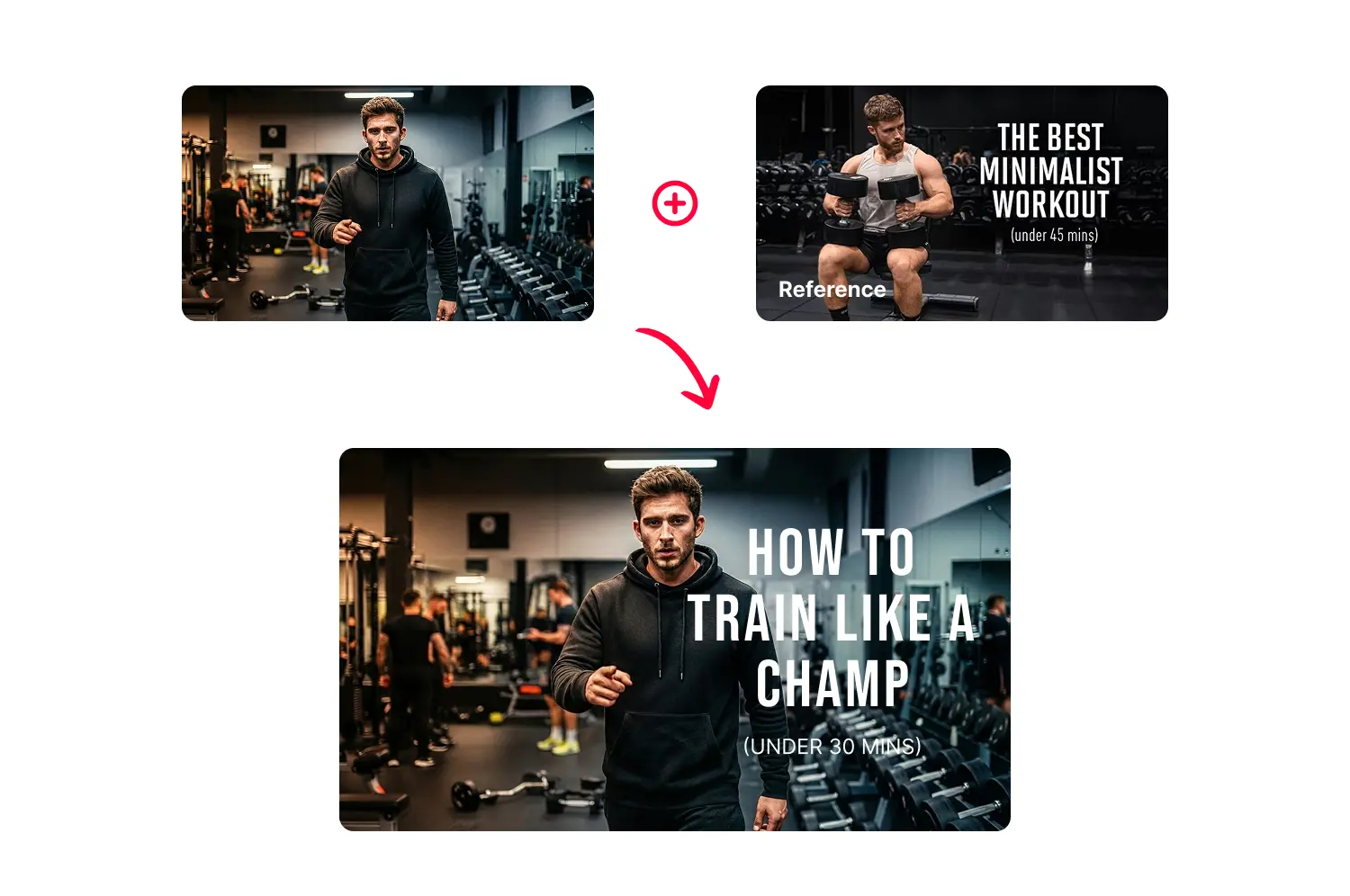
Upload a reference to guide the AI. Show a specific color, style, or object and the edit matches your reference.
Compare thumbnail versions
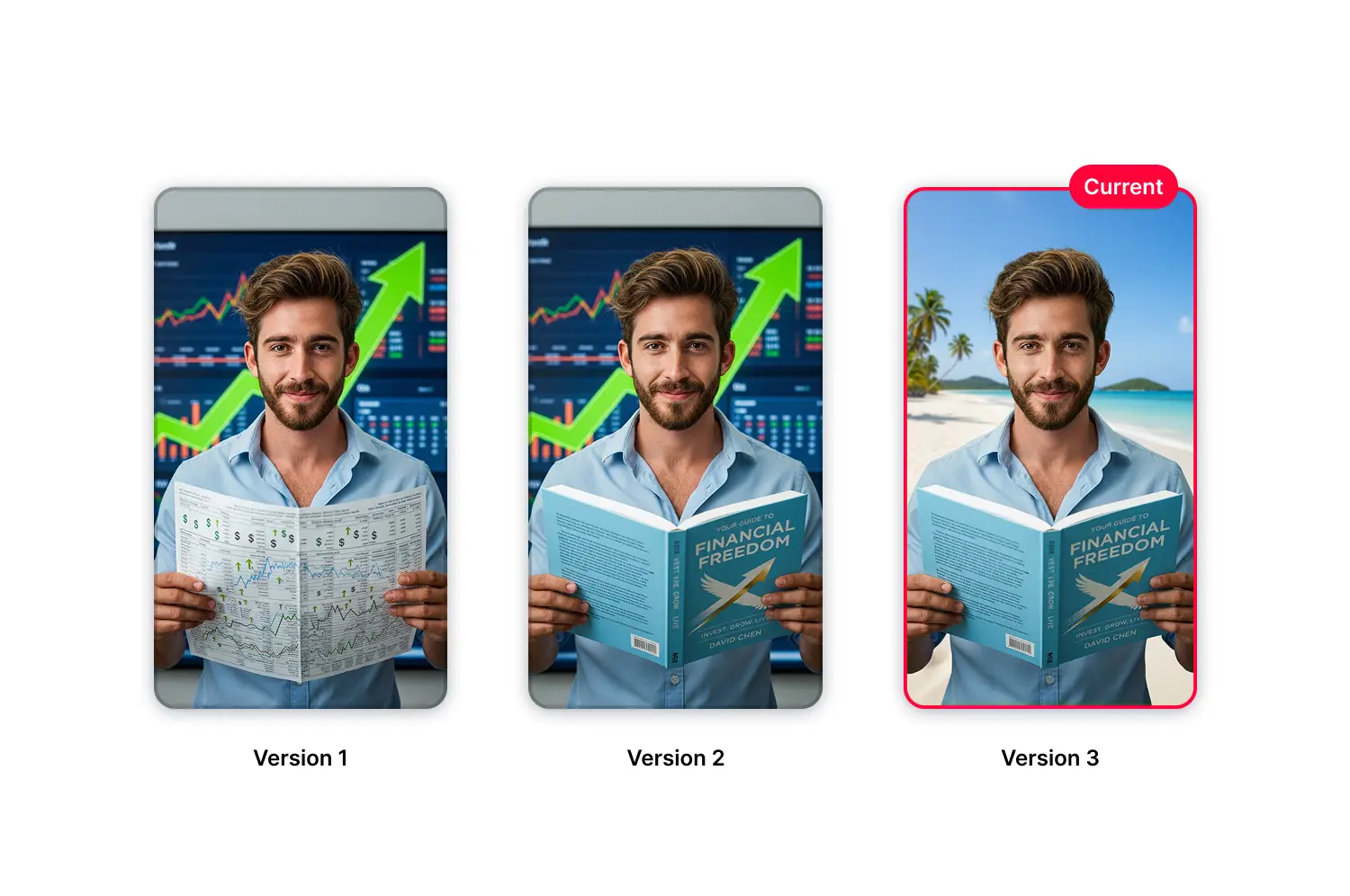
Every edit saves automatically. Compare versions, revert instantly, or branch off an older version.
Edit text without regenerating the image
Switch to Text mode for fonts, colors, and shadows. Image and text edits stay separate so you can adjust copy without waiting for AI.
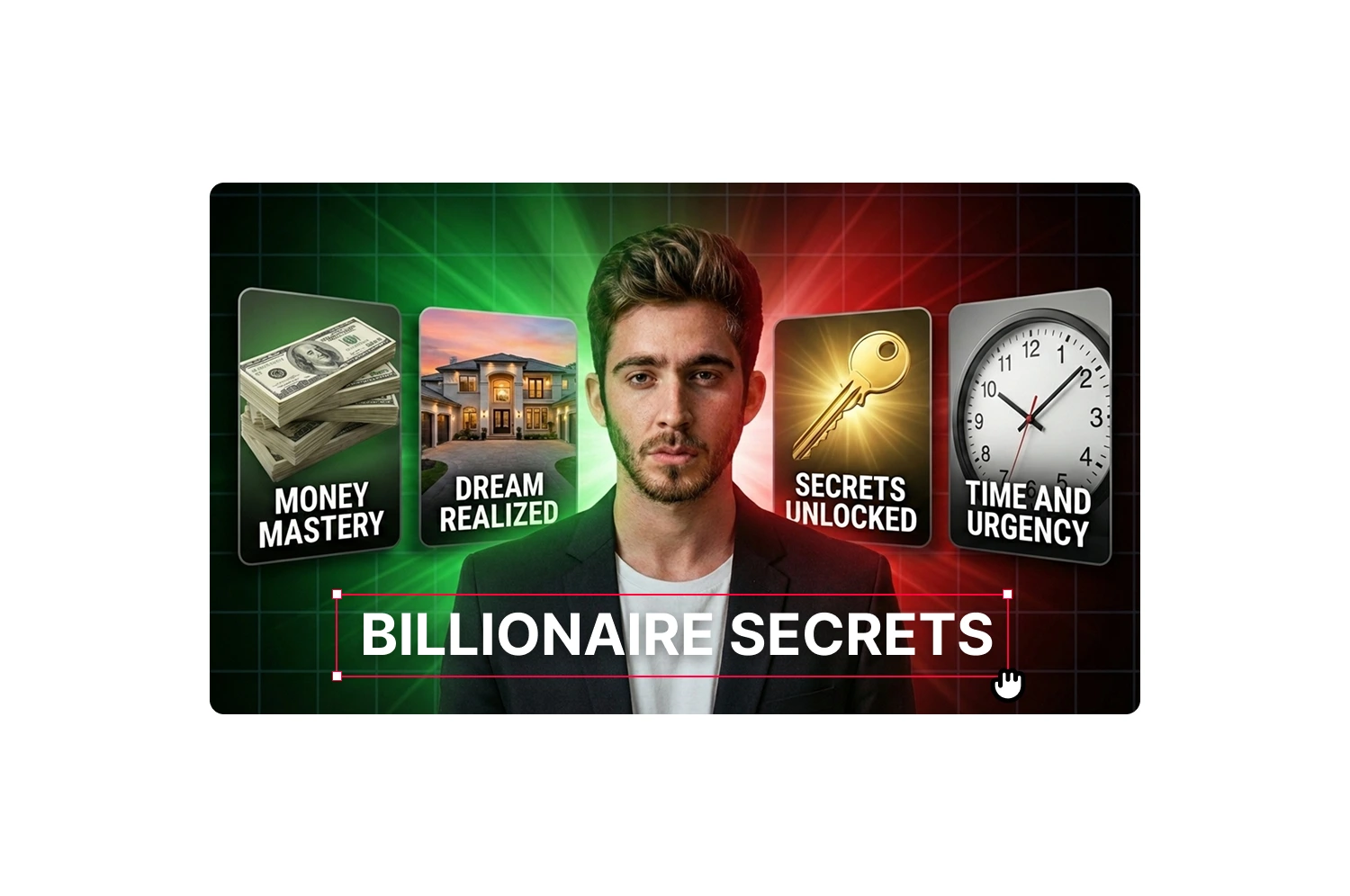
How it works
How AI thumbnail editing works
AI that analyzes high-performing thumbnails in your niche and generates layouts that outperform generic templates.
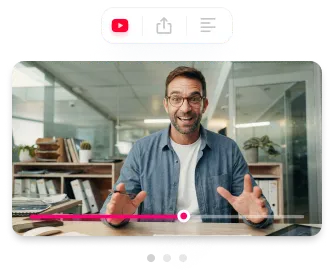
Click on what you want to change
Select any part of your thumbnail. A marker shows where your edit will apply.
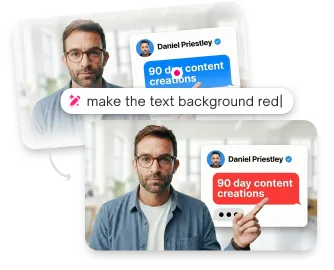
Describe the edit
Type what you want. "Change shirt to blue," "add flames behind me," or "remove the logo."
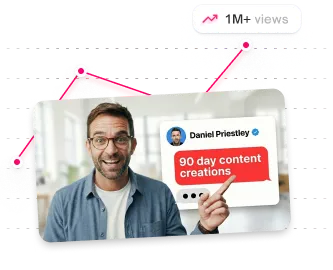
Generate
Hit generate. Your edited thumbnail appears as a new variant.
USE CASES
Made for real creators who need real results
Creators who want quick edits without complex software.
Youtubers
Create multiple thumbnails at once. Get more clicks without spending hours designing.
Agencies
Produce 100+ thumbnails weekly with a consistent, premium look.
Brands
Keep your visual identity sharp without hiring an in-house designer for every video.
Short-form Creators
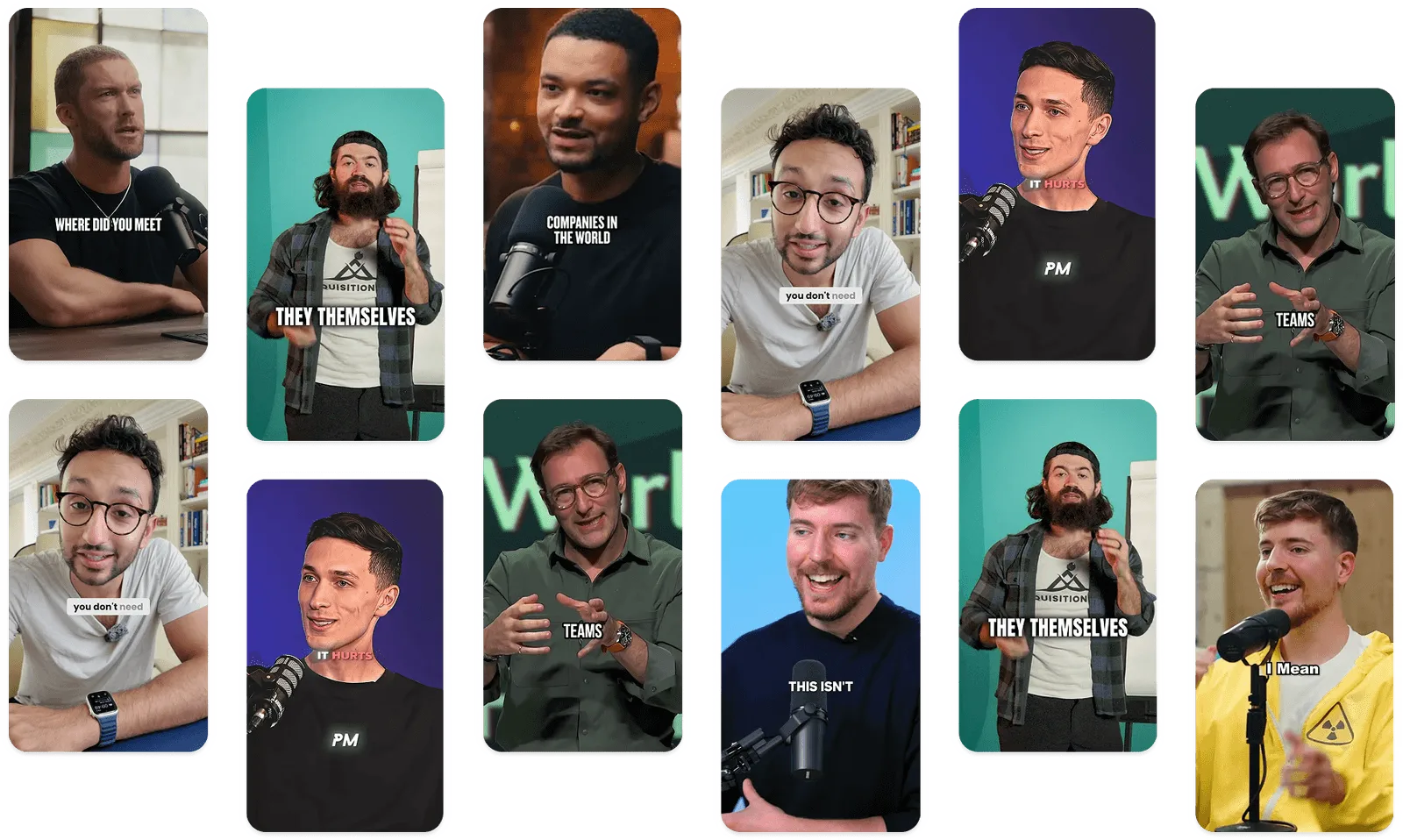
Produce scroll stopping thumbnails for Shorts, TikTok, and Reels instantly.
Content Creators
Create pro-level thumbnails without touching Photoshop or hiring designers.
Teams
Move faster, publish more, and keep every thumbnail on-brand across channels.
Frequently asked questions
What edits can I make?

Anything you can describe. Change backgrounds, outfits, colors, add objects, remove objects, or modify any visual element.
How long do edits take?
About 20 seconds per edit.
Can I edit the text separately?
Yes. Switch to Text mode to edit headlines with full control over fonts, colors, backgrounds, shadows, and positioning.
Will the edit look natural?
The AI matches lighting and style automatically. For best results, use clear descriptions and optionally upload a reference image.
What if I don't like the edit?
Generate again with a different description. Your original is always preserved, so you can try as many variations as you want.
How do credits work?
Each edit uses 1 credit. Check your plan for credit allocation and limits.
Stop losing views to mediocre thumbnails
Generate studio-quality thumbnails that stop scrolling and drive clicks in seconds. No design skills needed.
+50% average CTR increase
2× faster production speed
90% reduction in design cost
