


TikTok Thumbnail Maker
Create custom TikTok thumbnails from your video in seconds.
Paste a video link or upload a clip. The AI generates vertical cover images built for TikTok's 9:16 format, trained on top-performing content. Customize expressions, text, and colors, then download at 1080x1920.




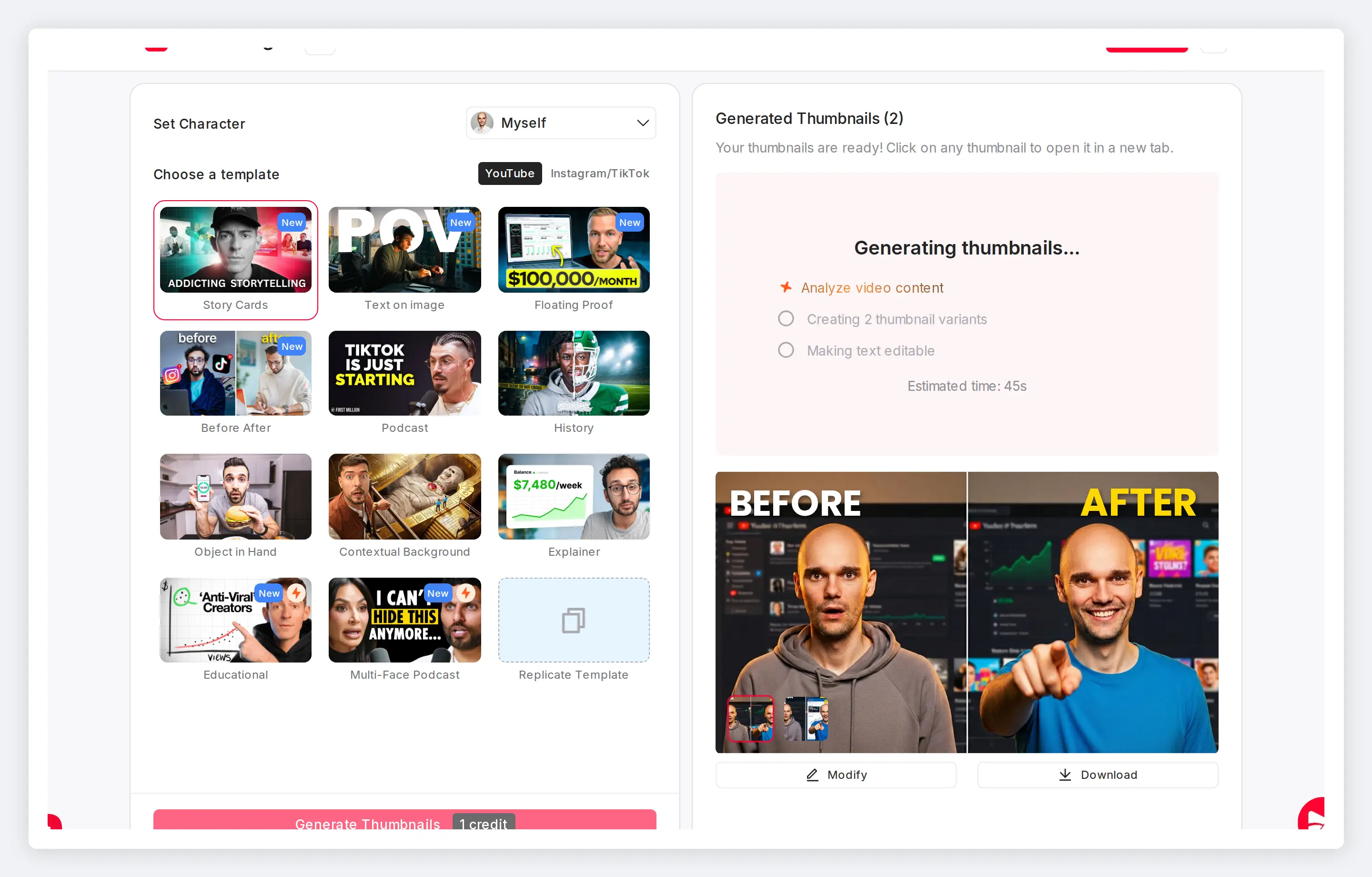
Own your TikTok profile grid and search presence
Thumbnails don't drive clicks in the For You feed. They drive discovery everywhere else: your profile grid, search results, and the Explore page. Clear text on covers helps TikTok surface your videos in search.
Features
TikTok cover image maker built for vertical content
This tiktok thumbnail generator analyzes your video, detects faces, and creates vertical covers that match your content. No templates to browse. No multi-app workflow.
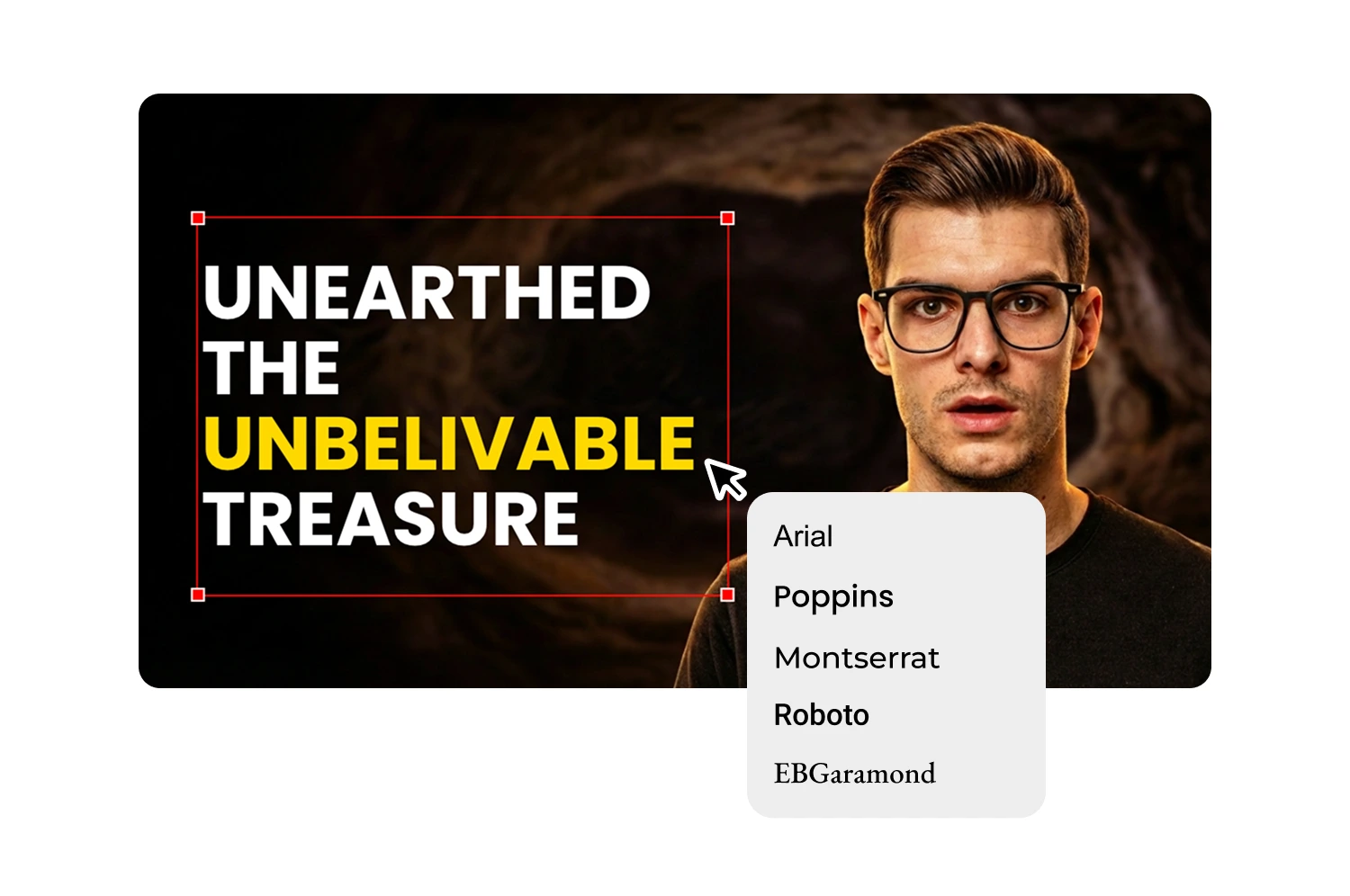
Turn any video into a TikTok cover
Upload your video file or paste a link. The AI extracts key frames, identifies the strongest moments, and generates thumbnail options at 1080x1920 resolution.
Match your expression to each video's energy
Your face is the first thing viewers notice on a profile grid. The AI transforms your expression while keeping your features recognizable. Happy for day-in-the-life, Surprised for reactions.

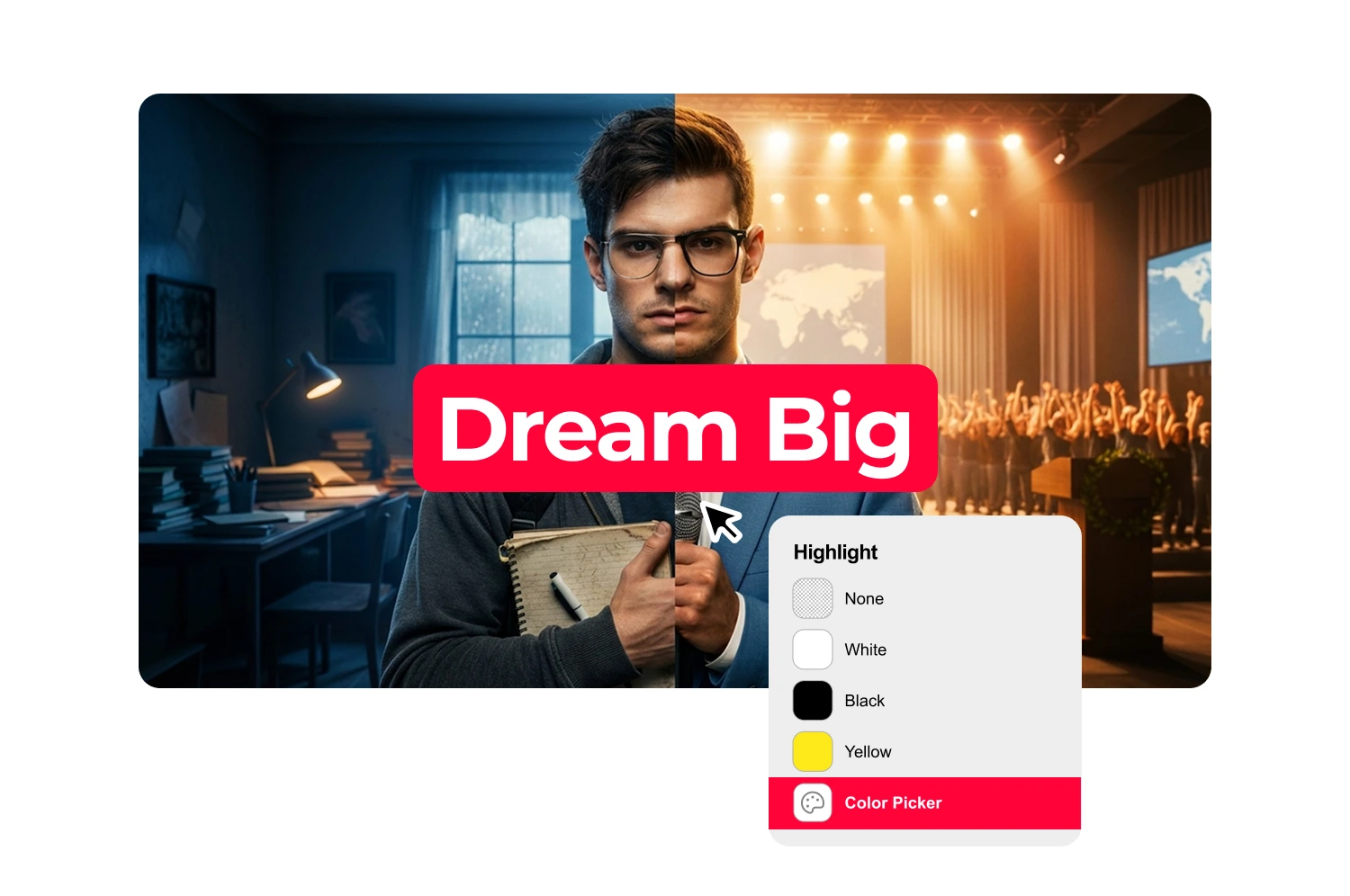
Add text that reads at thumbnail size
Six fonts optimized for small-screen readability. Position text in TikTok's safe zone so the UI overlay doesn't cut it off.
Export for TikTok, Reels, and Shorts at once
The same video often goes to three platforms. Generate vertical covers for TikTok, Instagram Reels, and YouTube Shorts from one session.
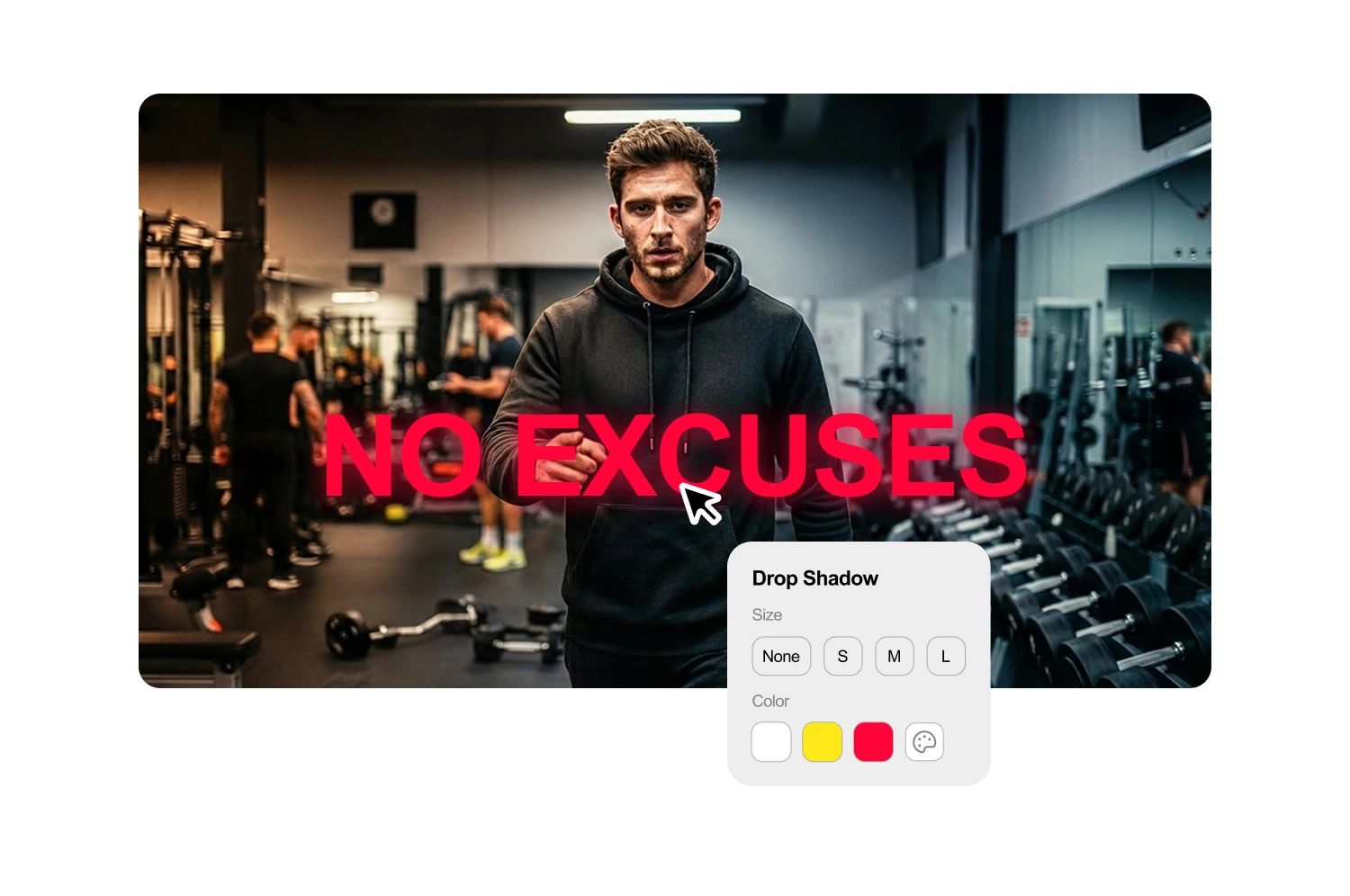

Preview covers in your profile grid
See how each cover looks alongside your existing TikTok grid before downloading. A consistent grid signals a creator worth following and encourages profile visits.
Regenerate covers when the glitch strikes
TikTok sometimes reverts custom covers to auto-selected frames. Regenerate your thumbnail in seconds instead of rebuilding from scratch in another app.
How it works
How creating TikTok thumbnails works
The AI analyzes your video and suggests headlines that match your content. Start with options you can use directly or refine to fit your style.
Generate or select a thumbnail
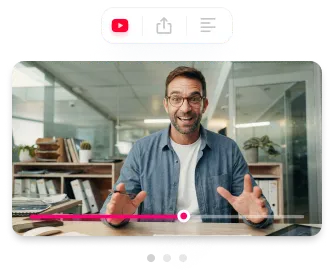
Paste a YouTube URL or upload your file. The AI extracts key phrases and generates 3-5 headline suggestions based on what you actually say.
Edit your text
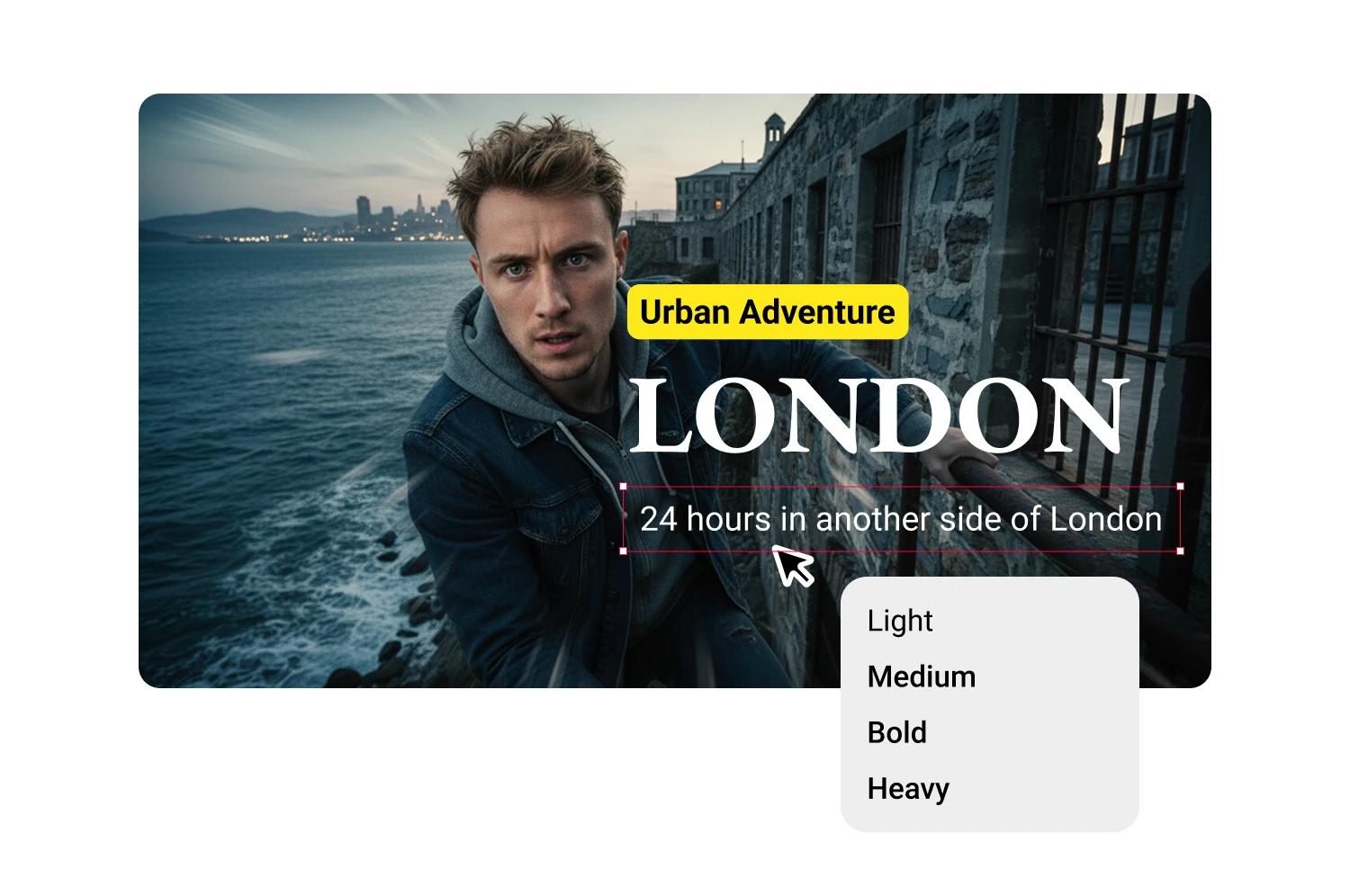
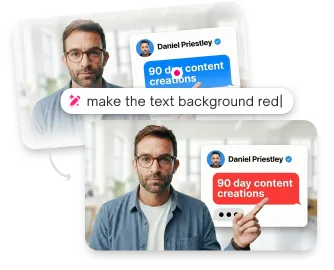
Click any suggestion to add it, then modify however you want. The text field is fully editable.

Style and position
Create additional text blocks for subheadlines, labels, or guest names. Each block has independent styling and positioning.
USE CASES
Who uses TikTok thumbnail tools
Creators who want styled text without design software.
Short-form creators
Generate covers for every TikTok post. Consistent thumbnails make your profile look intentional, not random.
Cross-platform creators
Post to TikTok, Reels, and Shorts. Generate platform-specific covers from one video without starting over each time.
TikTok educators
Build a recognizable profile grid for course content or tutorial series. Text overlays help viewers find specific topics.
Brand accounts
Maintain visual consistency across every post. Color-coded thumbnails by content type keep your grid organized and on-brand.
Reaction and commentary creators
Facial expressions sell reaction content on profile grids. Match your thumbnail expression to each video's energy automatically.
Frequently asked questions
Can you add custom thumbnails to TikTok?

Yes. Since mid-2024, TikTok lets you upload a custom image as your video cover from the Edit screen.
What size should TikTok thumbnails be?
1080x1920 pixels in 9:16 aspect ratio. Thumbmagic generates at this exact resolution.
Do TikTok thumbnails affect the algorithm?
Not directly. TikTok prioritizes watch time and engagement. But thumbnails drive clicks from your profile grid and search results, which feed engagement metrics indirectly.
Why does my TikTok thumbnail keep changing back?
This is a known TikTok bug. Try toggling Animated Thumbnails in Settings, then re-upload your cover image.
How is this different from using Canva?
Canva requires browsing templates and placing elements manually. Thumbmagic generates covers directly from your video content as a tiktok thumbnail creator built for vertical format.
How much does Thumbmagic cost for TikTok thumbnails?
The free tier includes 3 generations with 6 cover variants. No credit card or watermark.
Stop losing views to mediocre thumbnails
Generate studio-quality thumbnails that stop scrolling and drive clicks in seconds. No design skills needed.
+50% average CTR increase
2× faster production speed
90% reduction in design cost
