


Gaming Thumbnail Maker
Generate gaming thumbnails from your video in about 45 seconds.
Paste your YouTube URL and Thumbmagic's AI analyzes your gameplay, identifies key moments, and generates thumbnails automatically.
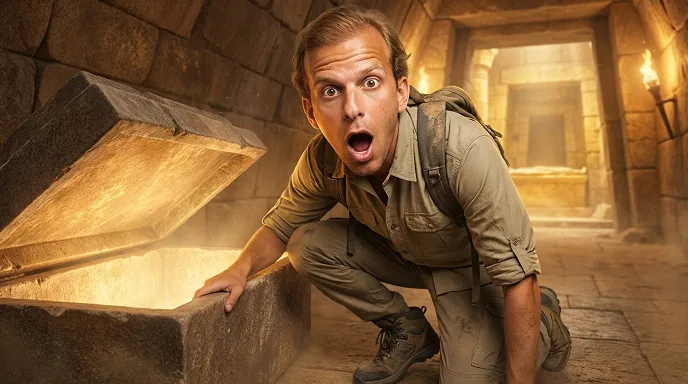



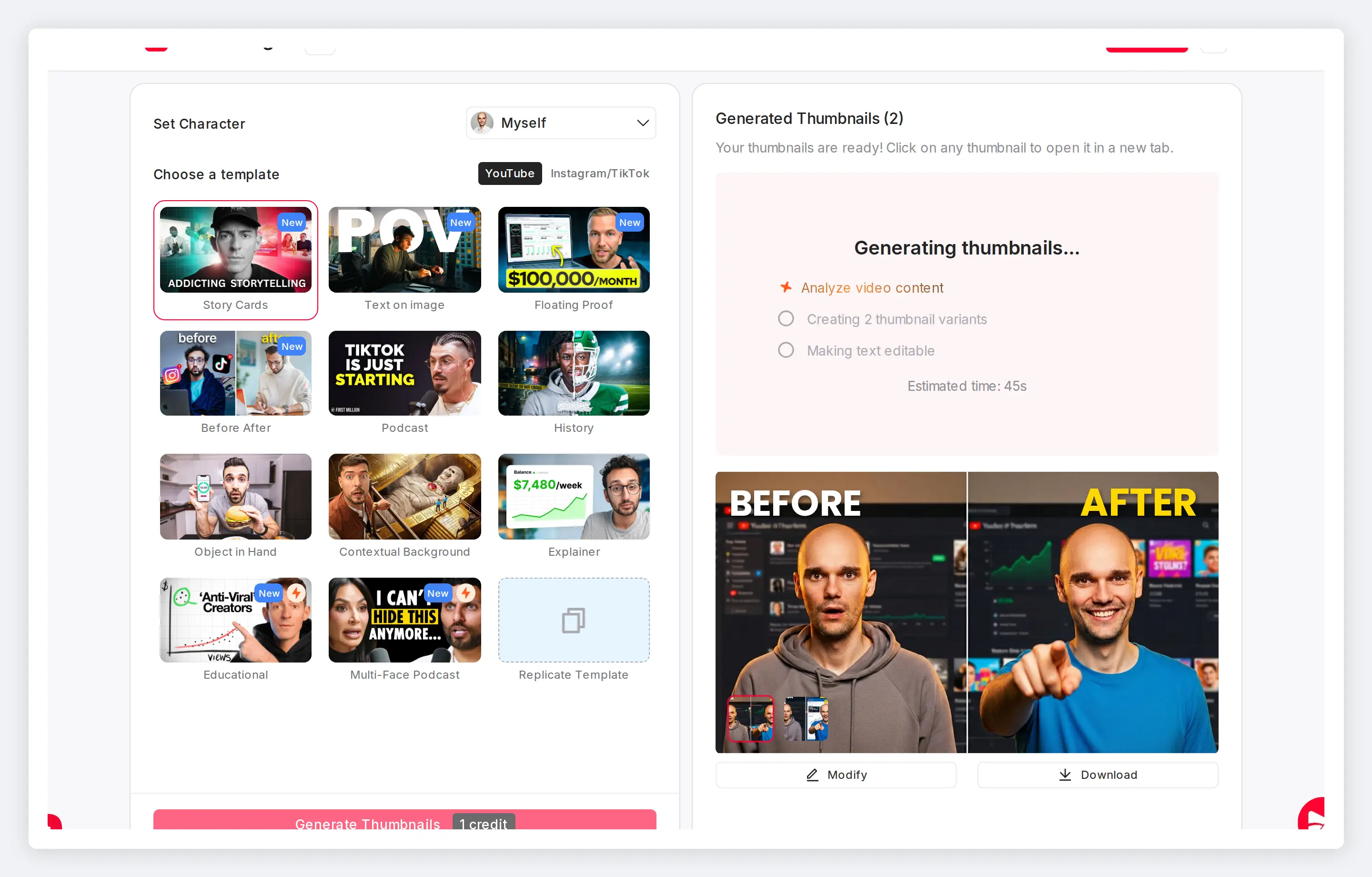
Skip Photoshop for your gaming thumbnails
Gaming channels average the highest CTR on YouTube at 8.5%, but only with thumbnails designed to stop the scroll. Paste your URL and generate in about 45 seconds instead of 20 to 40 minutes in Photoshop.
Features
Built for gaming creators
This game thumbnail generator handles the workflows that matter most when you upload daily and compete for clicks in the most crowded niches on YouTube.
Turn any gameplay video into a thumbnail
The AI analyzes your actual footage and generates thumbnails that match what viewers will see. Paste your URL and this gaming thumbnail generator does the rest.
Match your expression to each video's energy
The expression changer offers six presets: Surprised, Shocked, Excited, Happy, Angry, Curious. Upload one avatar photo and generate every variant without a green screen.
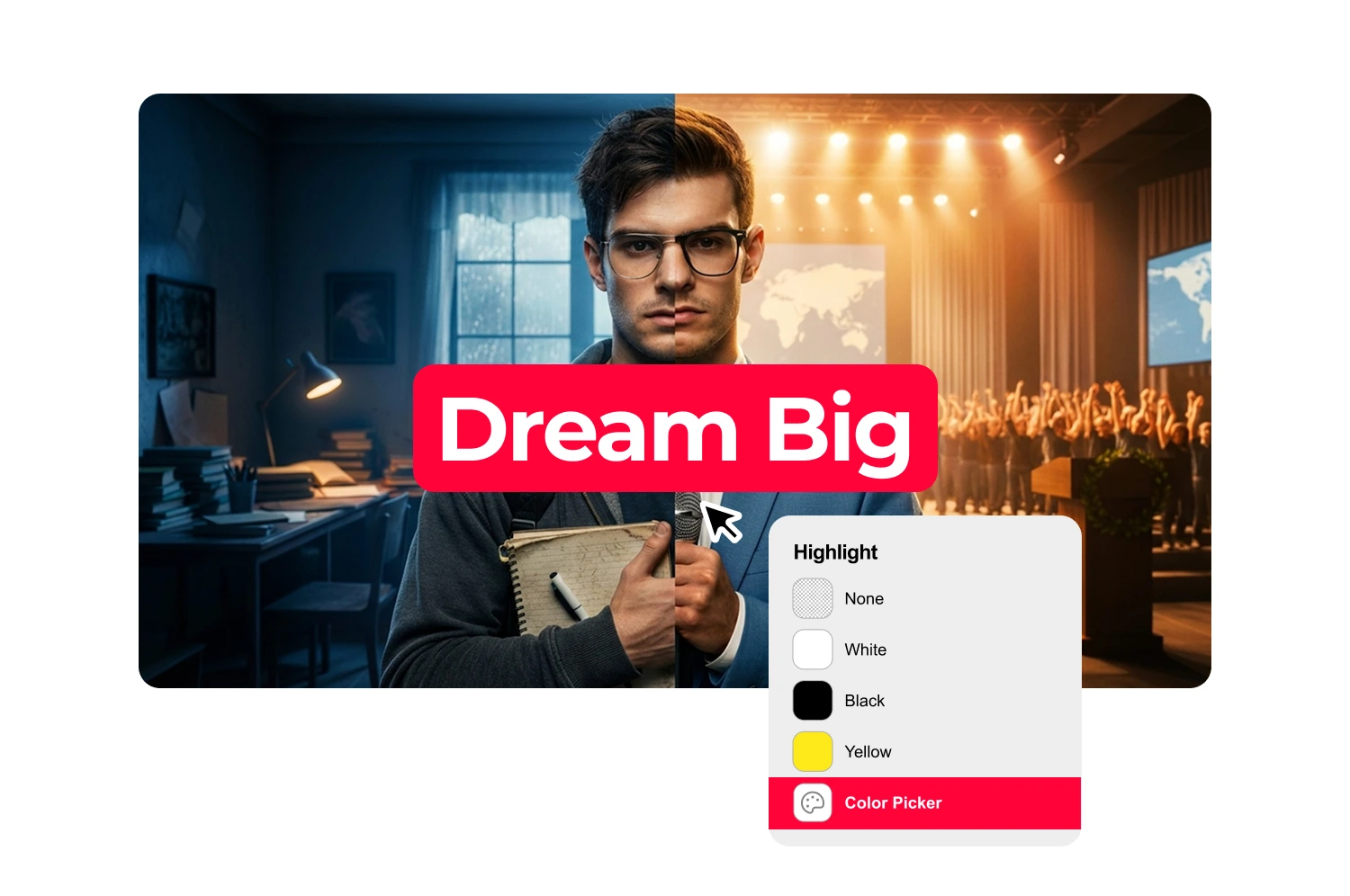
Replicate gaming thumbnail templates from top channels
Paste any YouTube thumbnail URL and clone the layout with your own avatar and text. Apply proven gaming thumbnail templates to your content in one click.
Apply filters that match gaming aesthetics
CCTV Footage for horror and stealth content. Realism for competitive FPS. Digital Illustration for Minecraft and Roblox. Six filters total, each processed in about 20 seconds.
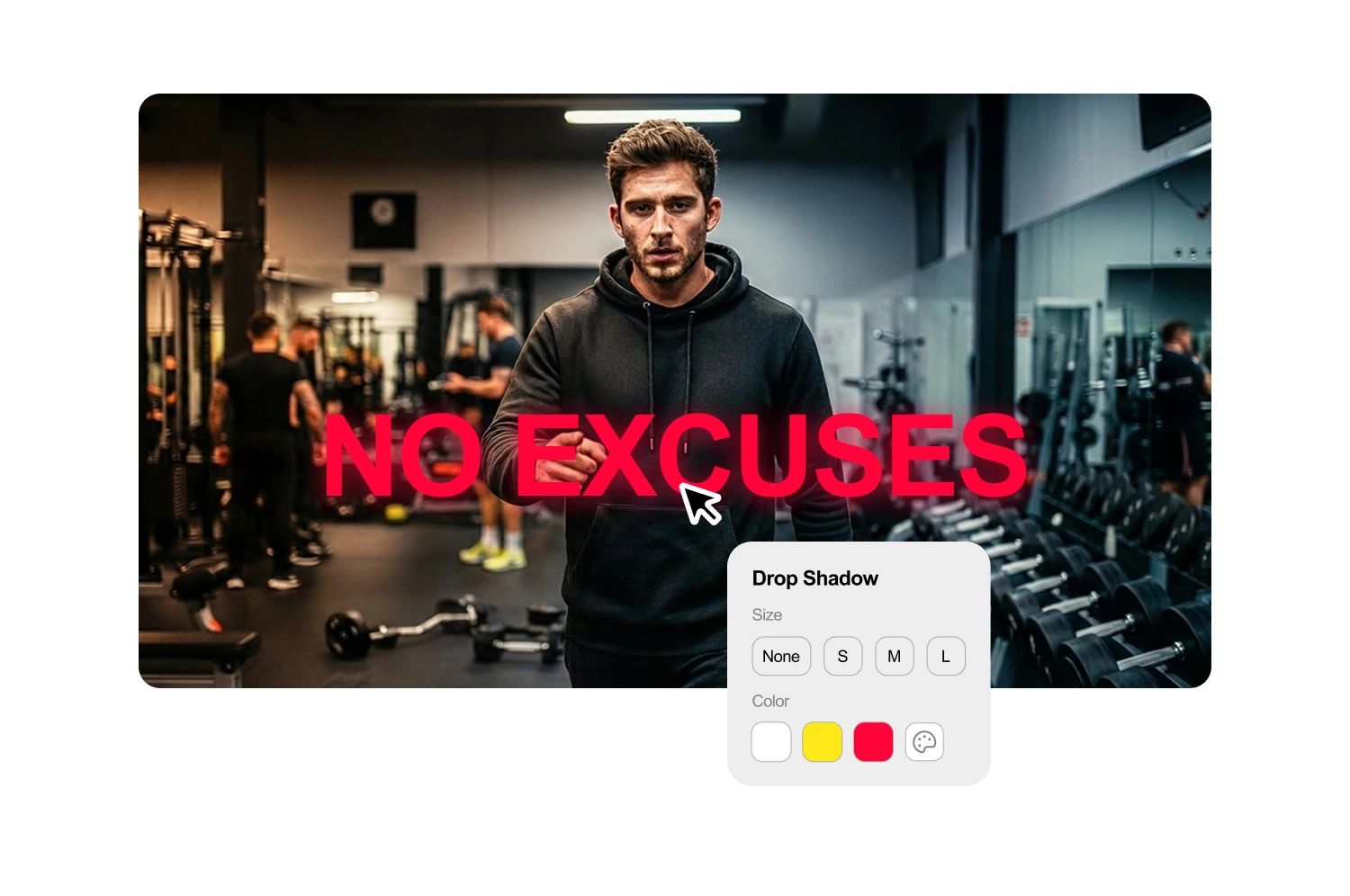
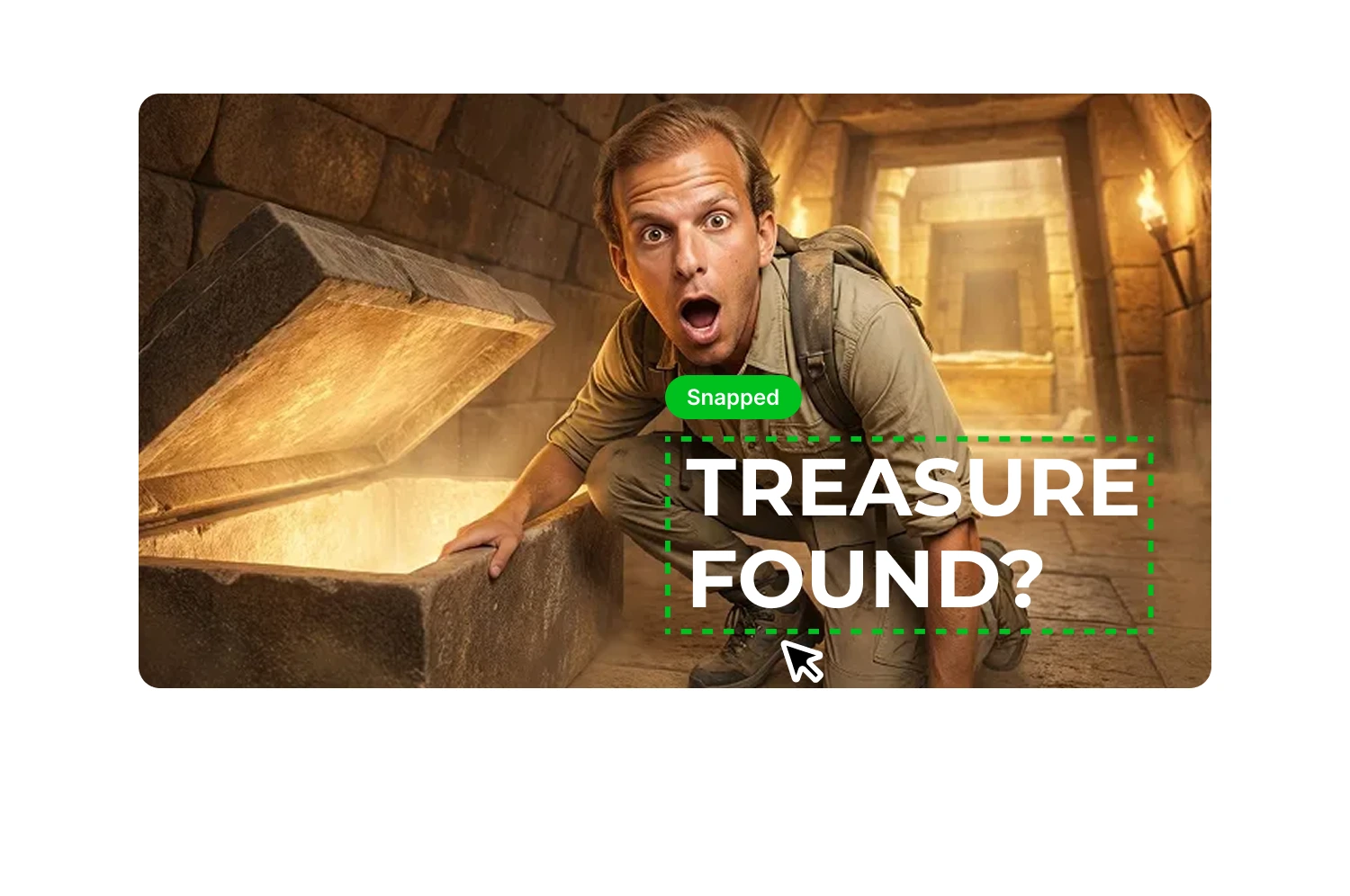
Add bold text readable on mobile
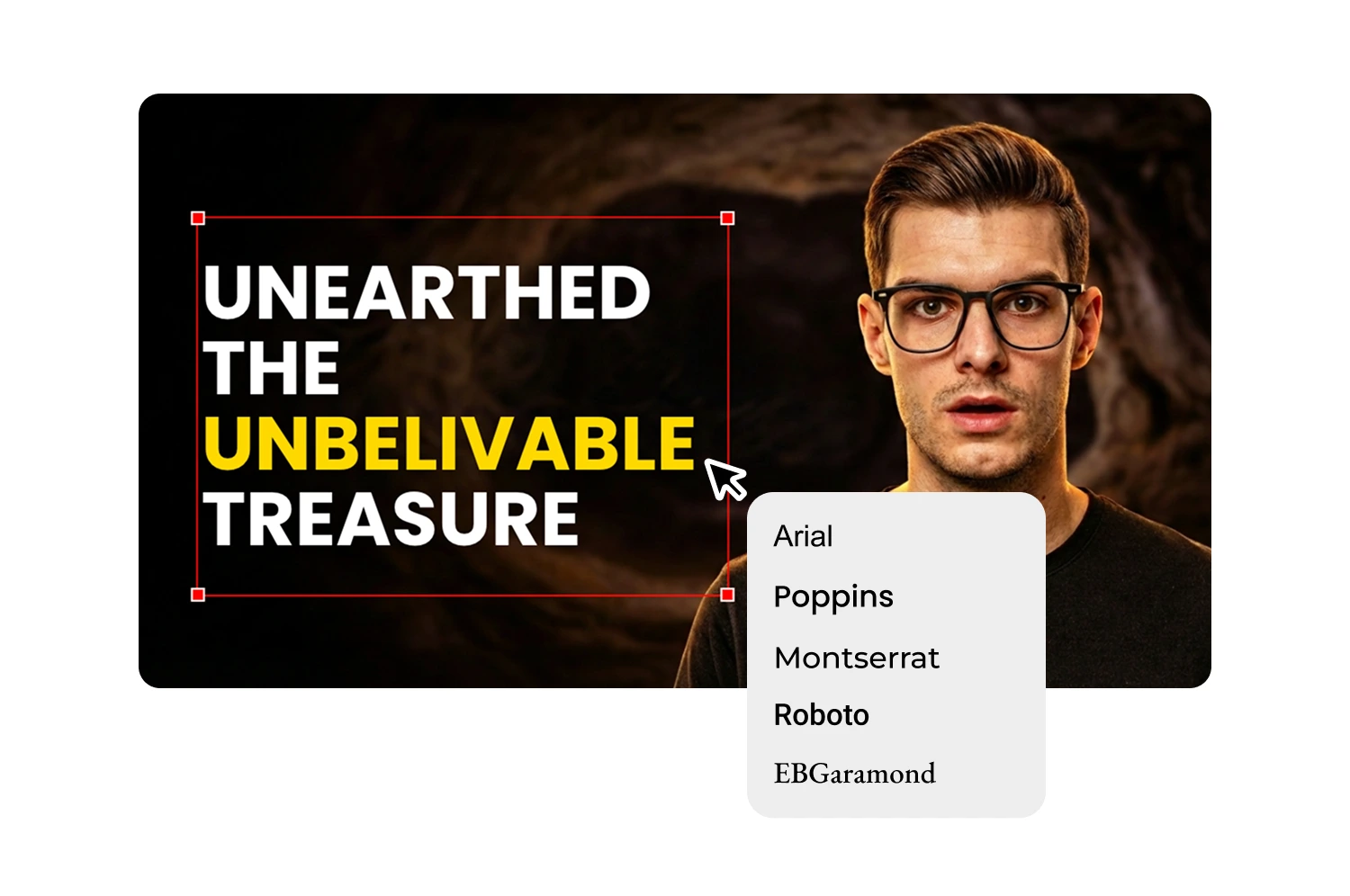
Over 70% of YouTube gaming views happen on mobile. The text generator defaults to bold, high-contrast fonts readable at thumbnail size. Adjust weight, shadow, color, and alignment.
Switch to vertical for Shorts and TikTok
Gaming clips go everywhere. Switch to 9:16 templates for YouTube Shorts, TikTok, and Instagram Reels using the thumbnail editor. Same AI workflow, vertical format.
How it works
How the text generator works
The AI analyzes your video and suggests headlines that match your content. Start with options you can use directly or refine to fit your style.
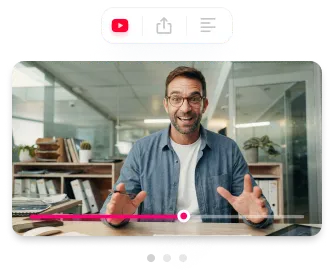
Generate or select a thumbnail
Paste a YouTube URL or upload your file. The AI extracts key phrases and generates 3-5 headline suggestions based on what you actually say.
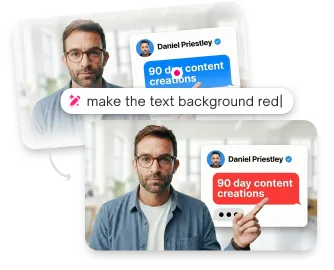
Edit your text
Click any suggestion to add it, then modify however you want. The text field is fully editable.
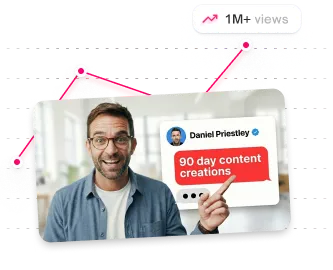
Style and position
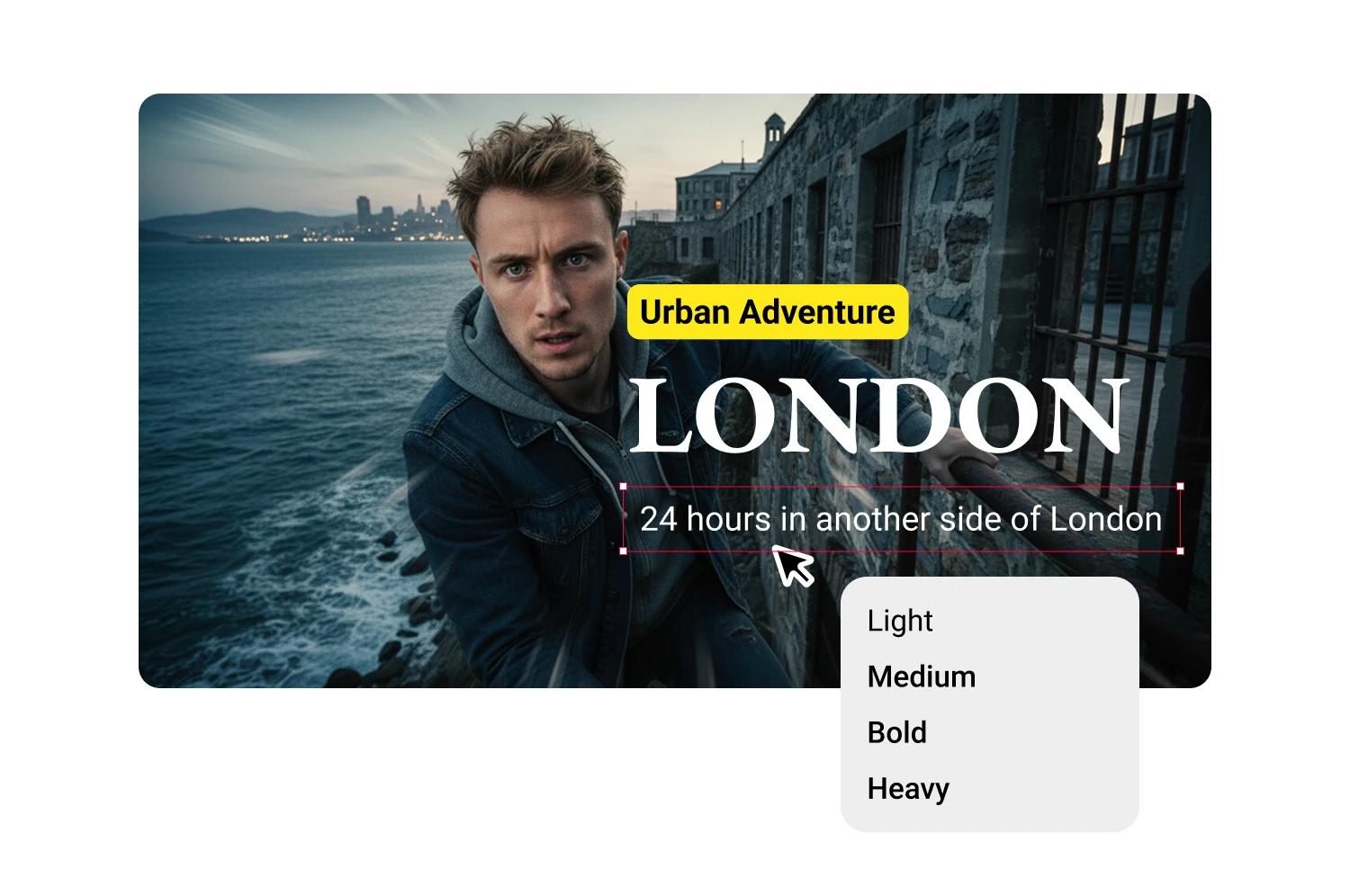
Create additional text blocks for subheadlines, labels, or guest names. Each block has independent styling and positioning.
USE CASES
Who uses gaming thumbnail tools
Any creator who uploads gaming content and needs thumbnails fast.
FPS and battle royale creators
Warzone, Valorant, CS2, Fortnite, and PUBG creators uploading daily need thumbnails that match competitive pacing.
Minecraft and sandbox builders
Minecraft and Roblox use stylized visuals. The AI adapts to any art style from your actual footage.
Stream highlight editors
Clipping streams into highlight reels means multiple thumbnails per session. Batch generation keeps the backlog clear.
Let's Play series creators
Series need consistent branding across dozens of thumbnails. Replicate one layout and apply it to every episode.
Gaming Shorts creators
Vertical gaming clips for Shorts and TikTok need separate covers. Switch to 9:16 and generate without a separate workflow.
Gaming agencies
Multiple channels mean dozens of thumbnails per week. Consistent quality at volume without a dedicated designer.
Frequently asked questions
How do I make a gaming thumbnail without Photoshop?

Paste your video URL and the AI generates thumbnails from your footage, handling composition automatically.
What size should gaming thumbnails be?
1280x720 pixels at 16:9. For Shorts and TikTok gaming clips, switch to 9:16 vertical templates.
How long does it take to make a gaming thumbnail?
About 45 seconds. Paste your URL, pick a template, and generate. Compare that to 20-40 minutes in Photoshop.
Does this work with any game?
Yes. The AI works from your video content, not a fixed game library. FPS, battle royale, sandbox, sports, or any other genre.
What text colors work best?
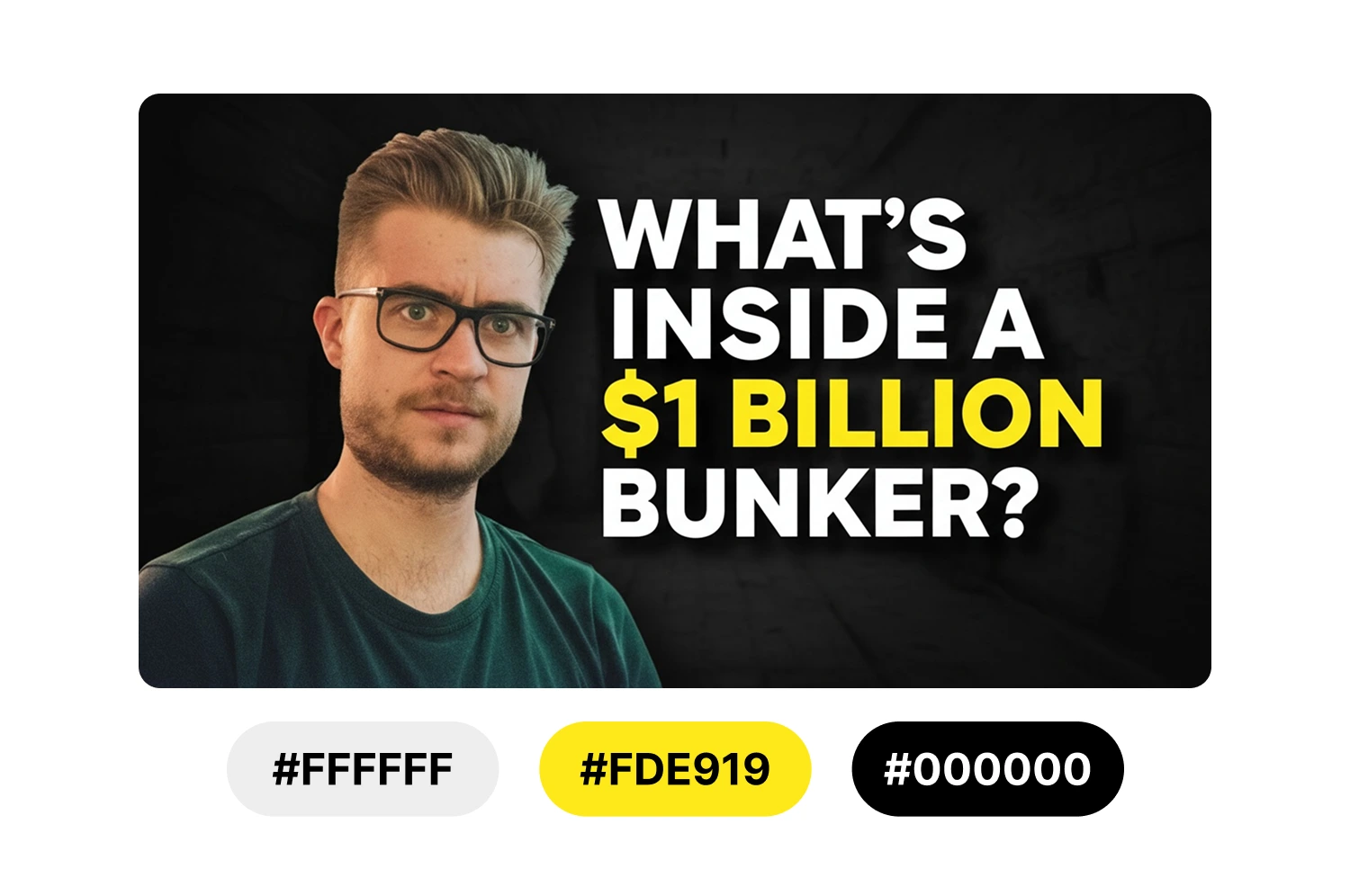
High contrast works best. White or yellow text on dark backgrounds. Dark text on light backgrounds.
What's the best font size for thumbnails?
Large enough to read at mobile size. Test by viewing your thumbnail at small scale before downloading.
Stop losing views to mediocre thumbnails
Generate studio-quality thumbnails that stop scrolling and drive clicks in seconds. No design skills needed.
+50% average CTR increase
2× faster production speed
90% reduction in design cost
