


Vlog Thumbnail Maker
Create vlog thumbnails from your footage in under a minute.
Thumbmagic's AI scans your video for natural frames, enhances your expression, and matches your channel aesthetic. No Photoshop, no staged photos, no multi-app workflow.
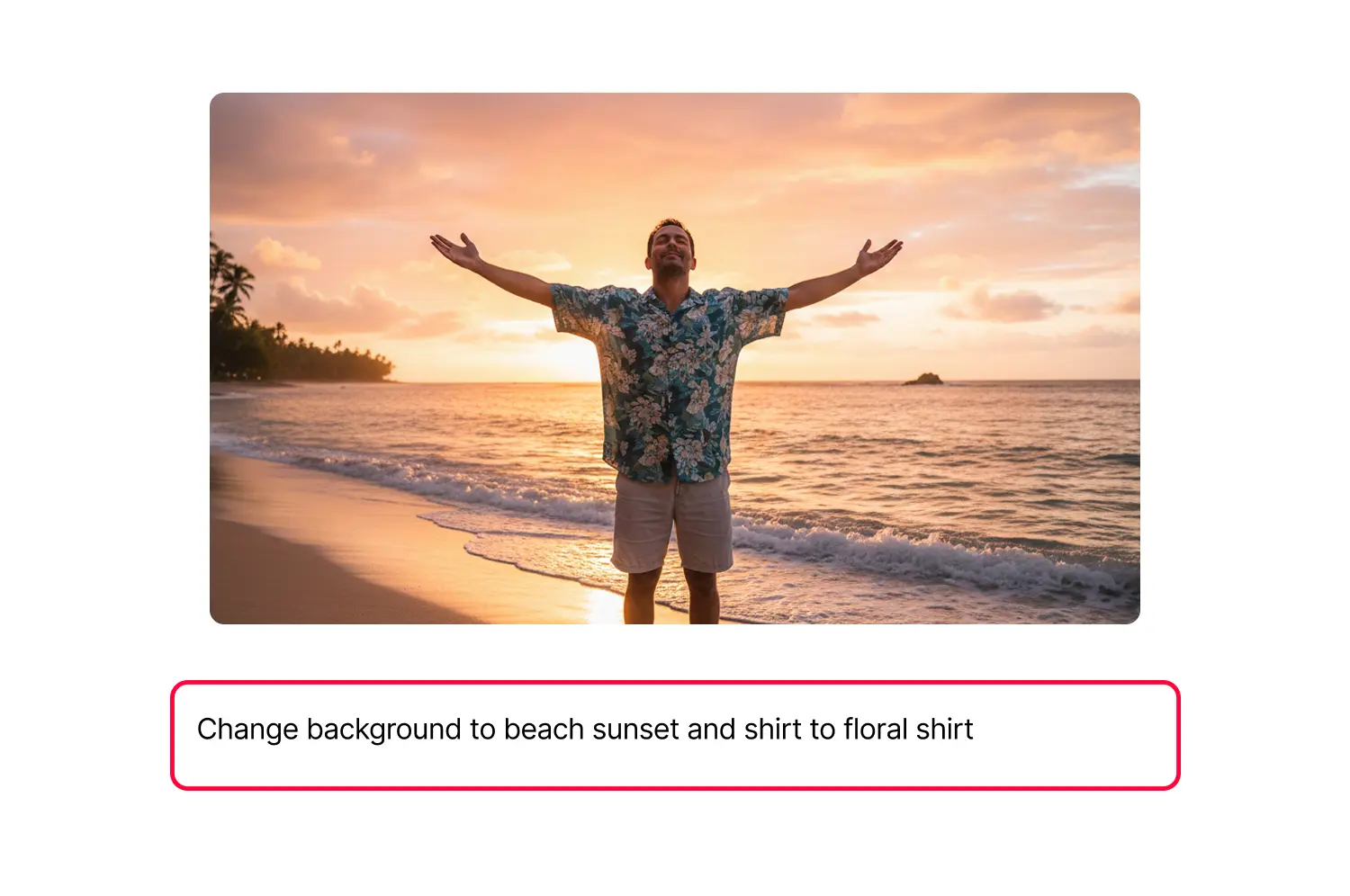



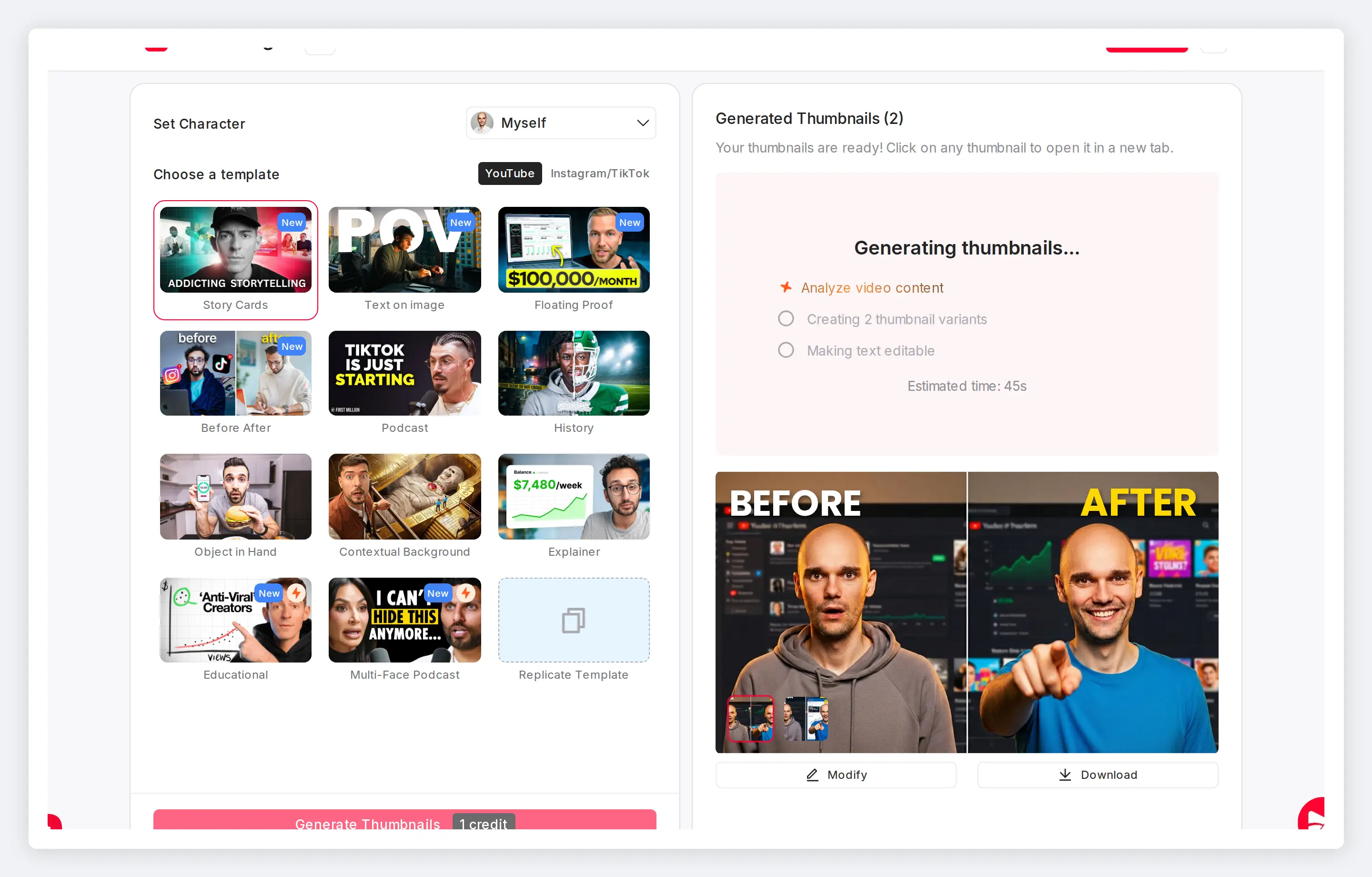
Authentic vlog thumbnails without the multi-app workflow
YouTube rewards bold expressions. Your brand runs on warmth and authenticity. The AI finds natural frames from your footage and enhances them to match both, without Photoshop, Lightroom, or Canva.
Features
Tools for every vlog thumbnail style
The AI handles frame selection, expression enhancement, and color grading so you skip the Lightroom-to-Canva-to-Photoshop shuffle.
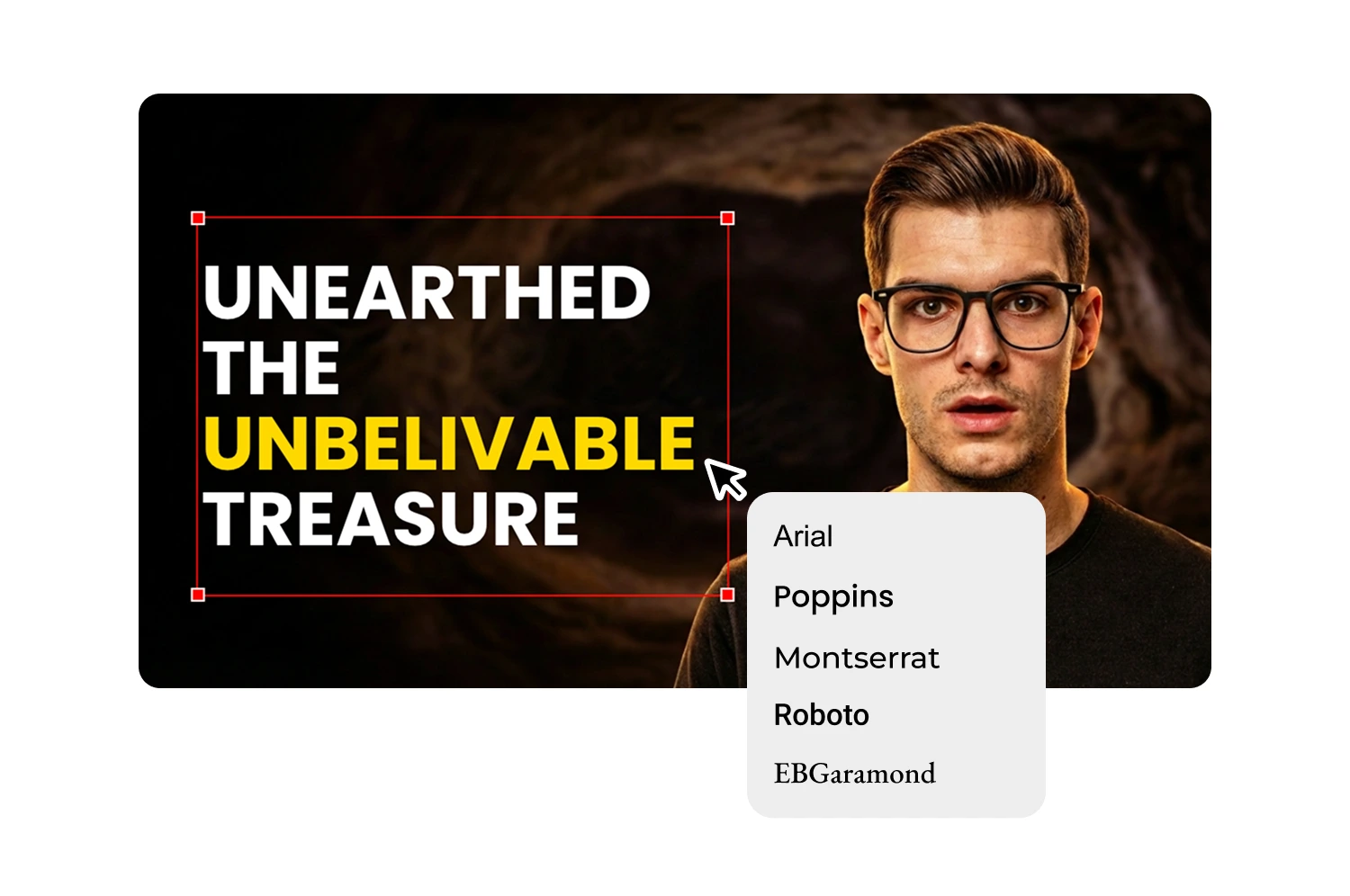
Pull the best frame from any vlog
Video-to-Thumbnail scans your footage for high-energy, natural moments. The candid smile mid-story, the genuine laugh, the perfect travel backdrop. Paste your YouTube URL and get frame candidates in seconds.
Adjust expressions without the exaggerated YouTube face
The [Expression Changer](/features/expression-changer) dials up the emotion you were already showing. Subtle Happy for approachable content, Curious for a tutorial. Your features, skin tone, and natural energy stay intact.
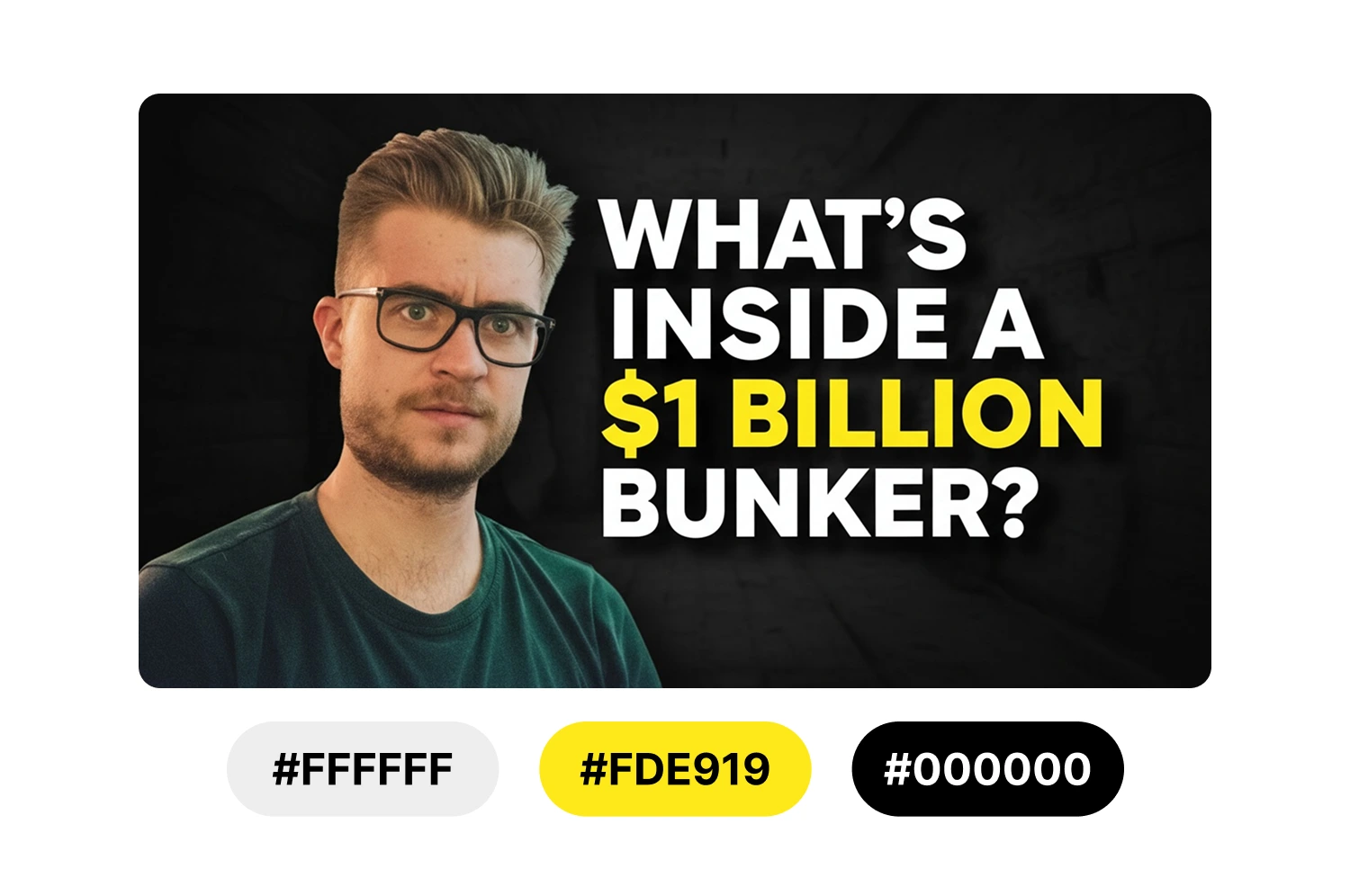
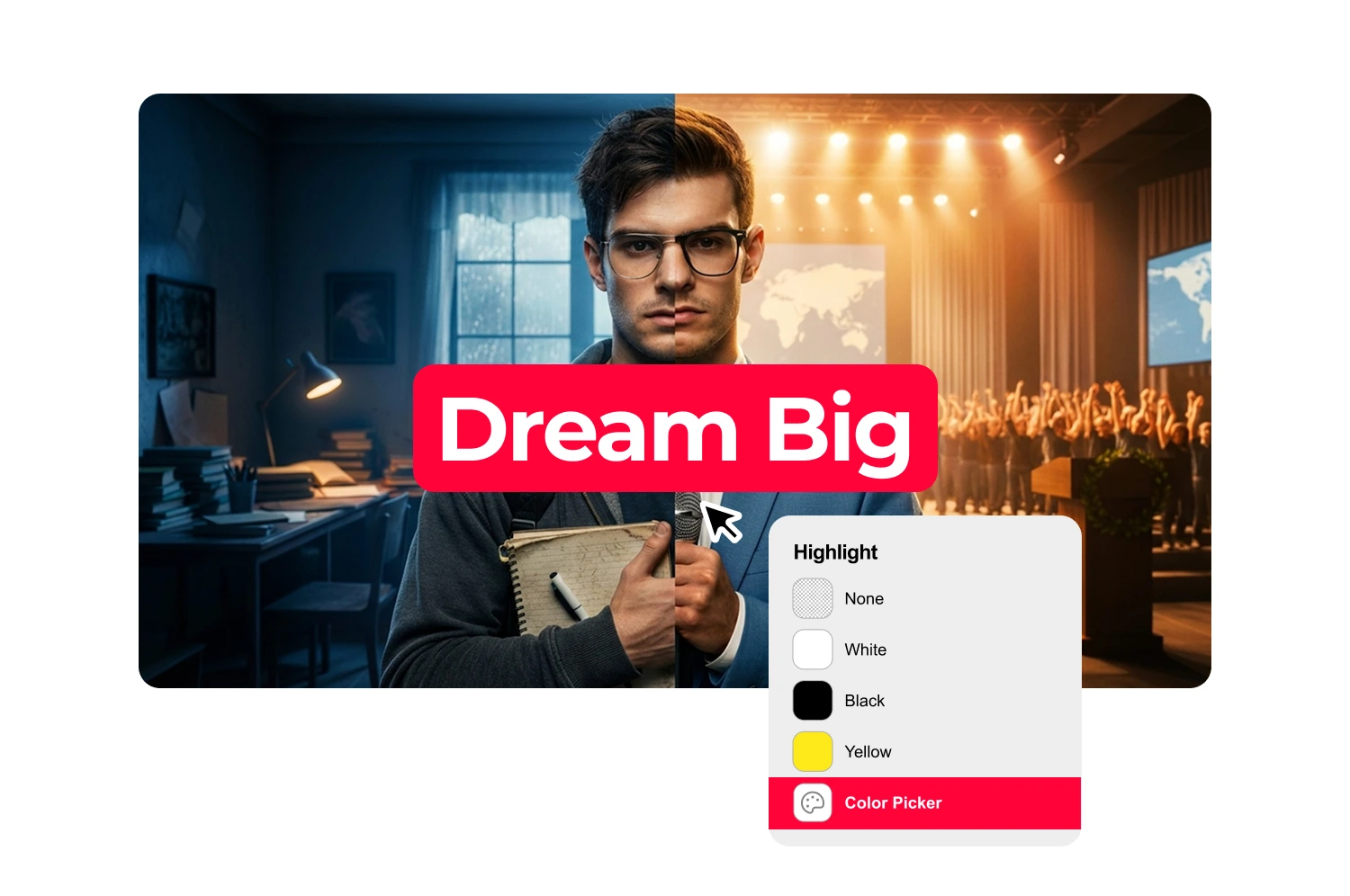
Match your aesthetic thumbnail style across uploads
Save your preferred color palette, font, and layout as a template. Apply it to every upload so your channel stays visually consistent at three to four videos per week.
Create travel vlog thumbnails with location context
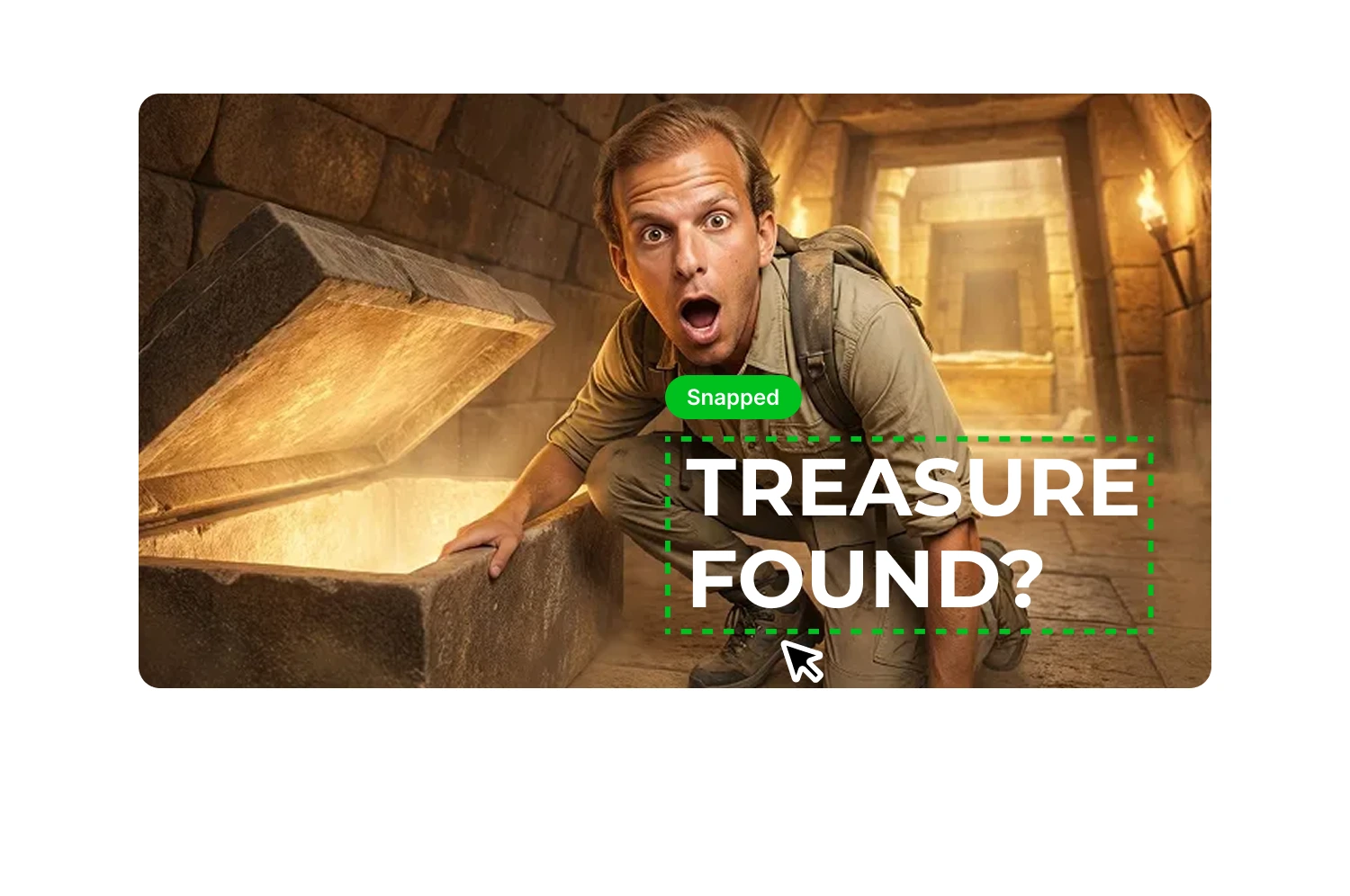
The AI balances scenic backgrounds with your presence in frame so the destination stays the star. Add styled text overlays for location names without covering the backdrop.
Build lifestyle vlog thumbnails with soft palettes
Morning routines, coffee runs, apartment tours. Warm tones, clean composition, and your face looking like it does in the video. No manual color correction per thumbnail.
Design food and beauty vlog thumbnails with natural tones
Color grading brings out rich, appetizing tones in dishes and polished skin without retouching. Subtle lighting adjustments match the look of good window light, not a filter.
How it works
How the vlog thumbnail maker works
The AI analyzes your video and suggests headlines that match your content. Start with options you can use directly or refine to fit your style.
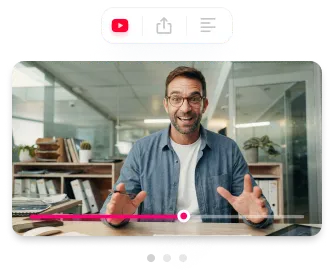
Generate or select a thumbnail
Paste a YouTube URL or upload your file. The AI extracts key phrases and generates 3-5 headline suggestions based on what you actually say.
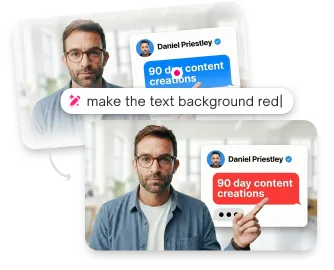
Edit your text
Click any suggestion to add it, then modify however you want. The text field is fully editable.
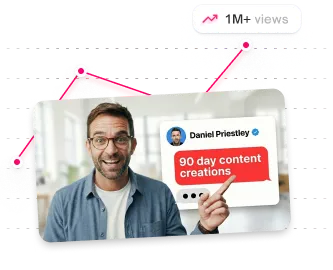
Style and position
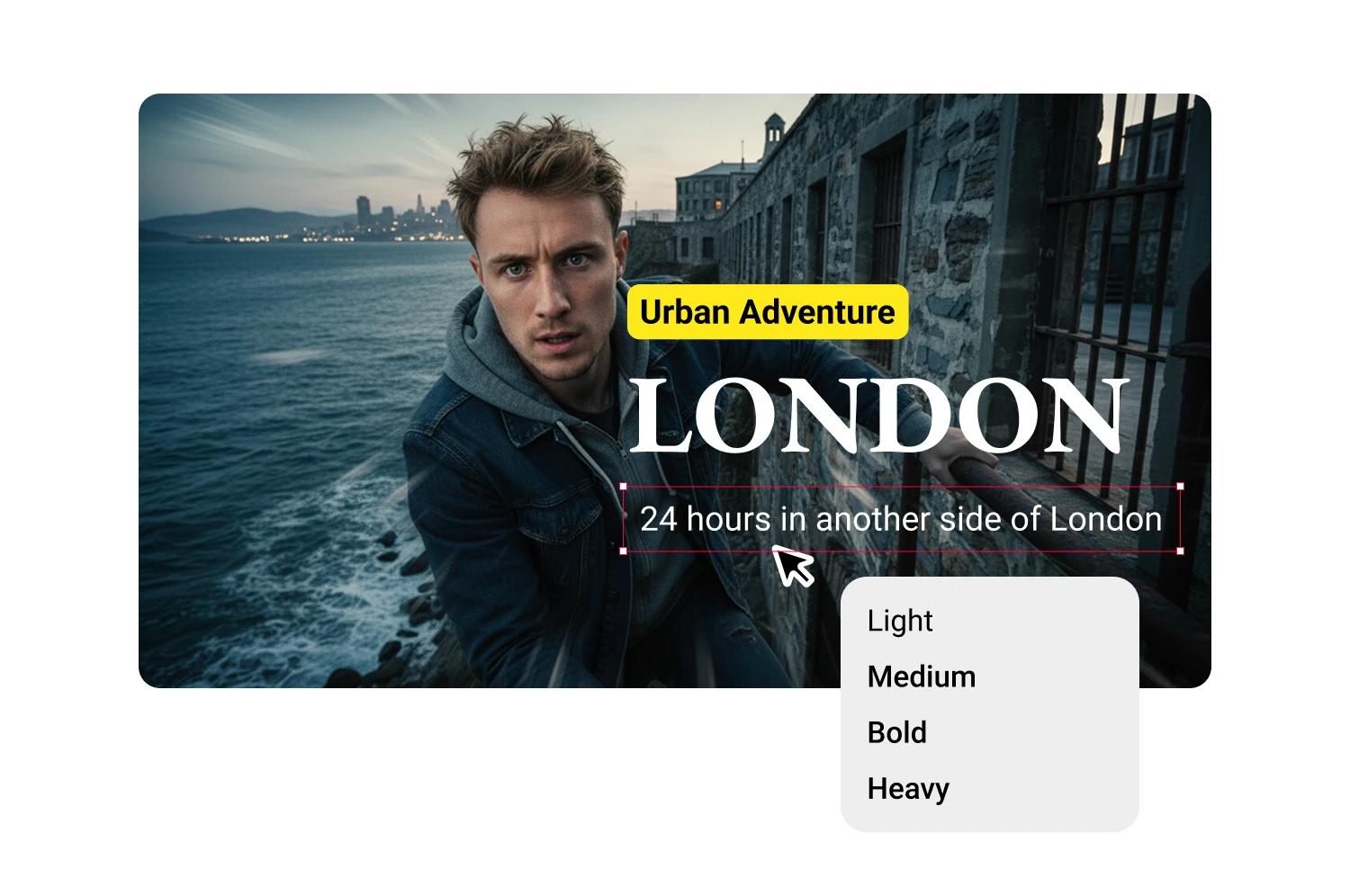
Create additional text blocks for subheadlines, labels, or guest names. Each block has independent styling and positioning.
USE CASES
Who uses a vlogger thumbnail maker
Vloggers, lifestyle creators, and anyone who films their daily life.
Daily vloggers
Three to seven uploads per week means 30 minutes per thumbnail is not sustainable. A paste-and-generate workflow keeps every video on schedule.
Travel vloggers
Location footage needs thumbnails that balance scenery with your face. The AI frames both without one overpowering the other.
Lifestyle creators
Morning routines, apartment tours, and day-in-my-life content need warm, consistent thumbnail aesthetics across every upload.
Beauty and fashion vloggers
Thumbnails that look polished without looking retouched. Natural enhancement adjusts lighting and skin tone subtly.
Food vloggers
Face-plus-food compositions with rich color grading that keeps your reaction genuine and the dish appetizing.
Frequently asked questions
How do I make aesthetic vlog thumbnails?

Start with a natural frame from your video using a vlog thumbnail creator like ThumbMagic. Consistent color grading and lifestyle templates maintain your visual identity without manual correction.
What makes a good vlog thumbnail?
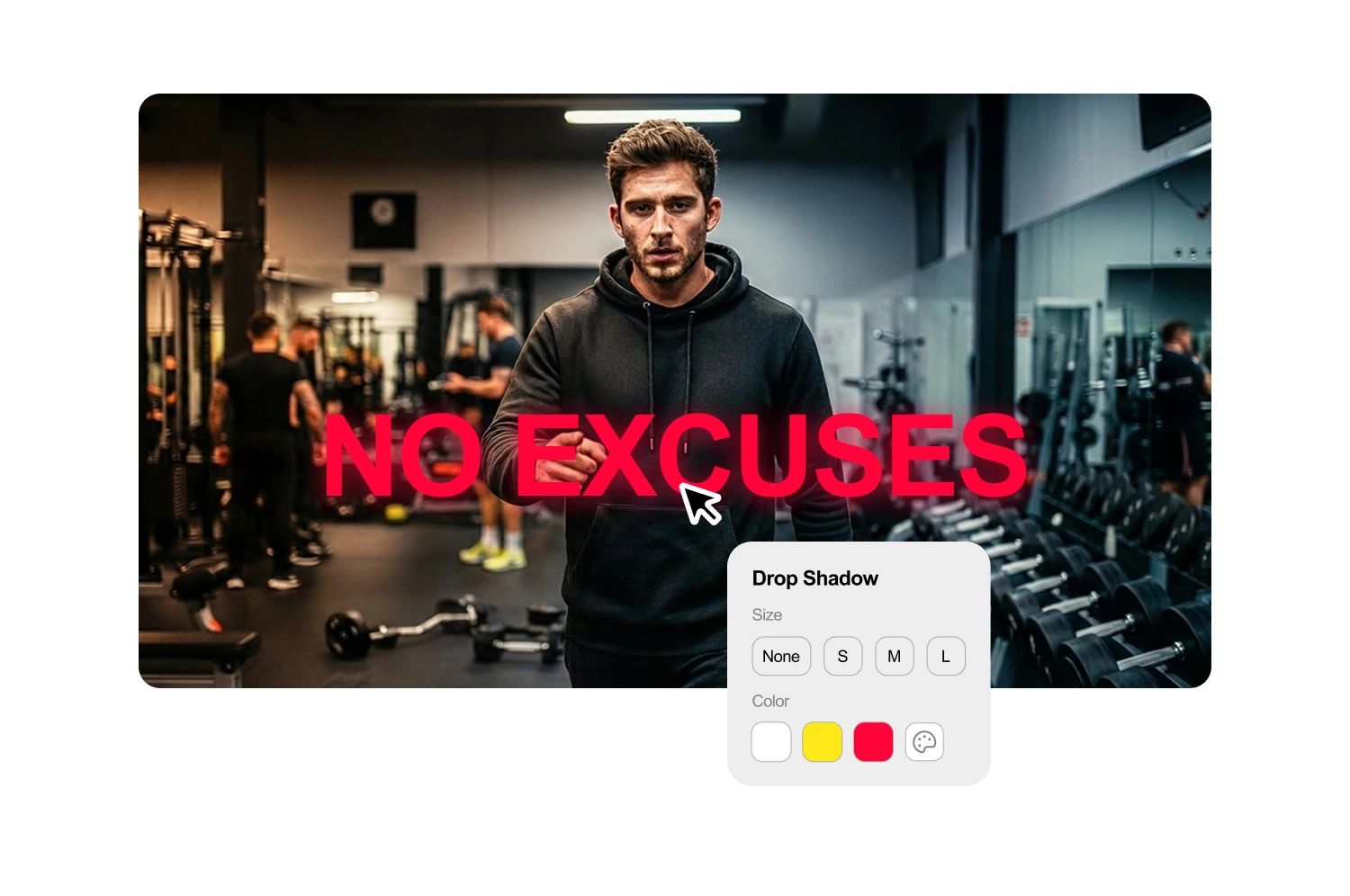
Toggle on Text Background in the toolbar, or add a drop shadow.
Do I need to show my face in vlog thumbnails?
Face thumbnails typically earn higher click-through rates. For travel and food vlogs, scenic or food-forward layouts can outperform face-centric designs.
Can I make Shorts thumbnails from my vlog footage?
Yes. Switch to 9:16 vertical templates for YouTube Shorts, TikTok, or Instagram Reels when clipping vlog highlights.
What does the free tier include for vloggers?
Three generations, six thumbnail variants, no credit card, no watermark. Enough to thumbnail a week of uploads.
What's the best font size for thumbnails?
Large enough to read at mobile size. Test by viewing your thumbnail at small scale before downloading.
Stop losing views to mediocre thumbnails
Generate studio-quality thumbnails that stop scrolling and drive clicks in seconds. No design skills needed.
+50% average CTR increase
2× faster production speed
90% reduction in design cost
