


YouTube Shorts Thumbnail Maker
Create vertical thumbnails that get your Shorts clicked in search and on your channel page.
Paste your Shorts URL and Thumbmagic's AI analyzes your video, detects faces, and generates Shorts thumbnails in about 45 seconds. Built for vertical content with no design skills required.




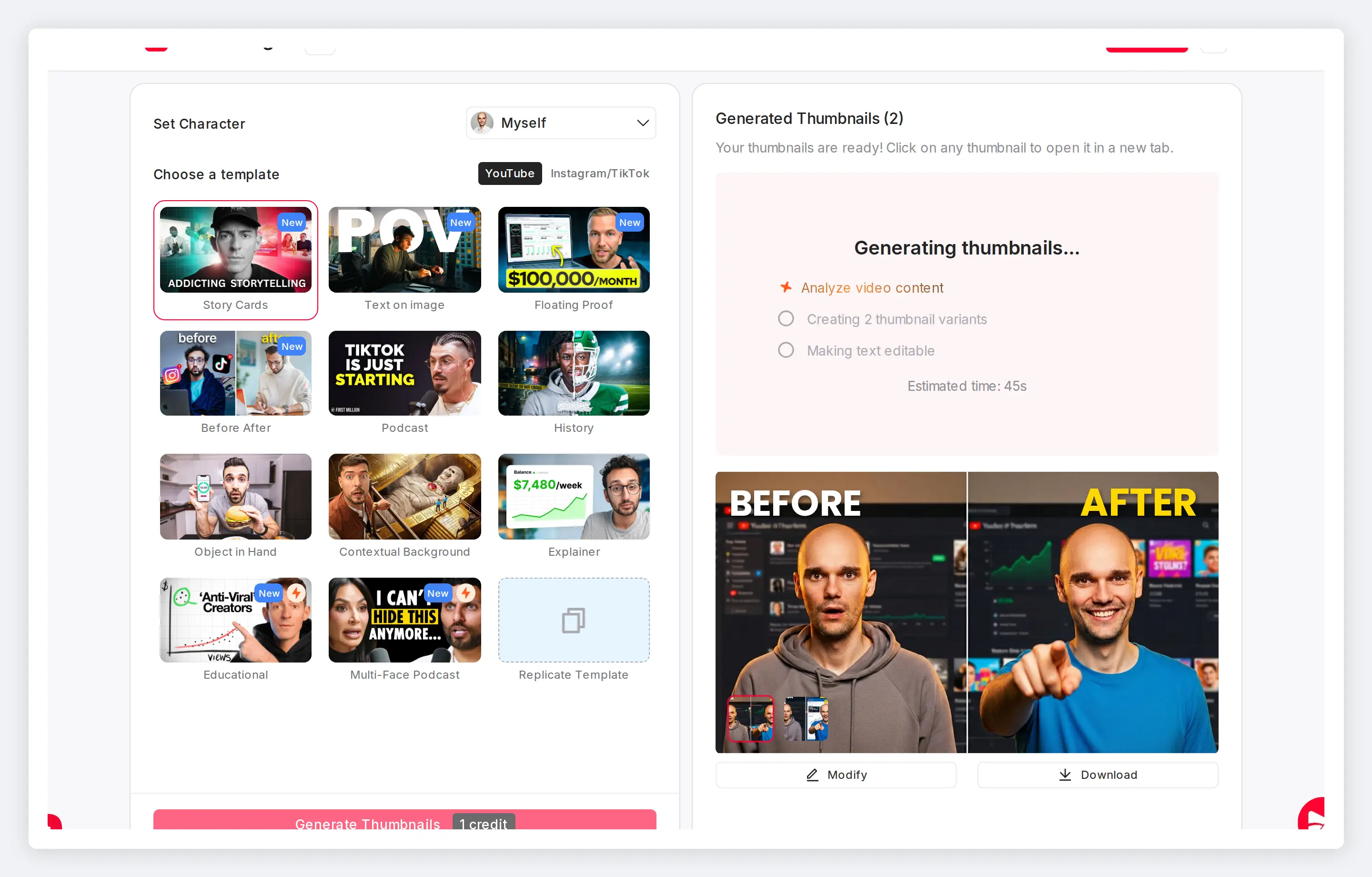
Control how your Shorts appear beyond the feed
Shorts thumbnails show up in YouTube Search, your channel page, suggested carousels, and desktop browsing. Replace the auto-selected frame with a designed thumbnail that represents your content everywhere it appears.
Features
Built for Shorts thumbnail creation
Vertical templates, correct export dimensions, and mobile-readable text built for the Shorts format.
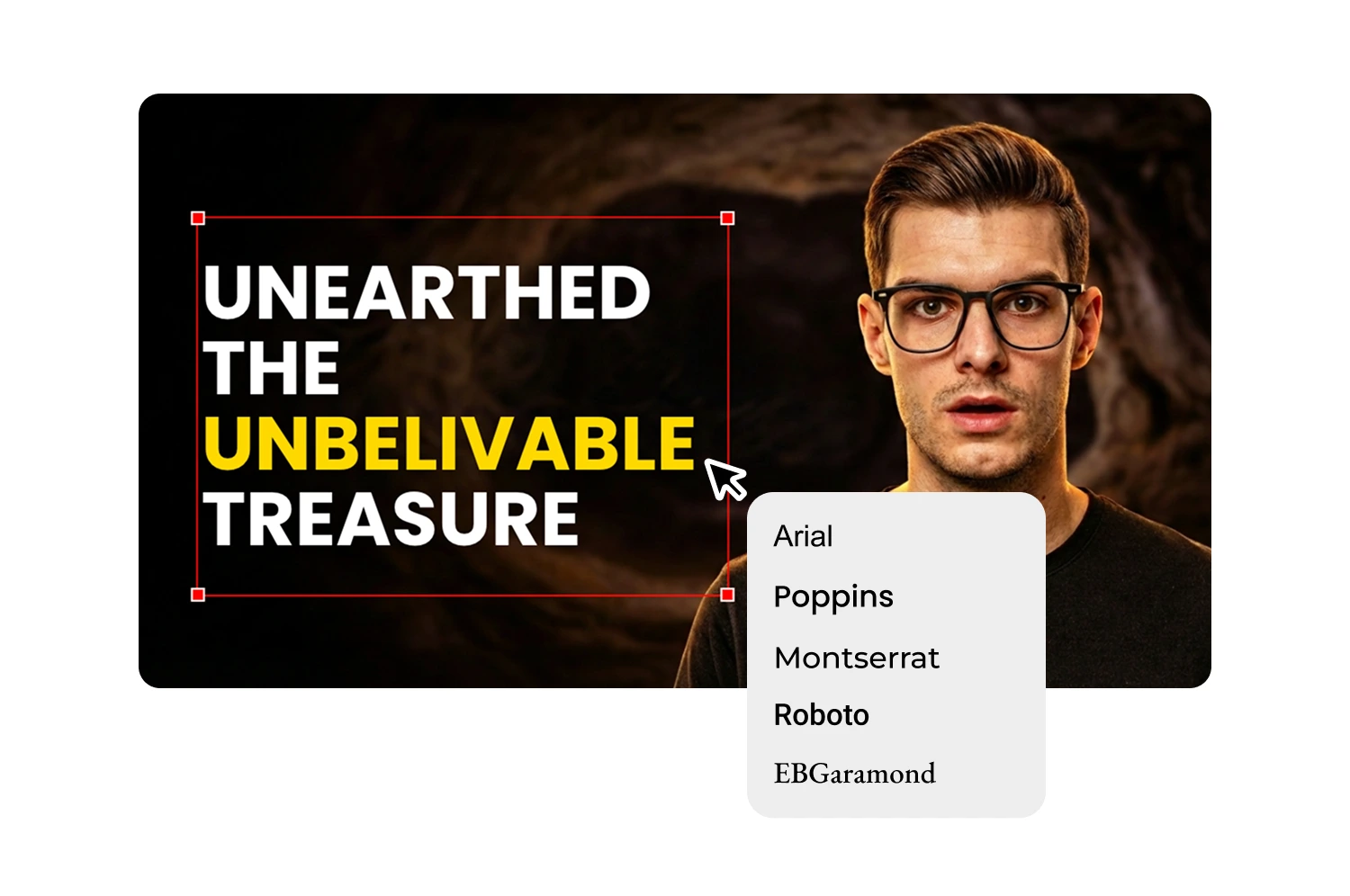
Stop letting YouTube pick your worst frame
YouTube's auto-selected thumbnails are unpredictable. The AI identifies the strongest expressions and moments from your video so you control what represents your Short.
Export at the correct Shorts dimensions
Online guides disagree on 1080x1920 versus 1280x720. The export matches the format YouTube expects. No manual resizing, no guessing specs.
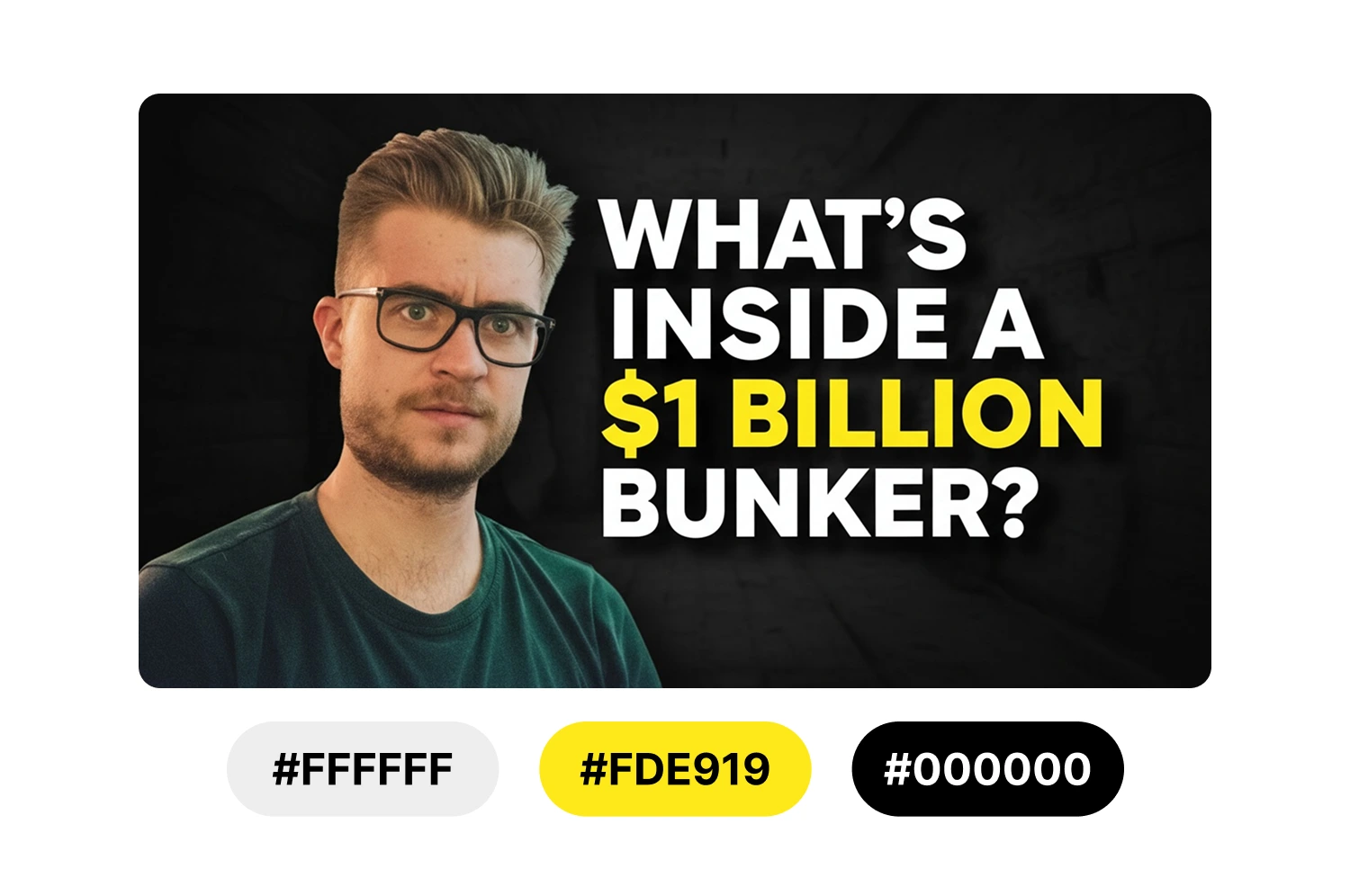
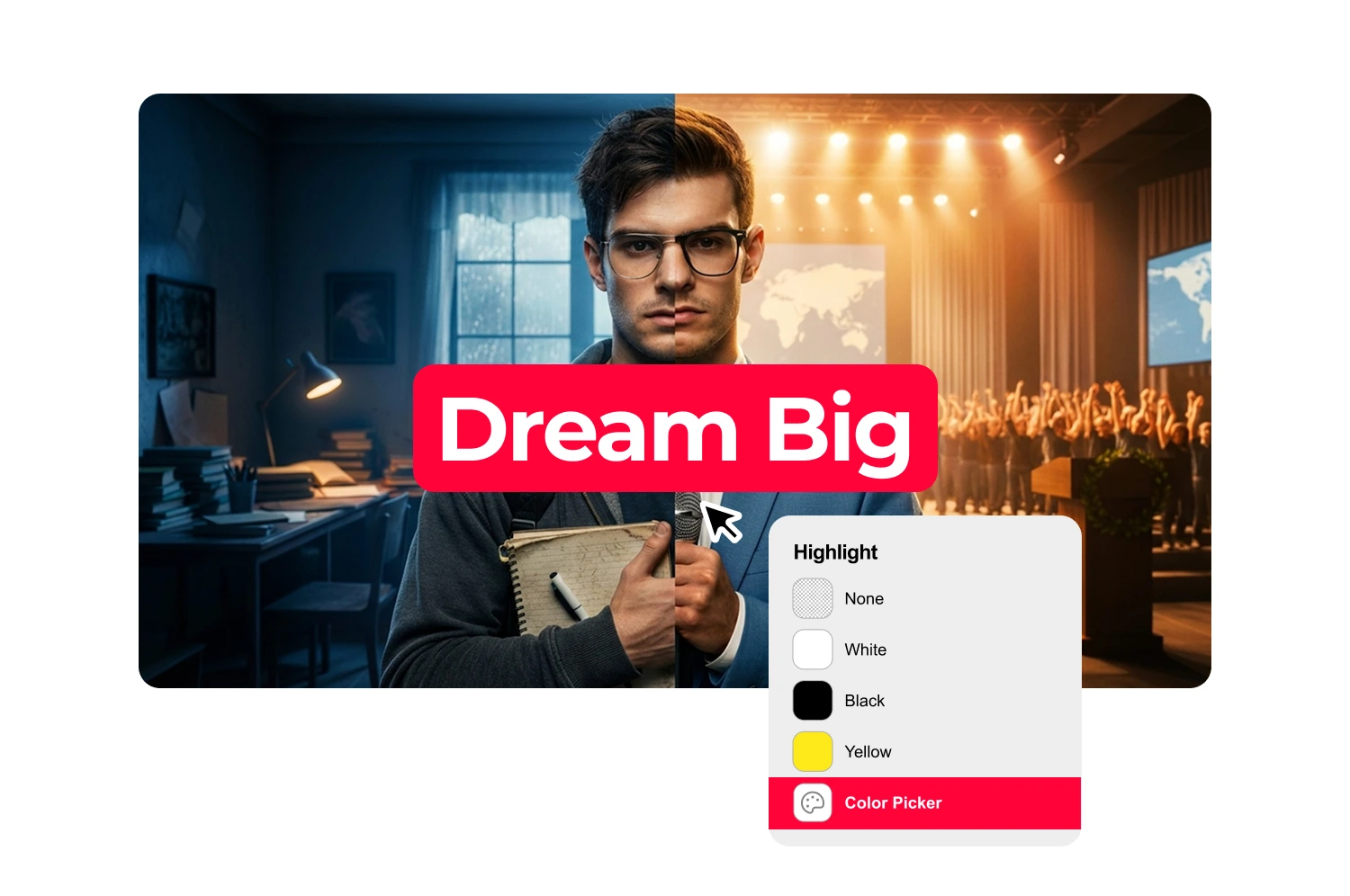
Edit YouTube Shorts thumbnails without Photoshop
No layers, no masks, no design experience. Paste your URL, pick a vertical template, customize text and colors with the thumbnail editor, and download.
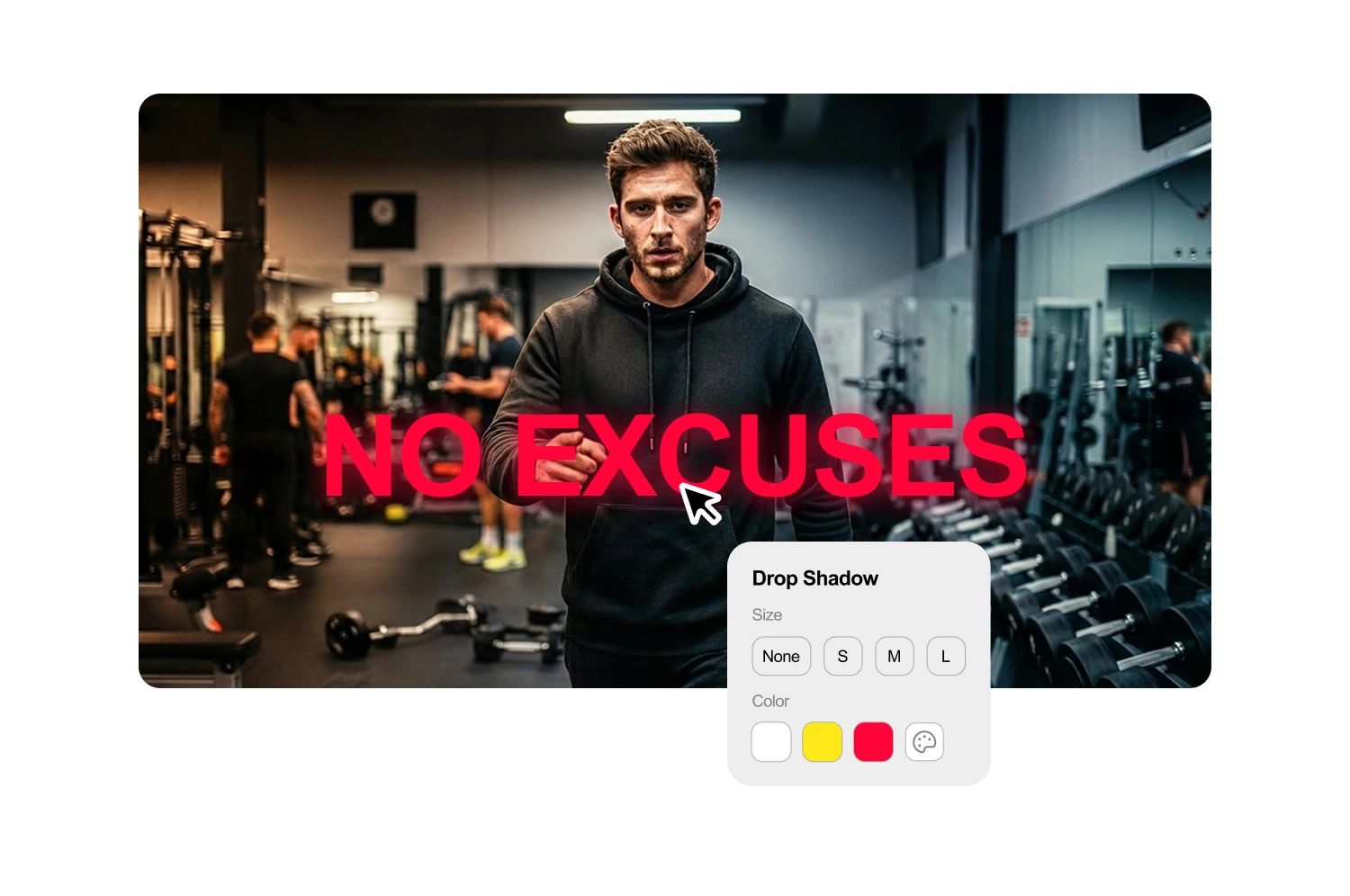
Add bold text that reads on a phone screen
Shorts thumbnails display small on mobile. The text generator creates short, high-contrast text built for readability at any screen size.
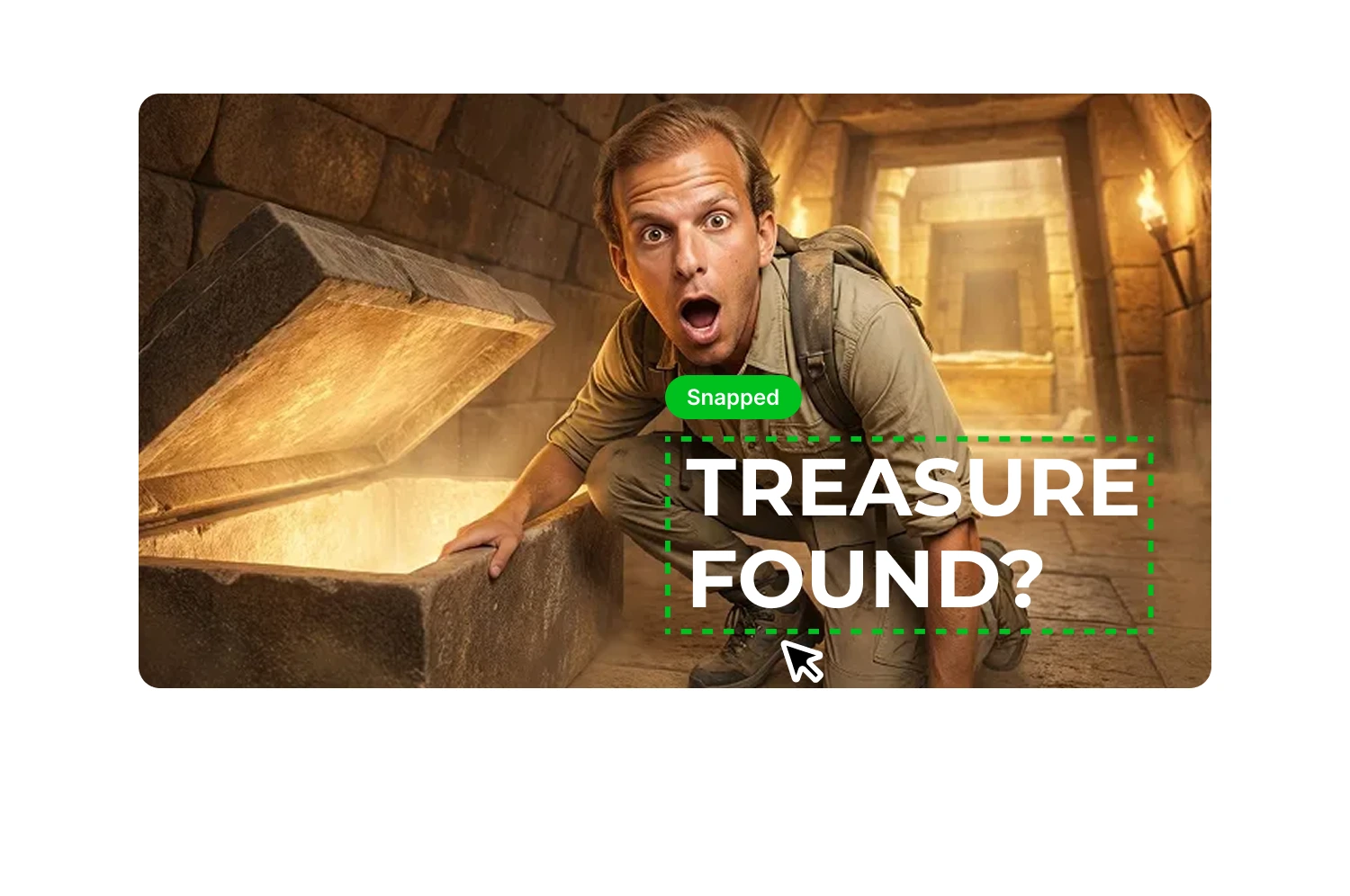
Match your expression to each Short's energy
Shocked for fails, excited for clutch plays, curious for teasers. A single avatar photo generates every expression variant without reshooting.
Generate multiple variants to compare
Create several thumbnail options from the same Short and find the version that performs best. Test before committing to one.
How it works
How your Shorts thumbnail maker works
The AI analyzes your video and suggests headlines that match your content. Start with options you can use directly or refine to fit your style.
Generate or select a thumbnail
Paste a YouTube URL or upload your file. The AI extracts key phrases and generates 3-5 headline suggestions based on what you actually say.
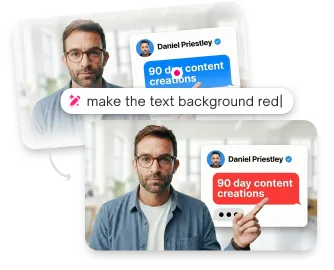
Edit your text
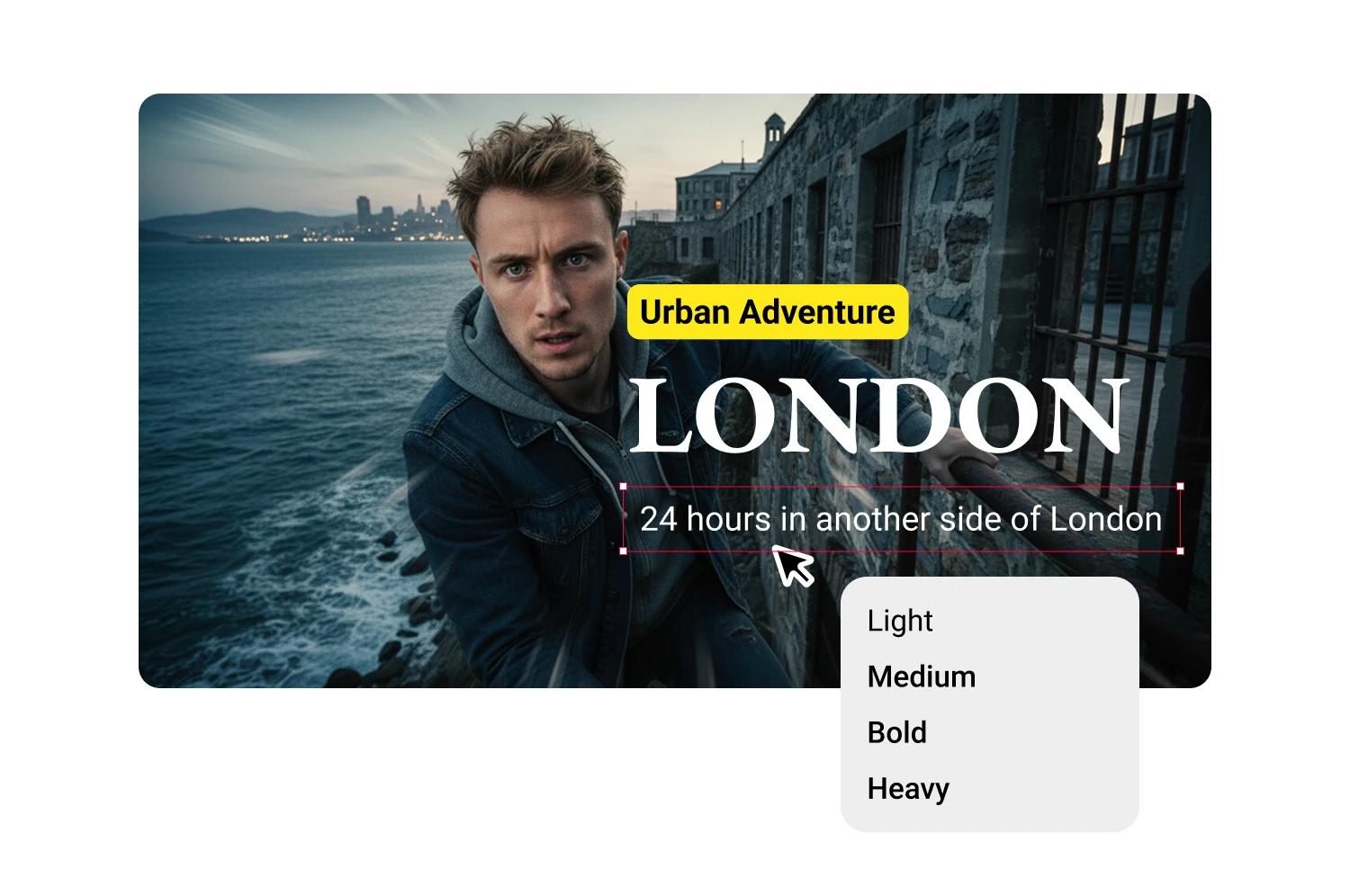
Click any suggestion to add it, then modify however you want. The text field is fully editable.
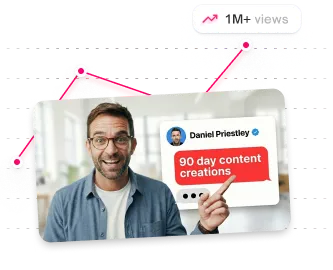
Style and position
Create additional text blocks for subheadlines, labels, or guest names. Each block has independent styling and positioning.
USE CASES
Who uses Shorts thumbnail makers
Creators who want styled text without design software.
Tutorial and how-to creators
Evergreen Shorts live in YouTube Search long after publishing. A descriptive thumbnail pulls search traffic for months.
Gaming clip creators
Fast-paced clips need thumbnails that convey energy. Capture peak action moments and adjust your expression to match each play.
Vloggers and lifestyle creators
Your face is your brand. The AI detects faces and picks flattering frames so your Shorts look intentional on your channel page.
Product reviewers
Show the product clearly in the thumbnail so viewers know what they are getting before the click.
Repurposed long-form creators
Longer videos clipped into Shorts each deserve their own thumbnail, not a recycled frame from the original upload.
Cross-platform creators
Same vertical content going to Shorts, TikTok, and Reels needs platform-matched thumbnails. Generate all of them from one video.
Frequently asked questions
Do YouTube Shorts thumbnails matter?

Yes. They appear in YouTube Search, your channel page, suggested carousels, and desktop browsing -- everywhere except the swipe feed.
What size should a YouTube Shorts thumbnail be?
YouTube's official spec is 1280x720 pixels (16:9) for all uploads, including Shorts. Some guides recommend 1080x1920 (9:16) for vertical display.
Can I upload a custom thumbnail on YouTube Shorts?
Yes. Open YouTube Studio on desktop or mobile, select your Short, and upload a custom image.
How do I change my Shorts thumbnail after uploading?
Open YouTube Studio, select the Short, click the thumbnail area, and upload a new image. Desktop Studio is more reliable for custom uploads.
How many thumbnail options do I get per Short?
Each generation creates two thumbnail variants. Generate additional variants or use the expression changer for more options.
What's the best font size for thumbnails?
Large enough to read at mobile size. Test by viewing your thumbnail at small scale before downloading.
Stop losing views to mediocre thumbnails
Generate studio-quality thumbnails that stop scrolling and drive clicks in seconds. No design skills needed.
+50% average CTR increase
2× faster production speed
90% reduction in design cost
