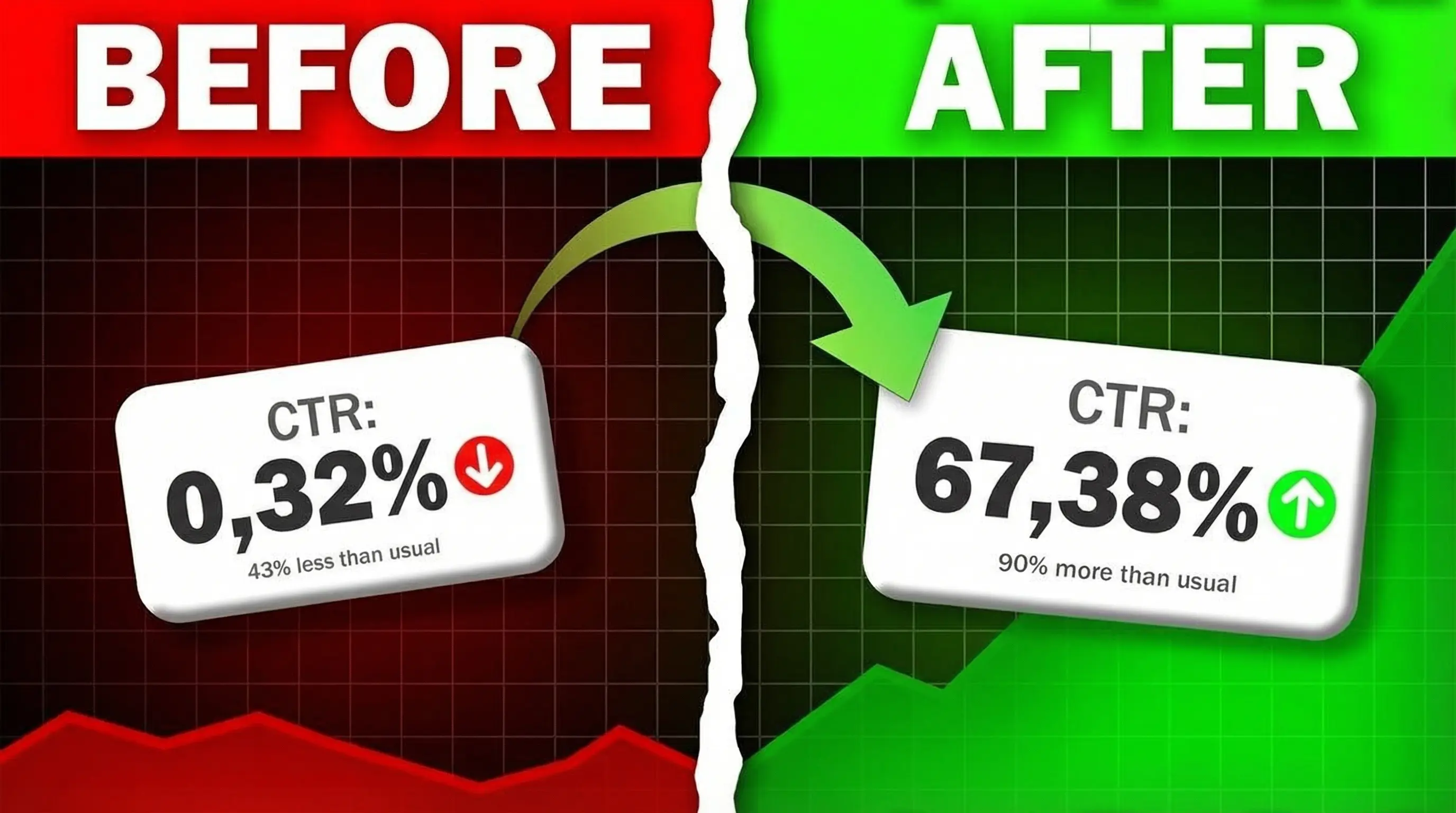
Your video has 1,000 impressions and 45 clicks. Is a 4.5% YouTube CTR good or bad? Without context, that number means nothing - traffic source, channel size, and niche all determine what "good" means for your channel.
TL;DR:
-
Quick answer:
4-6% CTR is solid for most channels. Gaming runs higher (6-9%), education lower (4-5%)
-
Official range:
Half of all YouTube channels have 2-10% CTR according to YouTube
-
Context matters:
Traffic source affects CTR more than niche—Search 12%+, Browse under 4%
-
Bottom line:
A dropping CTR often means YouTube is expanding your reach—check total views, not just percentage
CTR varies by traffic source
YouTube explains that impression source directly affects your CTR. Comparing your overall CTR to a single benchmark ignores this critical context.
| Traffic Source |
CTR Pattern |
Why |
| Search |
Higher |
Viewers have specific intent - they're looking for your content |
| Suggested |
Mid-to-high |
Contextual relevance - your video appears next to related content |
| Browse/Home |
Lower |
Discovery mode with heavy competition - viewers are casually scrolling |
| External |
Lower |
Viewers aren't in YouTube mindset - they clicked from another site |
Third-party estimates: Focus Digital reports Search at 12.5%, Suggested at 9.5%, Browse at 3.5%, and External at 2.8%. These are estimates, not YouTube's official data.
A CTR drop isn't always bad. If your impressions and total views grow while CTR decreases, YouTube is successfully promoting your video to broader audiences.
What YouTube CTR measures and why it matters
Impressions click-through rate measures how often viewers watched a video after seeing a registered impression on YouTube. Calculate it by dividing clicks by impressions, then multiplying by 100. If your video gets 1,000 impressions and 50 clicks, your CTR is 5%. YouTube notes that CTR is a subset metric; not all views come from counted impressions. Your thumbnail size and format affect how viewers perceive and click your content.
YouTube uses CTR alongside average view duration to recommend content. High CTR with strong watch time signals engaging content. High CTR with poor watch time suggests clickbait, which YouTube is less likely to recommend.
What counts as a YouTube impression
YouTube documents that a registered impression occurs when your video thumbnail appears on screen for more than one second with at least 50% visibility. Impressions come from Home Page, Suggested Videos, Search Results, Subscriptions Feed, and Browse Features. This list isn't exhaustive; YouTube counts impressions from additional surfaces like Up Next and playlists while excluding end screens, cards, notifications, and external embeds. Each source produces different typical CTR ranges based on viewer intent and familiarity.
Try this: Filter your CTR by traffic source in YouTube Studio to see which contexts drive the highest click rates. Home Page impressions naturally have lower CTR than Subscriptions Feed because you're reaching cold audiences.
YouTube CTR benchmarks by niche, size, and traffic source
YouTube's official benchmark establishes the baseline. Your ideal CTR depends heavily on traffic source composition and channel size.
General CTR benchmarks across all content
Half of all YouTube channels have CTR between 2-10%. This is your baseline, but traffic source context matters:
- Search traffic typically produces higher CTR due to high viewer intent
- Homepage/Browse traffic typically produces lower CTR due to discovery context and competition
A CTR drop can be a positive signal if your impressions and total views are growing - it often means YouTube is expanding your reach to broader audiences.
CTRs above 10% may indicate strong thumbnail-title resonance with your specific audience. Absolute view count matters more than percentage at scale.
CTR by niche (third-party estimates)
What YouTube states officially: CTR varies significantly by traffic source - Home Page impressions naturally produce lower CTR than Subscriptions Feed or channel page views.
Important caveat: The niche estimates below are third-party data, not YouTube's official benchmarks. Traffic source composition often matters more than niche averages - a gaming video with heavy Home Page traffic may have lower CTR than an education video with subscriber-heavy traffic.
| Niche/Category |
Reported Average |
Notes |
| Gaming |
8.5% |
High subscriber engagement |
| Education |
4.5% |
Viewers seek specific answers |
| Entertainment & Vlogs |
6.0% |
Casual browsing behavior |
| Finance & Business |
5.5% |
Competitive topics |
Source: Focus Digital industry benchmark analysis
Reported CTR patterns by channel size
| Subscriber Count |
Commonly Reported Range |
Why It Differs |
| <1K subscribers |
5-8% |
Most views from subscribers who actively seek content |
| 1K-10K |
4-6% |
Mix of subscriber and browse traffic |
| 10K-100K |
3-5% |
Growing browse traffic lowers overall CTR |
| 100K+ |
2-4% |
Heavy browse/suggested traffic dominates |
These are typical patterns reported by creators, not validated benchmarks.
How to benchmark your own channel CTR
YouTube recommends comparing your CTR over time and considering traffic sources. Here's a framework:
- CTR by traffic source - Compare your CTR across Home, Suggested, Search, and Subscriptions feeds. Low CTR from Home Page is normal; low CTR from Subscriptions may signal thumbnail problems.
- CTR after meaningful impressions - Wait for ~1,000 impressions before drawing conclusions.
- CTR compared to your own previous videos - Your best benchmark is your own channel's historical performance in comparable content categories with matching traffic mixes.
What to do based on your numbers
- CTR low + retention strong: Your content delivers but packaging doesn't attract. YouTube recommends testing new thumbnails and titles. Generate 3 variants with ThumbMagic and use Test & Compare to find the winner.
- CTR high + retention low: Viewers click but leave quickly - expectation mismatch. Align your thumbnail promise to actual content to avoid clickbait signals.
- CTR dropping + impressions rising: Often a good sign. YouTube is expanding your reach - check total views, not just percentage.
YouTube Shorts vs long-form CTR
Shorts operate differently from long-form videos. Users swipe through Shorts feeds instead of clicking thumbnails, so traditional CTR benchmarks (2-10%) don't directly apply. YouTube exposes a "How many chose to view" metric for Shorts - the swipe-through rate becomes the primary metric for feed performance. This is effectively your feed view rate; thumbnails matter more outside the Shorts feed. Shorts thumbnails still matter for search results, channel pages, and hashtag pages where viewers click rather than swipe.
How YouTube CTR changes as your video ages
YouTube confirms that CTR decline over time is normal video lifecycle behavior.
Week 1: Subscribers drive most early views.
Weeks 2-4: CTR typically drops as YouTube expands to browse traffic from unfamiliar viewers.
Month 2+: CTR often stabilizes at lower levels when browse and suggested traffic dominate impressions. Most viewers discover you through recommendations instead of subscriptions. Lower CTR at scale often beats high CTR with limited reach.
New videos (less than a week old) or those with fewer than 100 views can show an even wider CTR range due to limited sample size. Avoid over-interpreting early metrics.
For general audiences, track CTR on Home and Suggested in the first 24 hours after publication to measure thumbnail effectiveness. For subscribers, check CTR in the Subscriptions Feed during the same period.
How to check your CTR in YouTube Studio
Finding your CTR in YouTube Studio takes four steps:
- Open YouTube Studio
- Click the Analytics tab in the left sidebar
- Select the Reach section at the top
- View your impressions click-through rate displayed prominently
You can view CTR at the channel level (overall performance across all videos) or per individual video. Filter by date range to see how CTR changes over time. The Reach tab also shows impressions by traffic source (Home, Browse Features, Suggested Videos, Search, and External), each with its own CTR.
Channel page impressions typically have higher CTR than Home Page impressions.
Four factors that affect your YouTube CTR
Thumbnail design establishes visual appeal. Many creators find that high contrast makes thumbnails visible at small sizes, simple colorful designs outperform complex layouts, and well-lit faces improve CTR. Tools like ThumbMagic can generate multiple thumbnail variants quickly, giving you options to test rather than committing to a single design.
Video title provides context and intent. Curiosity-driven phrasing balanced with informational clarity helps viewers decide whether to click. Matching search intent in titles signals relevance to browse audiences discovering content for the first time.
Traffic source shapes CTR expectations significantly. Videos with channel page impressions typically have higher rates because viewers have already committed to exploring your content.
Niche and topic set intrinsic CTR potential. Entertainment and gaming content typically achieves higher CTR through emotional hooks. Educational, tutorial, how-to, and lifestyle content often sees moderate CTR that converts to strong watch time.
Common CTR mistakes that hurt your video performance
- Clickbait thumbnails backfire: High CTR with low watch time signals poor quality to YouTube's algorithm. The platform is less likely to recommend content that fails to retain viewers after the click. If your average view duration drops while CTR rises, you're training the algorithm to stop promoting your videos.
- Benchmarks don't account for context: Traffic source composition determines what "good" means for your specific video.
- Small sample sizes mislead: Videos with few impressions show volatile CTR that changes dramatically with each click. A single session of 10 friends watching your video can spike CTR from 3% to 15% temporarily. Wait for a substantial number of impressions before making optimization decisions.
- CTR fixation ignores root problems: If viewers click but leave within 30 seconds, your thumbnail accurately represents content that fails to deliver value. Optimizing CTR further wastes effort. Focus on content quality and watch time instead.
- Thumbnail warnings require immediate action: Sensational or misleading thumbnails violate YouTube's spam policies. If you receive a warning about deceptive metadata, revert to accurate representation immediately. Multiple violations result in strikes that jeopardize monetization and channel standing.
Try this: Before changing thumbnails on underperforming videos, check average view duration first. If viewers leave within 30-60 seconds, the problem isn't your CTR - it's content that doesn't match viewer expectations or deliver promised value.
Quick tips to improve your YouTube CTR
- Use YouTube's Test & Compare feature - YouTube Studio's built-in Test & Compare lets you A/B test thumbnails directly; see our full thumbnail A/B testing guide for methodology
- Maximize contrast and text clarity - Mobile viewers need to read thumbnails at small sizes; high contrast ensures visibility
- Test faces with clear expressions - Well-lit faces with clear emotions tend to improve CTR, though results vary by content type
- Align thumbnail with title intent - Misleading thumbnails boost short-term CTR, but YouTube recommends videos based on watch time. Clickbait with high CTR but low retention gets deprioritized
- Analyze your top performers - Sort videos by CTR in analytics to identify patterns in successful thumbnails
- Interpret CTR in context - Low rates from cold audiences (Home Page) differ from low rates among subscribers who already follow you
- Review thumbnail design best practices before publishing
How to use Test & Compare effectively
- Start with underperforming videos - Pick videos with at least 1,000 impressions but CTR below your channel average
- Test one variable at a time - Change either the thumbnail OR the title, not both. This isolates what's working.
- Create meaningfully different variants - Small tweaks (different crop, slight color shift) won't produce clear winners. Test different concepts. ThumbMagic generates 3 distinct variants from a single prompt, making it easy to test meaningfully different options.
- Wait for statistical significance - YouTube needs enough impressions on each variant. Don't end tests early based on initial spikes.
- Apply learnings to new uploads - Use winning patterns (expression types, color schemes, text placement) on future thumbnails
Manual thumbnail swapping is unreliable because traffic sources differ between time periods. Test & Compare shows both variants to the same audience mix simultaneously.
Frequently asked questions about YouTube CTR
What counts as good CTR?
A good CTR is typically 4-6% for most channels, though this varies by niche and traffic source. Gaming averages 8.5%, education 4.5%. See the niche benchmarks section for full details.
Is 4% CTR good?
A 4% CTR falls within YouTube's normal range and is average for most content types. It's good for education/tutorial content or videos with heavy browse traffic. For gaming or entertainment content, 4% suggests room for thumbnail optimization.
Context matters more than the number. Check your traffic sources and niche benchmarks before making changes.
How do I find my CTR?
Open YouTube Studio > Analytics > Reach tab. See 'How to check your CTR in YouTube Studio' for details.
What does CTR stand for in YouTube?
CTR stands for click-through rate. YouTube's full term is "impressions click-through rate," which measures how often viewers watch a video after seeing a registered impression on YouTube. It's calculated as (clicks ÷ impressions) × 100.
Don't confuse organic video CTR with YouTube Ads CTR, which measures ad performance for advertisers.
Is CTR different for YouTube Shorts?
Yes. Shorts use swipe-through behavior instead of click-through, so traditional CTR benchmarks don't directly apply. Shorts thumbnails still matter for search results, channel pages, and hashtag pages, but feed performance relies on swipe-through rate.
Why does my CTR drop over time?
CTR naturally drops as YouTube promotes your video to broader audiences beyond your subscribers. This is normal and often signals successful reach expansion. See 'How YouTube CTR changes as your video ages' for the full timeline.
What's a good CTR for small YouTube channels?
Small channels (under 1K subscribers) typically see 5-8% CTR because most views come from loyal subscribers. Expect this to drop to 2-4% as your channel grows and reaches broader audiences. See 'Reported CTR patterns by channel size' for all tiers.
What's the difference between subscriber and browse CTR?
Subscriber CTR measures clicks from people who follow you. Browse CTR measures clicks from cold audiences discovering you through Home Page or Suggested Videos. Subscribers typically click at higher rates than browse viewers because they already trust your content.
Compare these in the Reach tab of YouTube Studio Analytics.
Does CTR matter more than views?
No. Views and watch time matter more than CTR percentage. A 3% CTR generating 10,000 views outperforms an 8% CTR generating 500 views. YouTube's recommendation system optimizes for watch time, not click-through rate. High CTR only helps if it leads to sustained viewing. Focus on CTR as a diagnostic tool for thumbnail effectiveness, not as a success metric in isolation.
What CTR should I aim for in my niche?
Start with YouTube's official 2-10% range as your baseline, then benchmark against your own channel history. Gaming and entertainment content typically sees higher CTR (6-9%) due to emotional hooks. Educational and tutorial content often has moderate CTR (4-6%) but stronger watch time conversion. Check the niche benchmarks table in this article for third-party estimates, but remember your traffic source composition matters more than arbitrary niche averages.
What's a good CTR for a brand new channel?
New channels (under 1,000 subscribers) typically see 5-8% CTR because most early views come from subscribers who actively sought out your content. This isn't necessarily "good" - it reflects a small, warm audience. As your channel grows and YouTube promotes your videos to broader audiences through Home Page and Suggested, expect CTR to drop to 2-4%. A declining CTR often signals successful reach expansion, not poor thumbnail performance.
Key takeaways for improving your YouTube CTR
- Context determines whether your CTR is "good" - traffic source composition and channel size matter more than hitting an arbitrary number
- Niche influences CTR expectations - entertainment and gaming content typically sees higher rates than educational and how-to content
- Channel size affects CTR through traffic composition. Small channels see higher CTR from subscriber-heavy traffic; large channels see lower CTR from browse-heavy traffic
- CTR declining over time usually signals successful promotion as YouTube expands reach beyond subscribers
- High CTR alone doesn't guarantee success - YouTube is less likely to recommend clickbait with high CTR but low average view duration
Ready to test better thumbnails? Try the free tier - get 3 AI-generated thumbnails with free signup.