


Roblox Thumbnail Maker
Generate Roblox thumbnails from your video in seconds.
Drop your Roblox YouTube video URL and Thumbmagic pulls key moments from your gameplay, then builds colorful, click-ready thumbnails. Skip the Blender rigs and GFX pipeline entirely.
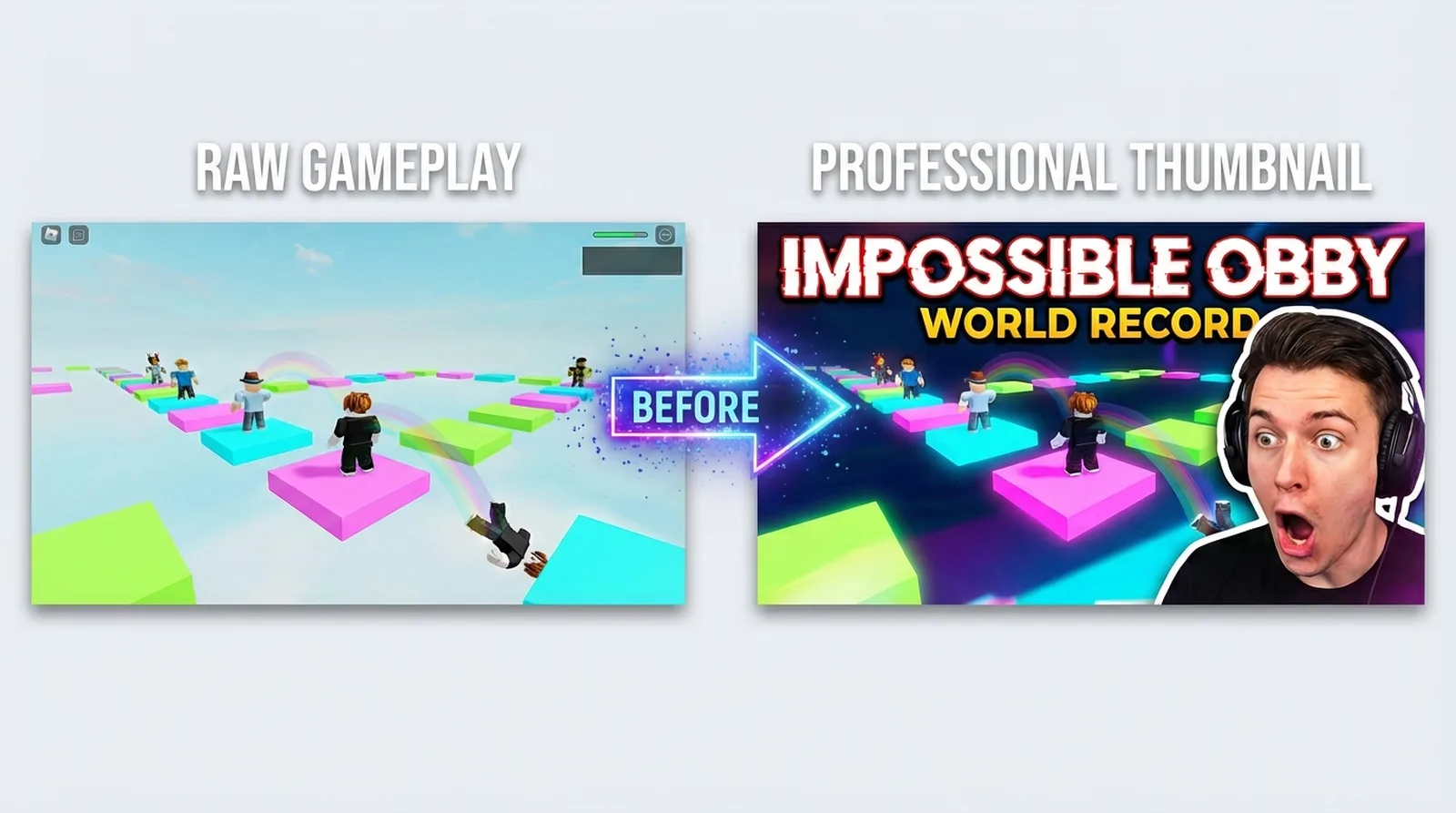



Roblox creators upload daily but GFX takes hours
The standard Roblox thumbnail workflow runs through Blender: export your avatar from Roblox Studio, import a rig, pose it, light it, render it, then composite in Photoshop. That GFX pipeline takes 30 to 120 minutes per thumbnail. At daily upload frequency, that math breaks. Most Roblox YouTubers default to screenshots with basic text overlays. Those get scrolled past.
Roblox thumbnails need to be bright, high-contrast, and match the blocky aesthetic your audience expects.
Features
Built for Roblox YouTube content
These features address the specific challenges Roblox creators face when thumbnailing daily uploads.
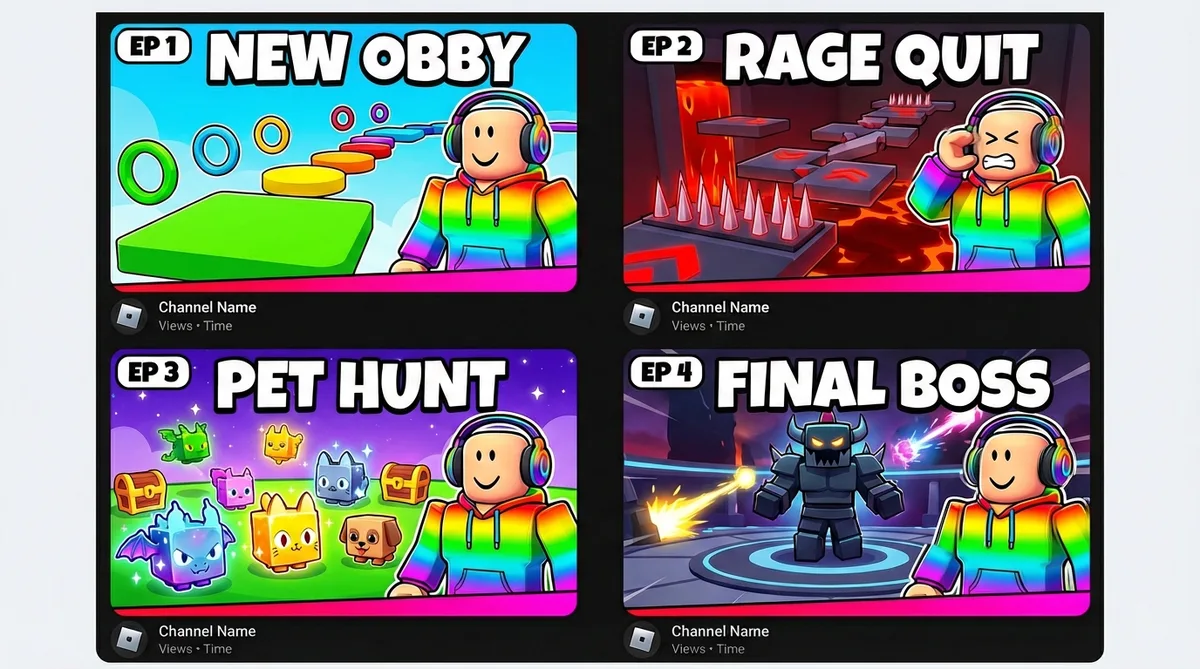
Add bold, colorful text for Roblox thumbnails
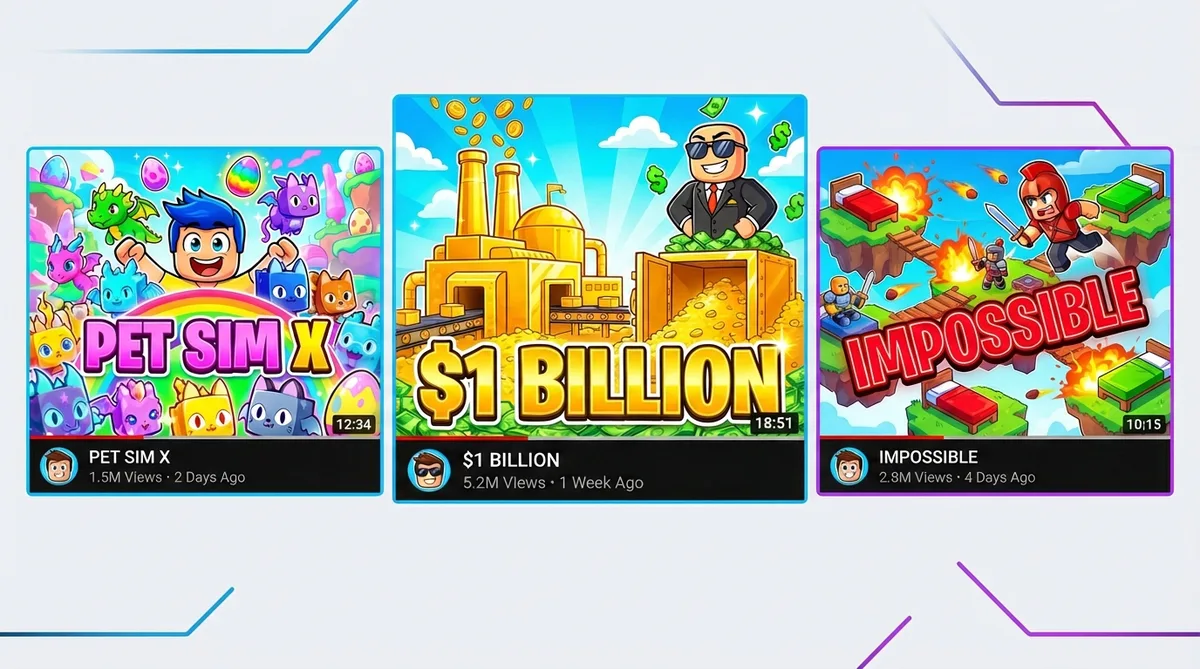
Roblox thumbnails thrive on big, vibrant text: experience names, episode numbers, reaction words like IMPOSSIBLE. The text generator produces saturated, high-contrast lettering that pops against Roblox's colorful backgrounds - readable even at the smallest mobile thumbnail size.
Apply the Digital Illustration filter for the Roblox look
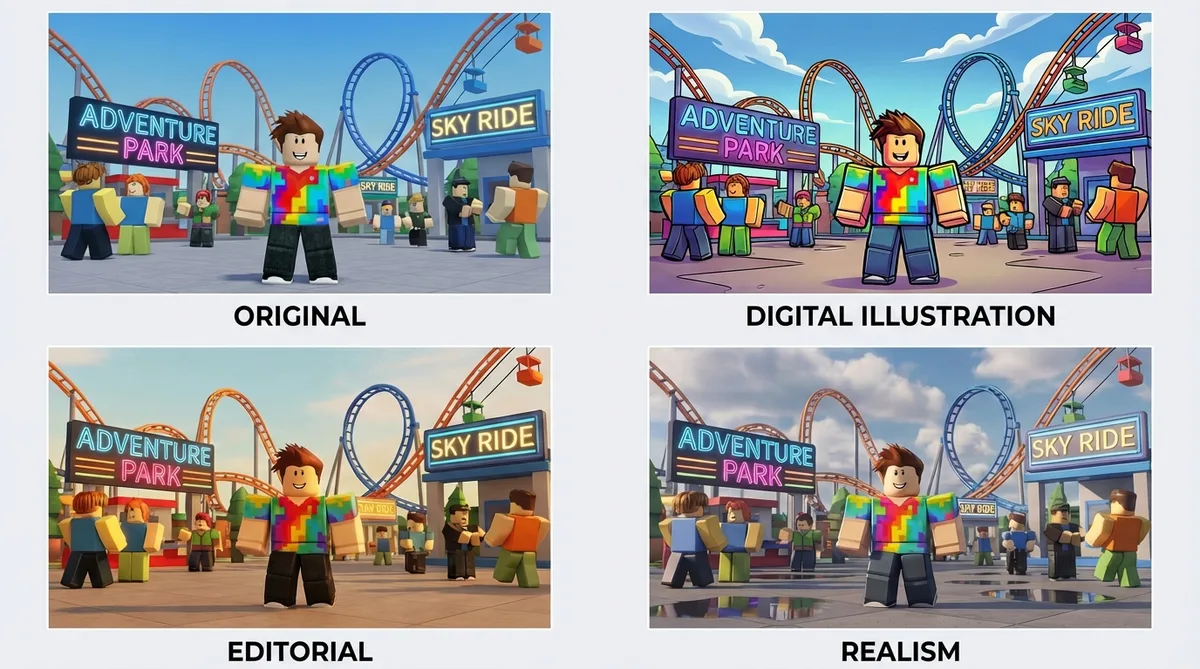
Roblox thumbnails need to match the game's bright, stylized aesthetic. The Digital Illustration filter adds bold outlines and extra-vibrant colors that complement Roblox's blocky art style. Six filters total, each processed in about 20 seconds.
Clone top Roblox channel thumbnail styles
Find a Roblox creator whose thumbnails consistently earn clicks. Drop that thumbnail URL into Thumbmagic and it reconstructs the layout with your avatar and your experience footage. Proven compositions without recreating them from scratch.
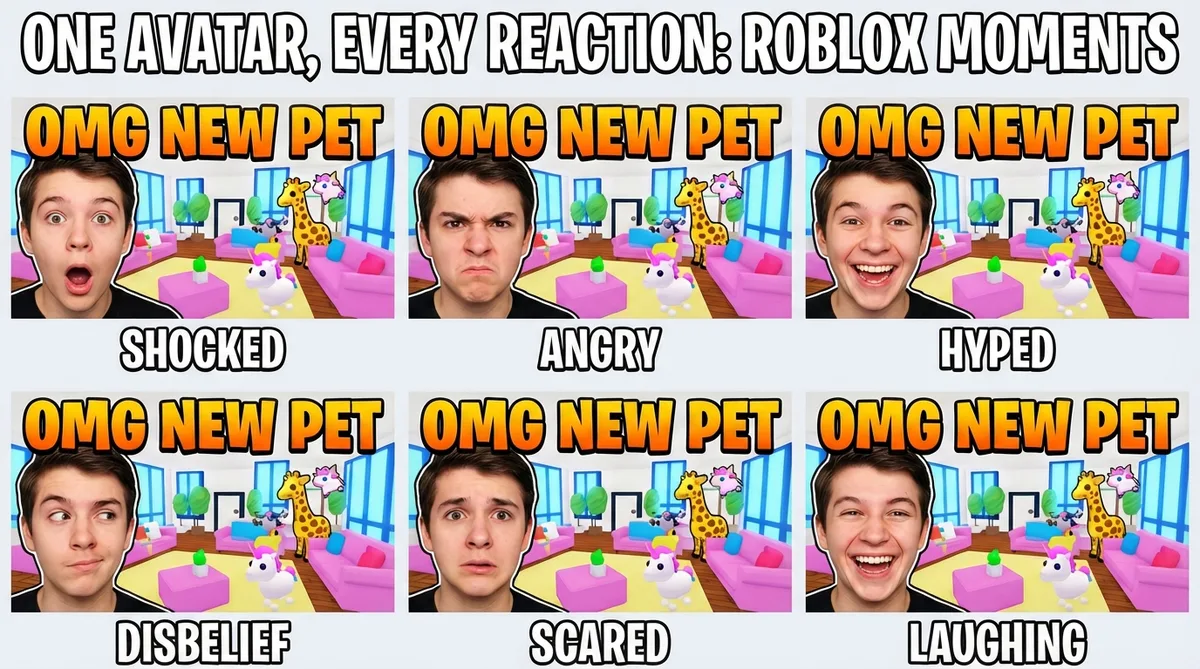
Match Roblox energy with expression presets
Roblox YouTube thumbnails lean on exaggerated reactions that match the game's bright, playful tone. Upload one avatar photo and generate every variant you need - hyped for an obby clear, shocked at a simulator jackpot, or curious about a new experience drop.
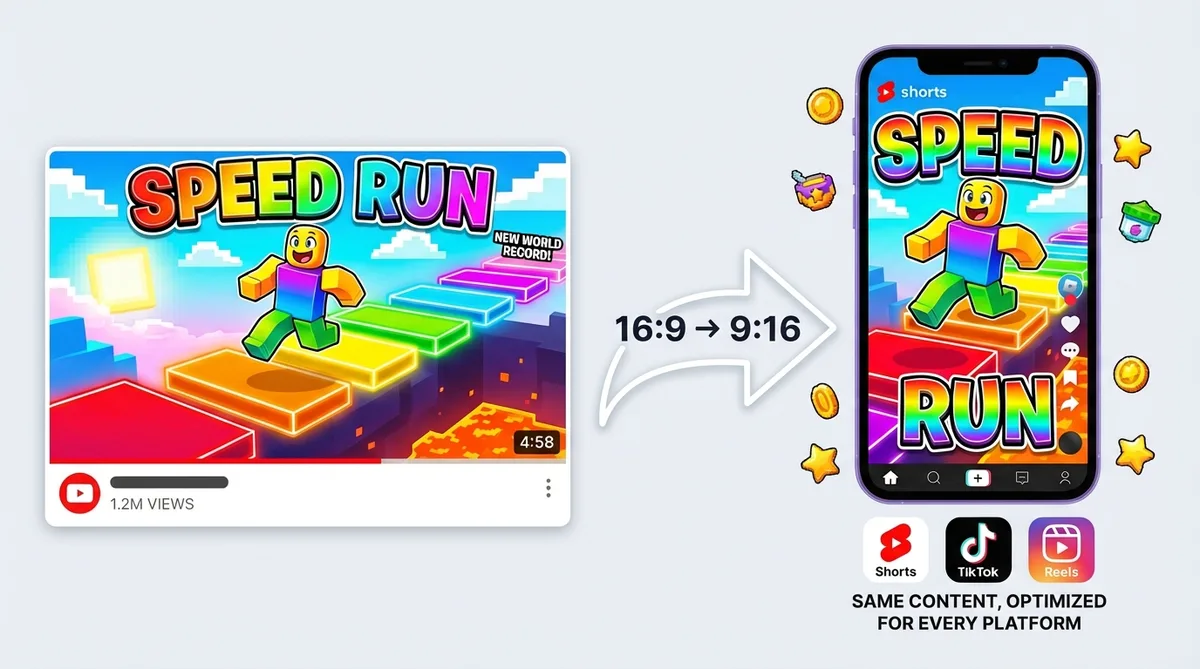
Generate vertical thumbnails for Roblox Shorts
Roblox clips perform well in short-form - obby speedruns, simulator jackpots, and tycoon fails are built for vertical feeds. Switch to 9:16 templates for YouTube Shorts, TikTok, and Instagram Reels. One video-to-thumbnail workflow for every platform.
How it works
How the Roblox thumbnail generator works
Drop a URL, customize, and export at full resolution.
Drop your Roblox experience URL
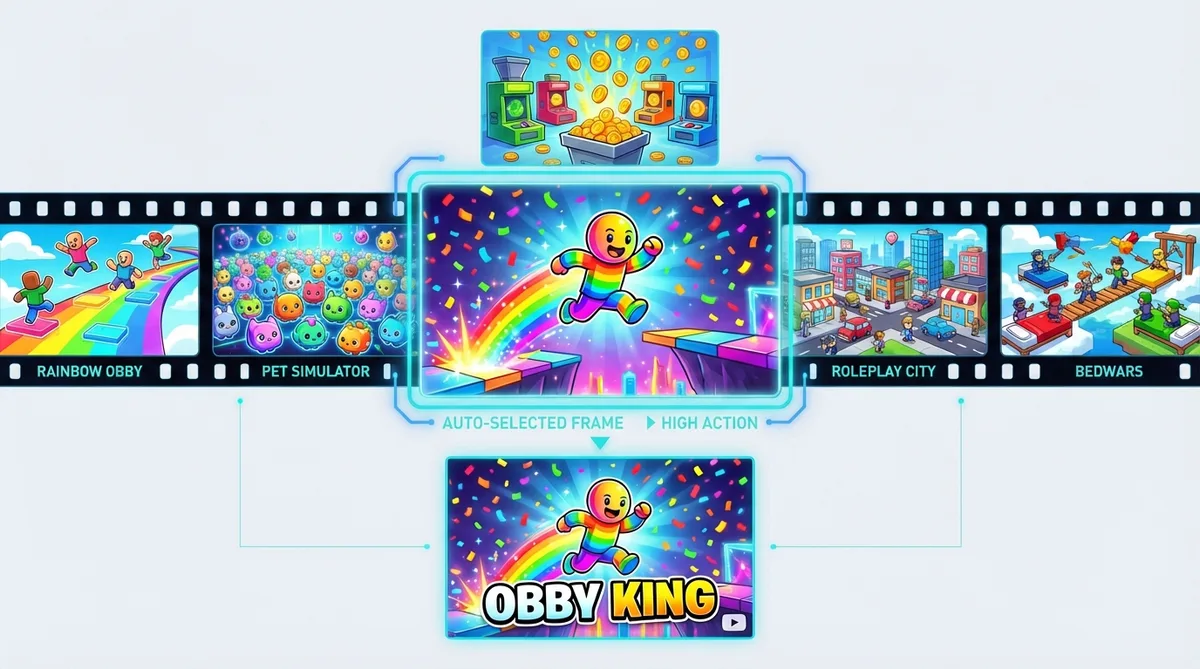
Paste your YouTube link or upload footage directly. Obby speedrun, tycoon showcase, roleplay series, competitive Rivals clip - any experience works.
Pick a template and add your avatar
Thumbmagic pulls the most vibrant frames from your Roblox gameplay. Choose a colorful layout, drop in your avatar photo, and it builds a composition that matches the blocky aesthetic your audience expects.
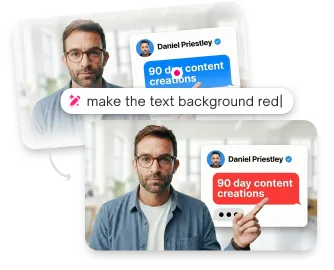
Add color, expressions, and bold text
Swap to Excited for a big obby clear or Surprised for a tycoon fail. Crank up the saturation, add bold text with the experience name, and export at 1280x720.
USE CASES
Works for every Roblox experience
This AI Roblox thumbnail generator adapts to any genre from your video content.
Obby and parkour
Obby speedruns, rainbow obstacle courses, and parkour challenges. Thumbmagic captures the most colorful moments from your gameplay to build bright, click-worthy thumbnails.
Simulator games
Pet Sim, mining, farming, and other simulator experiences. Generate thumbnails that showcase pet collections, coin hauls, and upgrade milestones from your actual video.
Tycoon builds
Factory builds, empire expansions, and money milestones. Thumbmagic generates vibrant thumbnails from your tycoon footage with bold text for dollar amounts and achievements.
Roleplay and story
Character-driven roleplay series and story experiences. Build consistent thumbnails with your avatar photo and keep your series visually cohesive across episodes.
Competitive matches
Rivals, Bedwars, Arsenal, and other competitive Roblox modes. Capture high-action moments and pair with expression presets for reaction-driven thumbnails.
Frequently asked questions
What is the best free Roblox thumbnail maker?

Thumbmagic generates colorful Roblox thumbnails from your video URL without the GFX pipeline. Try it free: three generations, six thumbnail variants, no credit card.
How do I make a Roblox thumbnail without Blender?
Link your experience video and skip the Blender rig-and-render workflow entirely. Thumbmagic works from your footage and handles composition automatically, keeping the blocky Roblox aesthetic intact.
What size should Roblox thumbnails be?
YouTube thumbnails: 1280x720 pixels, 16:9 aspect ratio. Roblox game page thumbnails: 1920x1080 pixels. Thumbmagic exports at YouTube's 1280x720 standard.
Can AI make Roblox GFX-quality thumbnails?
Thumbmagic produces colorful, high-contrast Roblox thumbnails from your actual gameplay video rather than a generic text prompt. The output skips the GFX pipeline while keeping the bright, blocky aesthetic Roblox audiences expect.
How do I make thumbnails for Roblox YouTube videos?
Add your video URL to Thumbmagic. It generates options in about 45 seconds. Customize with expressions, text, and filters, then export.
What makes a good Roblox thumbnail?
Bright, saturated colors. High contrast. Bold text with the game name or a reaction word. The thumbnail should convey the genre (obby, simulator, tycoon) and energy of the video at a glance.
Start making Roblox thumbnails
Every Roblox upload needs a thumbnail as colorful as the content itself. Start with 3 free generations.
+50% average CTR increase
2× faster production speed
90% reduction in design cost
