


Valorant thumbnail maker
Generate Valorant thumbnails from your ranked footage. No Blender. No PSD packs.
Link your ranked match, montage, or agent guide and Thumbmagic analyzes the video and generates compositions that match Valorant's tactical aesthetic. No model extraction, no 3D posing, no PSD template packs.
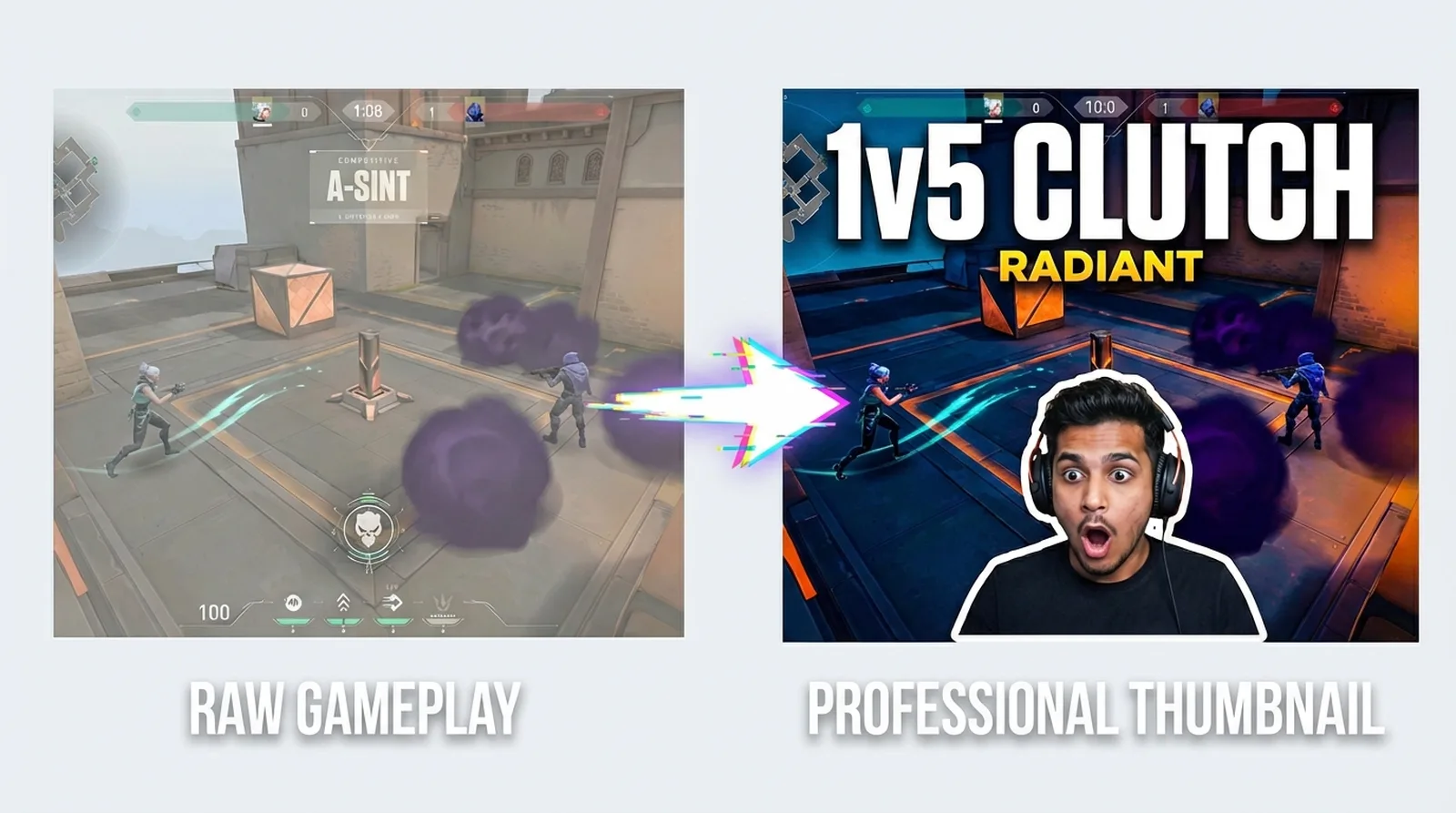



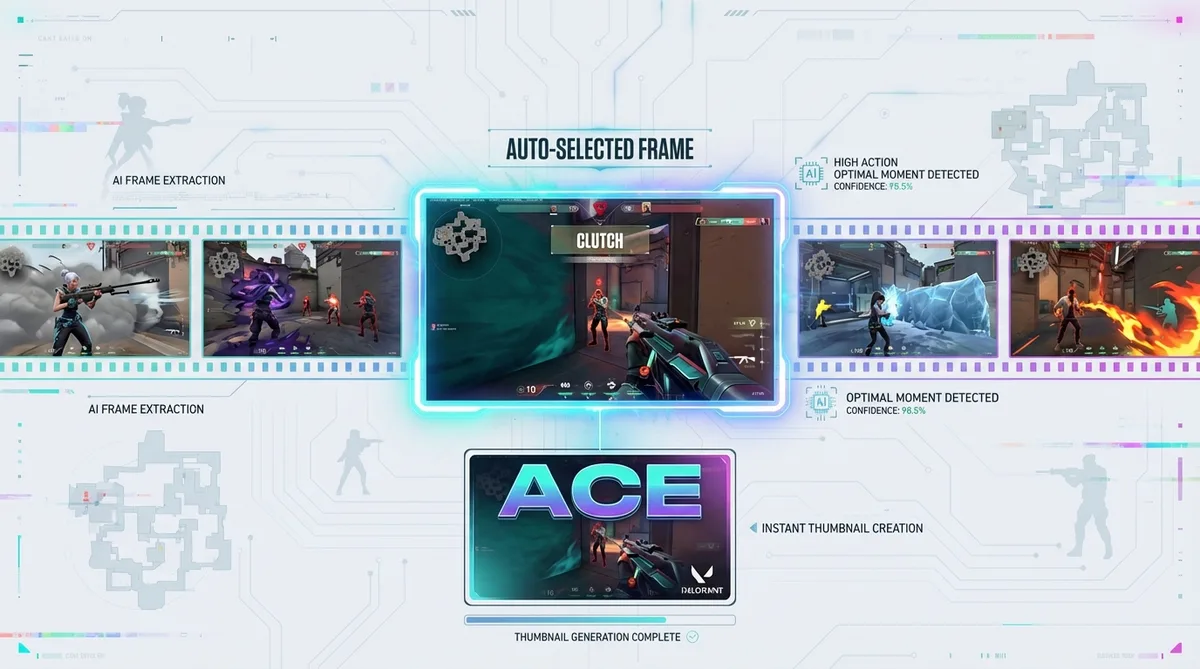
Skip the Blender pipeline for Valorant thumbnails
The standard for Valorant thumbnails is 3D agent renders. The workflow: extract agent models from game files, pose and light in Blender, then composite in Photoshop. That is 30 to 60 minutes per thumbnail, and it assumes you know Blender. Unlike Overwatch, Valorant has no official model viewer, so creators either learn a multi-tool pipeline or settle for raw screenshots.
At 3 to 5 ranked uploads per week, the math breaks. Your clutch clip loses relevance by the time you finish the thumbnail.
Features
Built for Valorant content, not generic gaming templates
Thumbmagic works from your actual gameplay, so the output reflects Valorant's clean, tactical aesthetic.
Use bold text that reads at rank-badge size
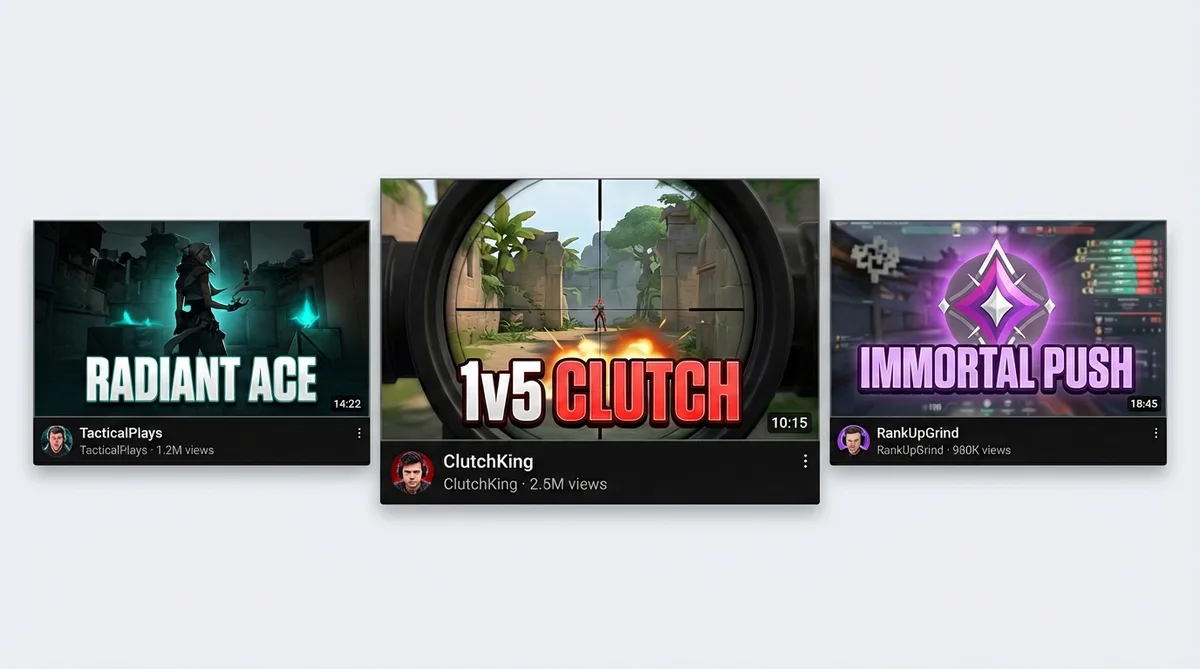
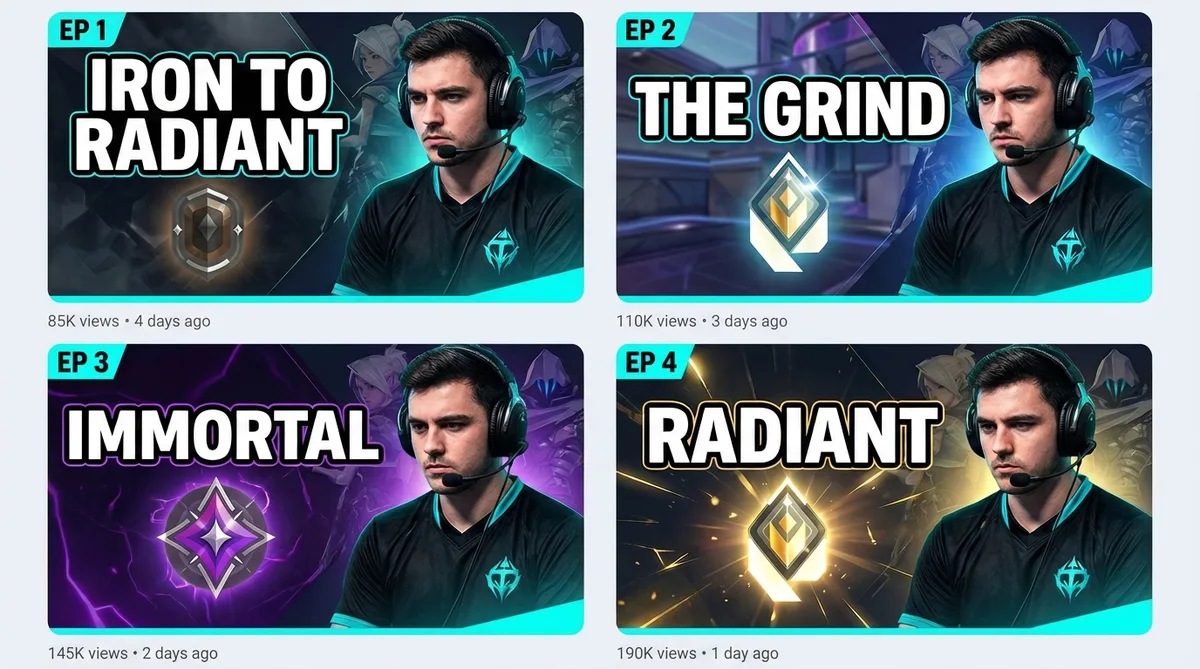
Valorant thumbnails need clean, sharp text that matches the game's minimal UI aesthetic. Short callouts - 'RADIANT ACE', '1v5 CLUTCH', 'IMMORTAL PUSH' - render legibly even at the smallest mobile thumbnail size.
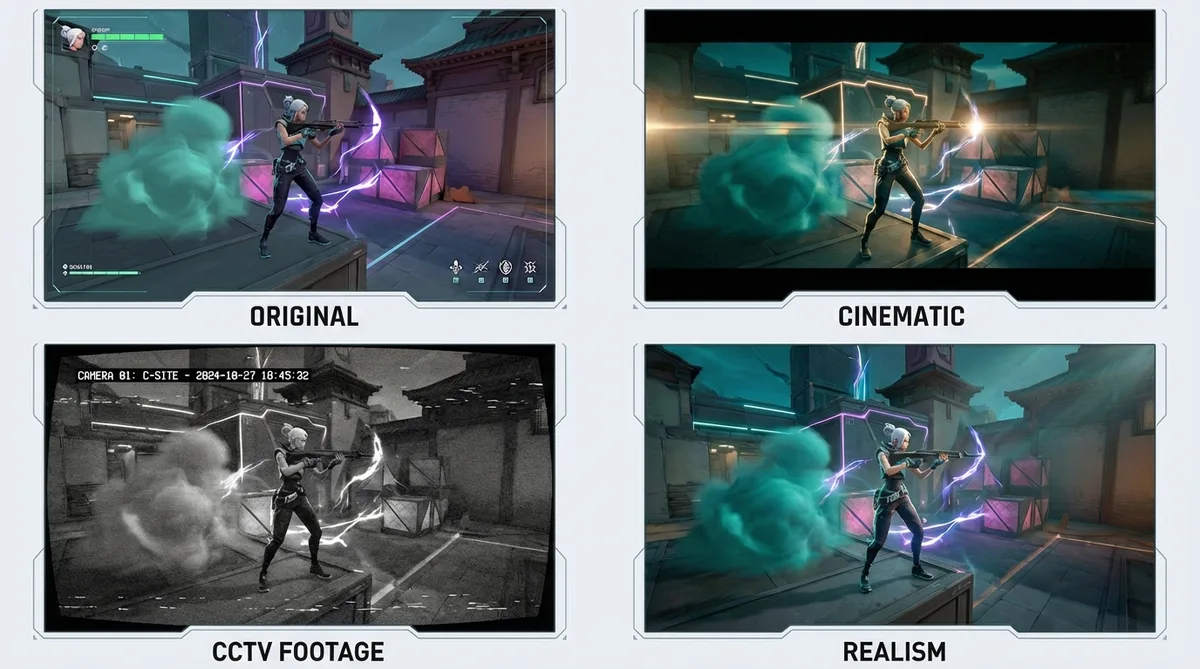
Apply the Cinematic filter for ranked content
The Cinematic filter adds teal-and-orange color grading that matches Valorant's competitive broadcast look - deep shadows, sharp highlights, the visual language of VCT streams and pro player content. Six filters total, each processed in about 20 seconds.
Replicate top Valorant creator thumbnail styles
Study what TenZ or Cjaiye do with their thumbnails. Drop that thumbnail URL into Thumbmagic and it rebuilds the composition using your avatar and ranked footage. Same layout energy, your gameplay.
Match competitive energy with expression presets
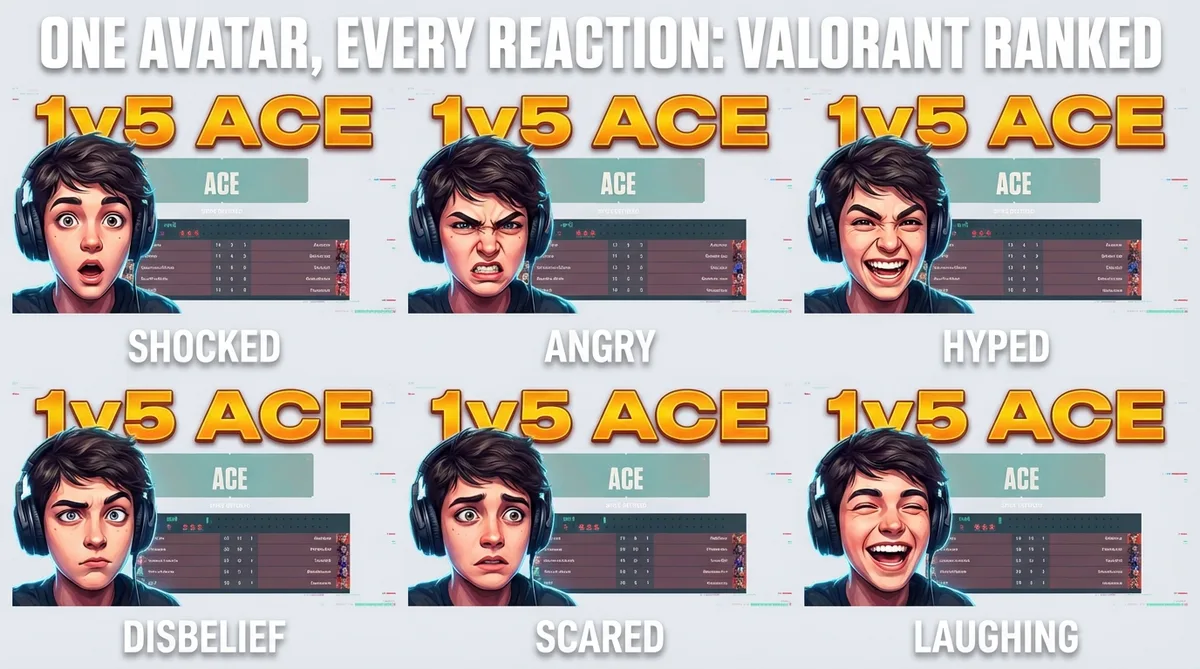
Valorant thumbnails run on facial reactions tied to clutch moments. One avatar photo and the expression changer covers every ranked reaction: clutch-face for a 1v3, ace-reaction for an Operator sweep, disbelief for a Radiant lobby misplay. Each variant generates in seconds.
Switch to vertical for Valorant Shorts
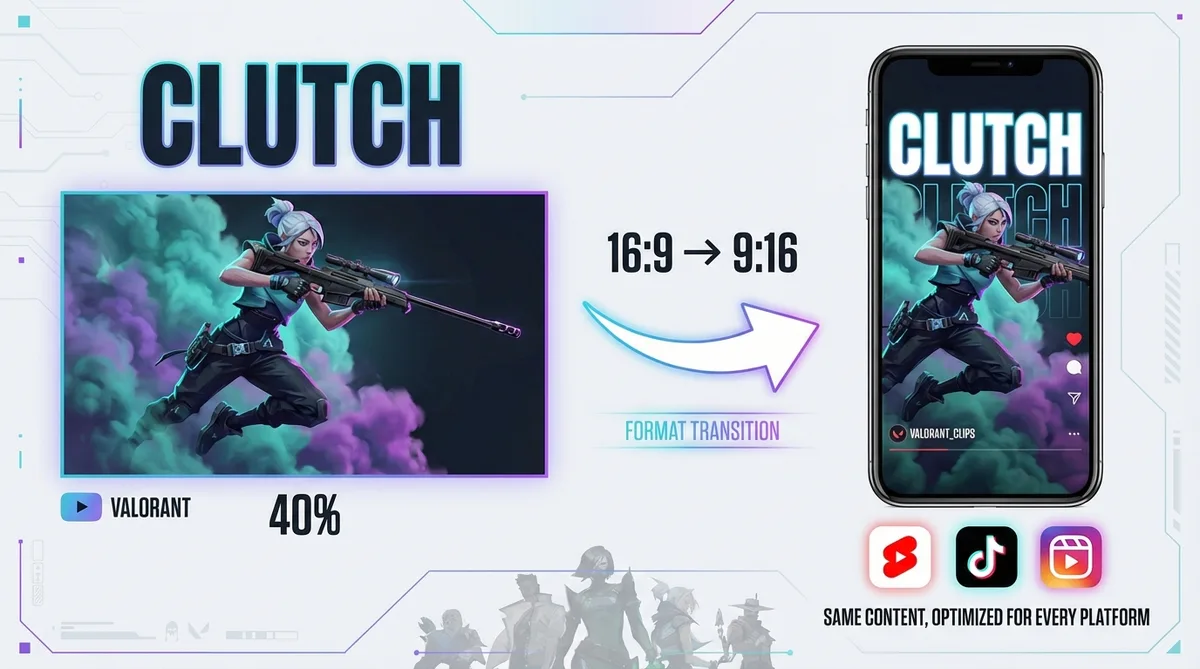
Valorant clips - clutch rounds, ace compilations, agent outplays - translate well to short-form. Switch to 9:16 templates for YouTube Shorts, TikTok, and Instagram Reels. One video-to-thumbnail workflow for every platform.
How it works
Use the Valorant thumbnail generator in 3 steps
Link your match, customize, and export at full resolution.
Link your Valorant match
Add your ranked match, ace compilation, agent guide, or VCT analysis URL. The video-to-thumbnail tool starts processing immediately.
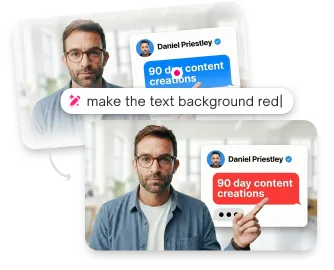
Thumbmagic builds the layout
The tool analyzes your footage and builds a clean composition around the gameplay. Pick a layout, add your avatar, and fine-tune agent placement.
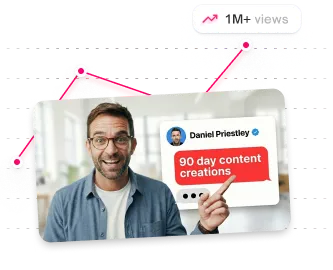
Add rank energy and export
Swap to Shocked for a 1v5 clutch or Excited for a Radiant promotion. Layer agent ability effects and bold text like 'ACE' or 'CLUTCH' readable at mobile thumbnail size. Export at 1280x720.
USE CASES
Thumbnails for every Valorant content type
The AI adapts to how competitive FPS creators work.
Ranked highlights
Clutch moments, ace compilations, rank-up celebrations from Iron to Radiant. Thumbmagic captures the peak action from your ranked footage.
Agent guides
Lineup tutorials, ability breakdowns, agent tier lists. Clean layouts that communicate agent and skill.
Montages
The Cjaiye and Zishu montage aesthetic with dramatic effects and agent ability visuals. Generate thumbnails from your montage footage.
Esports and VCT coverage
Match analysis, pro player highlights, tournament breakdowns. Generate thumbnails that match the competitive broadcast aesthetic.
Shorts and TikTok
Switch to 9:16 vertical templates for Valorant clips on YouTube Shorts and TikTok. Same tactical aesthetic, portrait orientation.
Frequently asked questions
What is the best free Valorant thumbnail maker?

Thumbmagic generates Valorant thumbnails from your ranked footage. Generate three for free. Six variants, no credit card, no watermark.
How do I make a Valorant thumbnail without Photoshop?
Link your ranked match or montage URL. Thumbmagic analyzes your footage and builds the composition automatically. Customize expressions and text, then export at 1280x720.
How do I make 3D Valorant thumbnails without Blender?
Thumbmagic generates agent-focused thumbnails from your video URL without model extraction, 3D posing, or Photoshop compositing.
What size should Valorant thumbnails be?
YouTube recommends 1280x720 pixels with a 16:9 aspect ratio. Thumbmagic exports at this resolution. For YouTube Shorts and TikTok clips, switch to 9:16 vertical format.
Can AI make Valorant thumbnails with agent renders?
Thumbmagic's video-first approach works from your Valorant footage and generates thumbnails that reflect your gameplay. You customize expressions, text, and effects.
How do I make a thumbnail for Valorant ranked content?
Paste your ranked match URL into Thumbmagic. Add rank badges, achievement text like '1v5 CLUTCH' or 'RADIANT ACE,' and expression presets that match the moment.
Start free with your next ranked upload
Six Valorant thumbnail variants, free. No credit card, no watermark. Enough for a week of ranked uploads.
+50% average CTR increase
2× faster production speed
90% reduction in design cost
