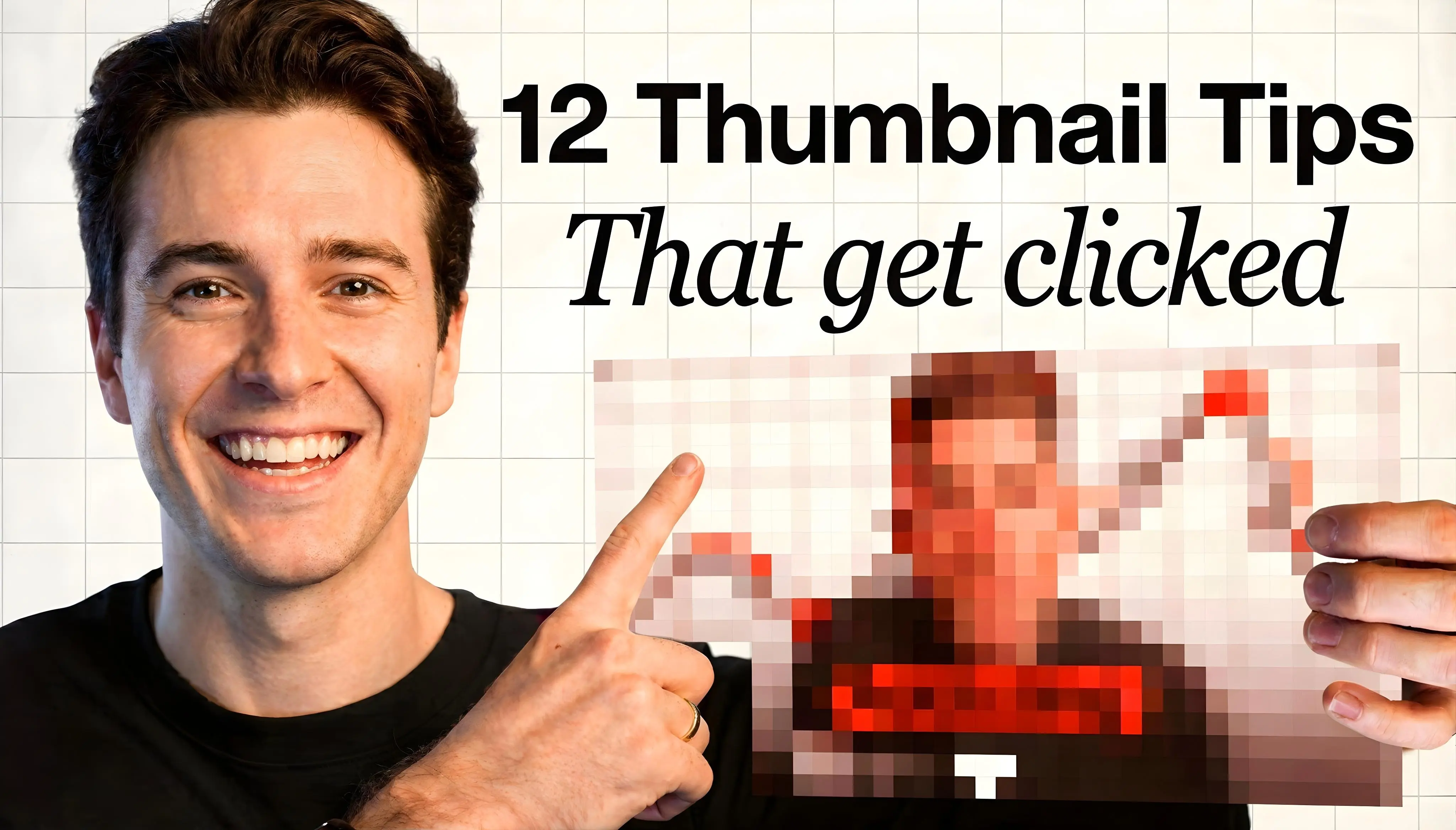
Your thumbnail is the first thing viewers see - and often the only factor deciding whether they click, making it the most important piece of metadata you control for every video you publish.
These 12 tips combine YouTube's official guidance with a thumbnail designer's public dataset (346 samples) to help you create high-CTR thumbnails that actually convert.
TL;DR:
-
Custom thumbnails:
90% of top videos use them—verify your account first
-
Specs:
1280×720, 16:9 ratio, under 2MB (JPG, PNG, GIF)
-
Design rules:
3-5 words max, 40-60% subject size, high-contrast colors
-
Bottom line:
Check CTR on Home/Suggested in first 24 hours via Analytics
Quick steps:
- Create 1280×720 image with high-contrast colors and minimal text
- Make key subject large (40-60% of frame) with sharp focus, blur background
- Upload via YouTube Studio before publishing video
- Check CTR in Analytics > Reach after publishing
- Refine based on performance and apply to future videos
Why custom thumbnails matter
Auto-generated thumbnails pull random frames from your video, catching you mid-word or mid-blink. Custom thumbnails let you engineer the perfect moment.
Technical specs: YouTube thumbnail size, ratio, file types
YouTube recommends 1280×720 pixels for custom thumbnails (16:9 aspect ratio), under 2MB, in JPG, PNG, or GIF format. After verifying your account, upload via YouTube Studio.
YouTube documents the technical requirements:
| Requirement | Recommended | Notes |
|---|
| Resolution | 1280×720 | Minimum 640 pixels width |
| Aspect ratio | 16:9 | 1:1 (1280×1280) for podcasts |
| Format | JPG, PNG, GIF | All supported |
| File size | Under 2 MB | 10 MB for podcasts |
| Account | Verified | Required before uploading |
Shorts thumbnail limitations
You can't upload a separate custom thumbnail image for Shorts like you can for long-form videos. Instead, you can select a frame from your Short to use as the thumbnail in places like search results, hashtag/audio pivot pages, and your channel page. You can edit your selection after upload (in the app), but choosing during upload is the safest workflow.
Design for 9:16 aspect ratio when filming Shorts so your selected frame works well as a thumbnail.
Vertical video behavior
YouTube replaces 16:9 custom thumbnails with auto-generated 4:5 versions for vertical videos on home, explore, and subscription pages. Your custom thumbnail still appears on the watch feed, watch history, and non-mobile platforms. Design for 4:5 safe zones if uploading vertical content.
Do this now: Bookmark the 1280×720, under 2MB, 16:9 specs. Verify your account if you haven't already.
12 design tips for high-CTR thumbnails
1. Use high-contrast colors strategically
A designer who shared observations after creating 346 thumbnails for small YouTubers noted that red gradient backgrounds outperformed other color schemes in their sample. However, color performance varies by niche - gaming channels may favor saturated reds while educational content works better with calming blues.
The consistent principle: contrast and separation from the YouTube interface matter more than specific hues. Avoid plain red, white, and black for text - they can blend with YouTube's interface. White text with a black stroke or outline works on any background. Test complementary color combinations (orange/blue, green/purple, yellow/navy) and track what works for your audience.
Note: This is anecdotal data from one designer's experience - niche and audience effects apply. Use as a starting point, not a rule.
2. Keep text to 3-5 words
That same dataset showed short hooks (3-5 words) outperformed long text. Long text made thumbnails look like PowerPoint presentations and performed poorly.
Mobile viewers see your thumbnail at a very small size. Text must read instantly.
Bad: "The Complete Guide to Optimizing Your Channel" Good: "Grow Your Channel Fast"
3. Make key elements large (the saliency principle)
The Billboard Test: If you shrunk your thumbnail to the size of a postage stamp, would you still understand it? Your main subject should fill 40-60% of the frame, dominant and instantly recognizable. Think highway billboard, not magazine spread.
4. Use faces with clear, authentic emotions
Faces can boost CTR when emotion reads clearly and authentically. Ask yourself: "If I didn't know this creator, would I click?"
Skip over-the-top fake shock faces. They erode trust. Genuine curiosity, surprise, or focus performs better.
5. Add motion cues to static images
Use arrows, dynamic poses, pointing gestures, and mid-action freezes to create visual movement in a static frame.
Your thumbnail should visually continue into your video opening. If your thumbnail shows someone pointing left, your video should open with what they're pointing at.
6. Blur backgrounds, sharpen subjects
The same designer noted that using real-life backgrounds, blurring them, and adjusting color correction created stronger contrast between subject and background.
Why it works: blurring reduces visual "noise" that competes for attention. The eye naturally focuses on sharp elements.
Solid color backgrounds work for some niches (minimalist tech, tutorials) but lack visual interest in competitive feeds. Gradients, textures, or blurred photo backgrounds add visual depth - test both approaches to see what resonates with your audience.
7. Apply the rule of thirds
YouTube recommends the rule of thirds: divide your frame into a 3×3 grid and place key elements along the lines or intersections.
Center-heavy layouts feel static. Off-center compositions create dynamic tension and visual interest.
8. Use proper lighting (often overlooked)
Clear, well-lit subjects stand out better in the feed than dark or muddy images.
If extracting frames from video, shoot with thumbnail extraction in mind. Position key shots near good lighting.
If creating graphics, use bright, even illumination on subjects. Dark thumbnails can disappear in the feed.
9. Test color harmony vs intentional clash
Harmonious colors (neighbors on the color wheel) feel calming. Complementary colors (opposites like orange/blue) clash and command attention. Test what fits your content style.
10. Match thumbnail to video opening
Misleading thumbnails spike bounce rates. YouTube monitors how long viewers stay after clicking.
Your thumbnail makes a promise. Your video must deliver quickly - viewers decide to stay or leave in the opening moments.
11. Stay consistent with branding (without overdoing it)
Brand consistency helps returning viewers recognize your content. But one creator noted that small channels waste valuable space slapping logos on everything.
Superior approach: consistent style over consistent logo. Maintain the same font family, color palette, and composition structure. Your aesthetic becomes your brand identifier.
If you include a logo, position it top-left or top-right. Never bottom-right where YouTube's duration badge appears.
12. Design mobile-first
Your thumbnail will be tiny on mobile. One creator's biggest pain point: keeping key elements visible across different screen sizes and UI overlays.
Thumbnail safe zones (avoid UI overlays):
- Bottom-right corner: YouTube's duration badge covers this area
- Edges (all sides): Some devices crop margins - keep text 10% inward
- Bottom 15%: Progress bar appears on hover (desktop)
- Top-left corner: "LIVE" or "PREMIERE" badges appear here for live content
Mobile preview checklist:
- Shrink to phone-feed size before uploading
- Use large, bold fonts that remain readable at small sizes
- Test on both light and dark mode if possible
For faceless creators (animation, tutorials, narration)
Face-based advice doesn't apply to everyone. Animators, narrators, software tutorial makers, and educational channels often perform better without faces.
When faces hurt more than help
- Animation channels: Your art IS the face. Character expressions or dramatic scene moments often work better than your actual face.
- Software tutorials: What's on screen matters more than your reaction. Show the before/after or the key interface moment.
- Narration channels (true crime, documentary style): Atmospheric imagery or text-driven thumbnails match viewer expectations.
- Product reviews: The product should dominate. Your face is secondary unless you're the brand.
What to use instead of faces
- The result: Show the end state viewers want to achieve
- Dramatic contrast: Before/after splits, comparisons, transformations
- Text as hero: Bold text with the core hook (works especially well for listicles)
- Objects with personality: Anthropomorphized elements, dramatic product shots
- Scene composition: Environmental storytelling that sets mood
One creator asked: "What about those of us who draw, animate and narrate vocally instead of showing face? My thumbnail and titles look good to me but going by CTR, I am an idiot." The answer: study successful faceless channels in your niche. Their thumbnail patterns differ from face-based creators. Our thumbnail design principles guide covers composition techniques that work without faces.
Faceless thumbnails work when they deliver the value proposition visually. Show the outcome, the transformation, or the core hook without relying on faces.
Thumbnail workflow: repeat for every upload
Use this checklist for every video:
- Pick the promise - What outcome, curiosity, or transformation does the viewer want?
- Choose 1 focal subject - Face with clear emotion OR the result/transformation
- Write 3-5 word hook - Complement (don't repeat) your title
- Add separation - Stroke/shadow on text, blur background, rim light on subject
- Preview at phone size - If you can't read it, simplify
- Publish and track - Check Reach CTR (Home/Suggested) in first 24 hours
- Iterate or A/B test - Use YouTube's native testing where available
Best thumbnail tools (free and paid)
Pick one tool and master it. Thumbmagic for speed, Canva for control, Photopea if you want browser-based Photoshop features.
For AI tools: use them for speed, then customize. Raw AI outputs look identical to thousands of others - adjust colors, text, and composition to match your brand.
How to test thumbnails: YouTube A/B testing and manual CTR
YouTube's A/B testing feature
YouTube now offers native A/B testing for titles and thumbnails. When available in your account:
- Test up to 3 thumbnails per video
- YouTube optimizes for watch time share, not just CTR
- Tests can run up to two weeks
- Access via thumbnail options menu or during upload
This is why clickbait backfires: a misleading thumbnail may get clicks, but if viewers leave quickly, the low watch time will cause YouTube to choose the other variant. The algorithm rewards thumbnails that attract viewers who stick around.
Resolution warning: If any thumbnail is lower than 720p, all experiment thumbnails will be downscaled to 480p. Always upload at 1280×720 or higher.
This is the preferred testing method when available - it uses actual viewer behavior rather than manual CTR checks.
Eligibility requirements:
- Desktop only (not available on mobile)
- Not available for Made for Kids content
- Not available for age-restricted or private videos
- Requires Advanced Features access
Manual CTR tracking
If A/B testing isn't available, measure thumbnail performance in YouTube Analytics under "Reach" > "Impressions click-through rate."
Finding CTR in YouTube Analytics:
- Open YouTube Studio
- Click "Analytics" sidebar
- Select "Reach" tab
- View "Impressions click-through rate"
Look at CTR on Home and Suggested placements in the first 24 hours - these show how your thumbnail performs with new viewers. For returning subscribers, check Subscriptions Feed separately.
CTR varies significantly by niche and audience size. Compare against your own channel baseline rather than generic benchmarks - what matters is improvement over your previous performance.
If CTR improves within 48 hours, apply those changes to future uploads. For structured testing methodology, see our guide on A/B testing.
Tip: Test on older videos first to minimize risk, then apply what you learned to future uploads.
Common thumbnail mistakes that tank your CTR
- Text overload: See tip #2
- Low resolution: Below 1280×720 looks pixelated
- Clickbait misalignment: Thumbnail doesn't match video content. Viewers bounce. Watch time tanks.
- Poor contrast: Text blends into background
- Fake reactions: Viewers distrust exaggerated expressions.
- Repetitive design: Same thumbnail repeatedly. Viewers skip, assuming they've seen it.
- Ignoring mobile: See tip #12
- Bottom-right placement: Putting key elements where YouTube's duration badge appears
- Policy violations: Thumbnails that violate YouTube policies can be removed, and strikes may apply. This includes thumbnails that misrepresent the video's actual content. (YouTube documents thumbnails policy)
Do this now: Preview every thumbnail at phone-feed size before uploading.
Frequently asked questions about YouTube thumbnails
What's the ideal thumbnail size for YouTube?
YouTube recommends 1280×720 pixels with a 16:9 aspect ratio. Keep file size under 2MB and use JPG, PNG, or GIF format. Anything below 640 pixels width may appear pixelated, especially on larger screens.
Should I use text on thumbnails?
Yes, but keep it to 3-5 words maximum. Text should complement your title rather than repeat it, and must remain readable at mobile sizes. Use bold fonts with high contrast against your background.
How often should I change thumbnails?
Change a thumbnail when CTR drops significantly or when you're testing improvements on older videos. For new uploads, give your thumbnail at least 48-72 hours before judging performance. Frequent changes without data just add noise.
Do faces really improve CTR?
Faces with clear, authentic emotions can boost CTR, but only when the emotion reads instantly. Fake shock faces erode trust and often hurt performance. Faceless channels can perform equally well with strong visual hooks, dramatic results, or bold text.
What tools do professionals use for thumbnails?
Most creators use Canva for speed, Photoshop for control, or Photopea as a free browser-based alternative. AI thumbnail tools like ThumbMagic can generate options quickly, but you'll need to customize the output. Pick one tool and master it rather than jumping between platforms.
What if I've tested multiple thumbnails and CTR is still poor?
If you've tested 3-4 different thumbnail styles on the same video and CTR remains poor, the problem is likely your title, topic selection, or audience targeting. Not thumbnail design. Focus on content strategy instead.
Related guides for YouTube thumbnail design
Try ThumbMagic: Generate thumbnail options quickly, then customize.