


Fortnite Thumbnail Maker
Fortnite thumbnails in 45 seconds. No Blender pipeline.
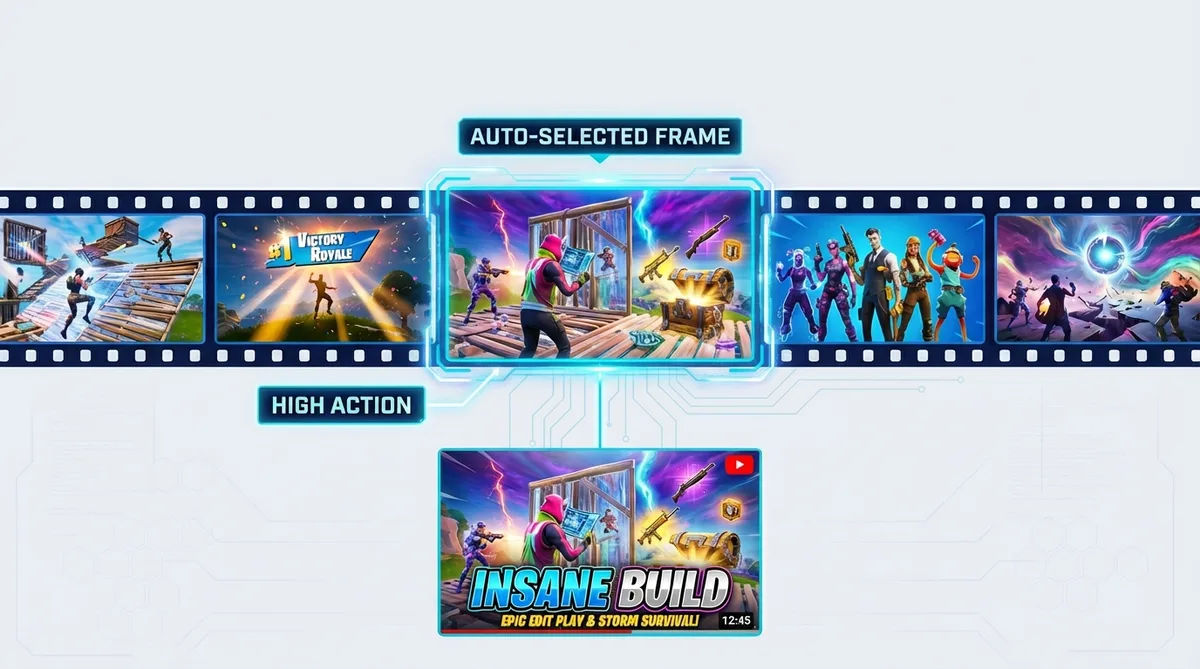
Drop your Fortnite gameplay URL and Thumbmagic analyzes your footage, pulls the best frames, and generates thumbnails built around your actual gameplay. Skip FortnitePorting, Blender, and Photoshop entirely. A finished thumbnail before your next match loads.
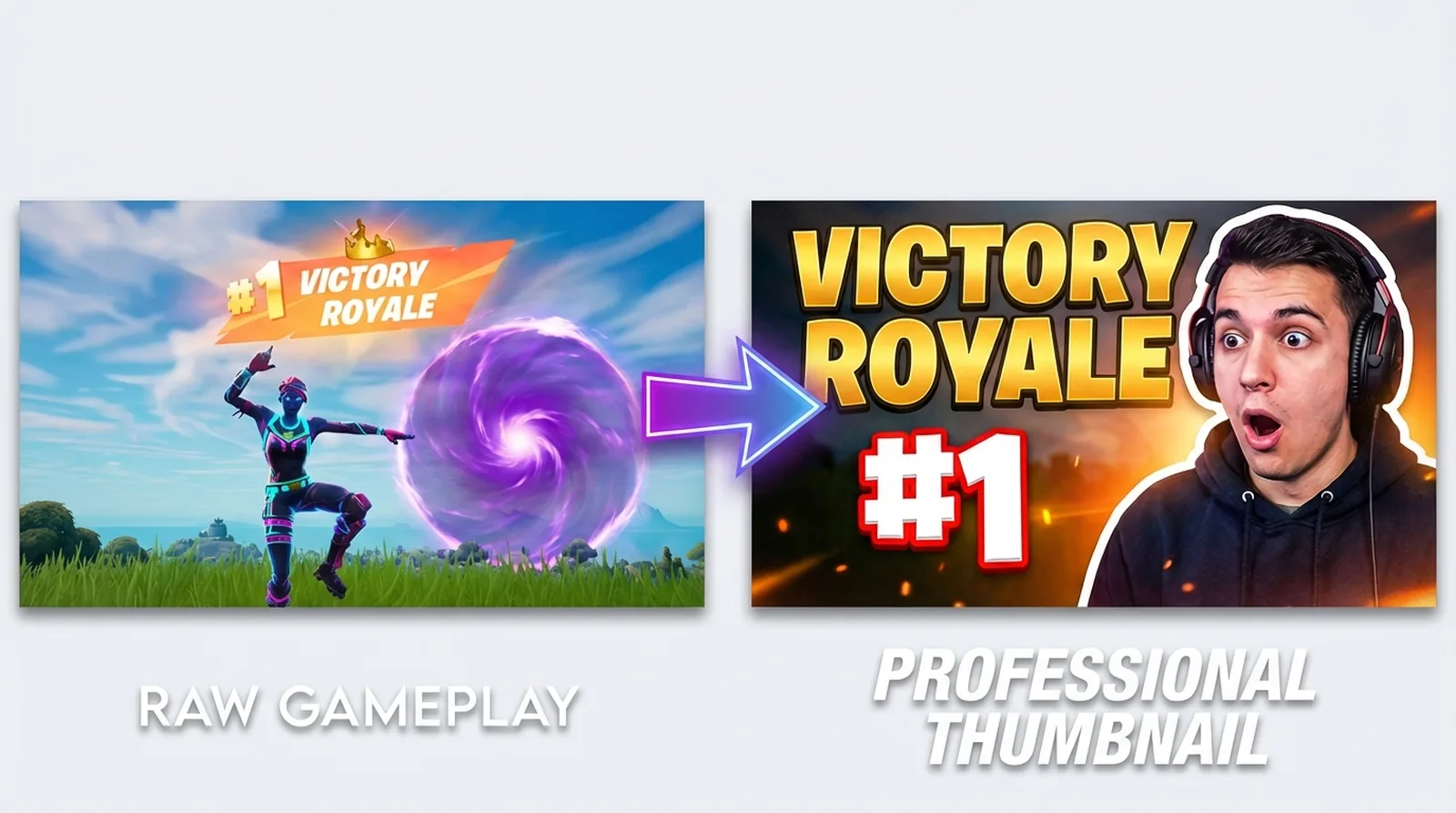



Skip the Blender pipeline for your Fortnite thumbnails
The standard Fortnite thumbnail workflow runs through FortnitePorting, Blender, and Photoshop. That pipeline produces the best 3D skin renders on YouTube, but it takes 30 to 60 minutes per thumbnail and requires software most Fortnite creators never learn.
Fortnite content moves fast - item shop rotations are daily, new seasons drop every ten weeks, and ranked grinds need thumbnails the same day you record them.
Features
Built for Fortnite thumbnail creators
Every feature works for gaming thumbnails, but these solve the specific problems Fortnite creators face when uploading daily.
Generate thumbnails from your Fortnite gameplay
Video-to-Thumbnail feature works from your actual recording - no typing Peely holding a SCAR in front of a rift into a text prompt. One URL, done.
Match Fortnite's expression energy
Fortnite thumbnails run on exaggerated reactions: shocked faces, wide eyes, bright saturated colors. Upload a single avatar photo and the expression changer produces every variant your content needs - Victory Royale hype, rage-quit fury, or the wide-eyed shock of finding a mythic drop. No green screen session required.
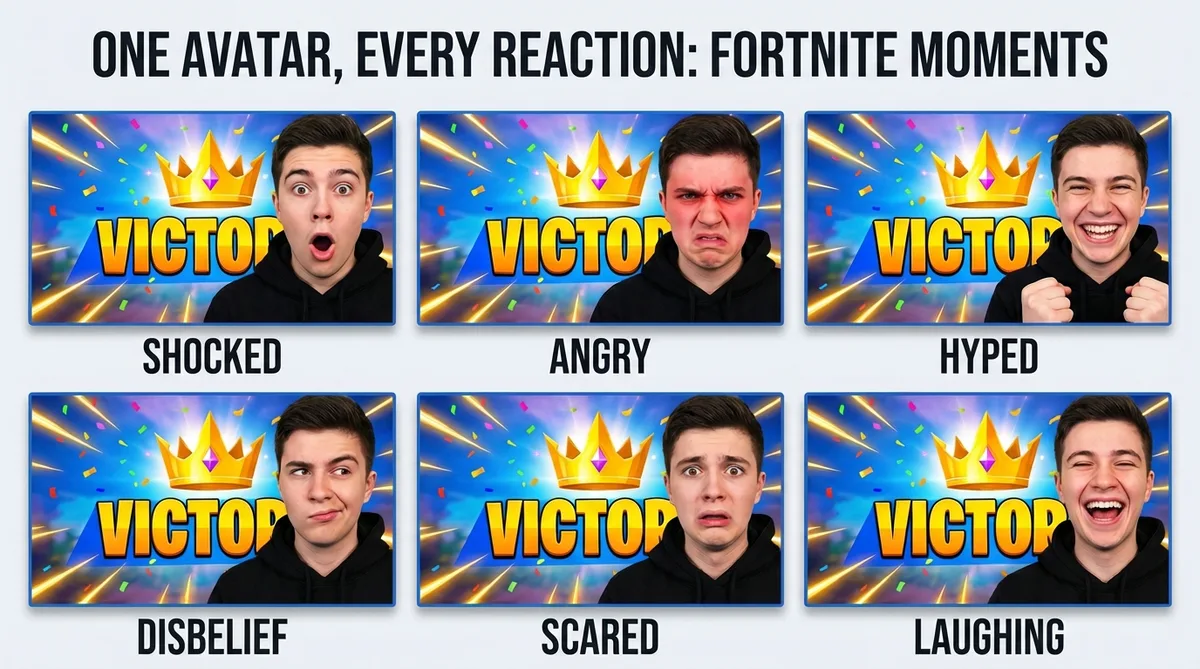
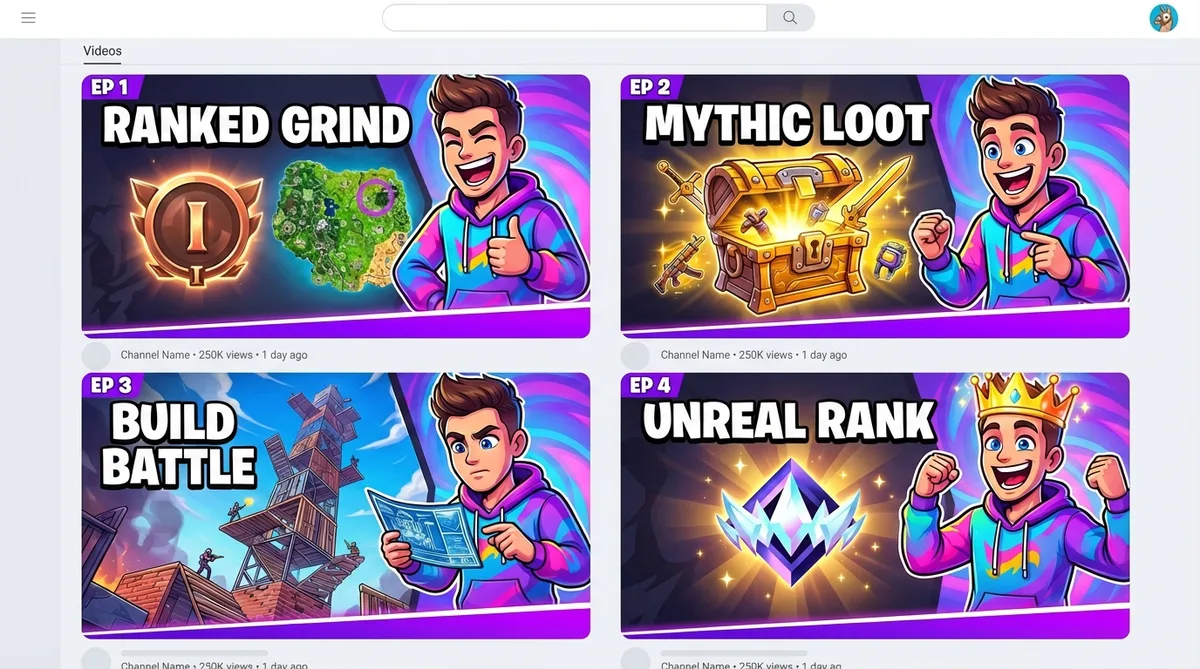
Replicate any Fortnite creator's thumbnail style
See a SypherPK or X2Twins thumbnail that pops? Feed that URL into Thumbmagic and it rebuilds the layout with your avatar, your skin combo, and your text. Proven compositions from creators who consistently hit top-of-browse.
Add bold text that pops on bright backgrounds
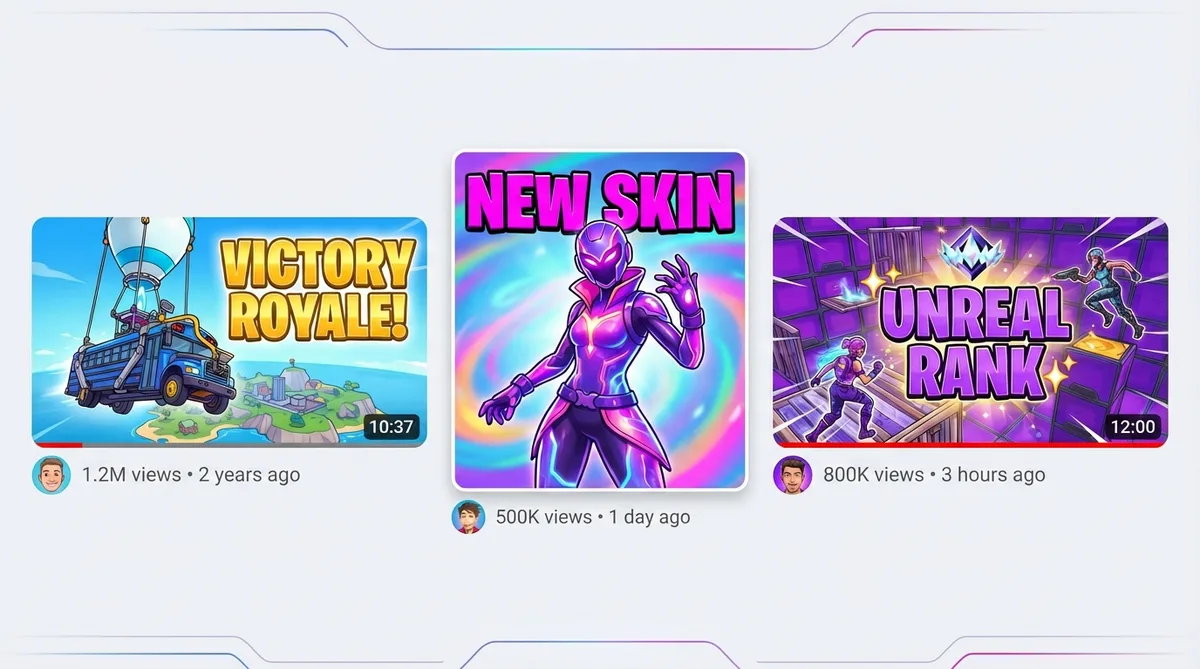
Fortnite thumbnails thrive on bold, saturated text - VICTORY ROYALE, episode numbers, reaction words like IMPOSSIBLE. The text generator produces thick, outlined lettering with drop shadows that stay readable over Fortnite's bright, colorful backgrounds, even at the smallest mobile thumbnail size.
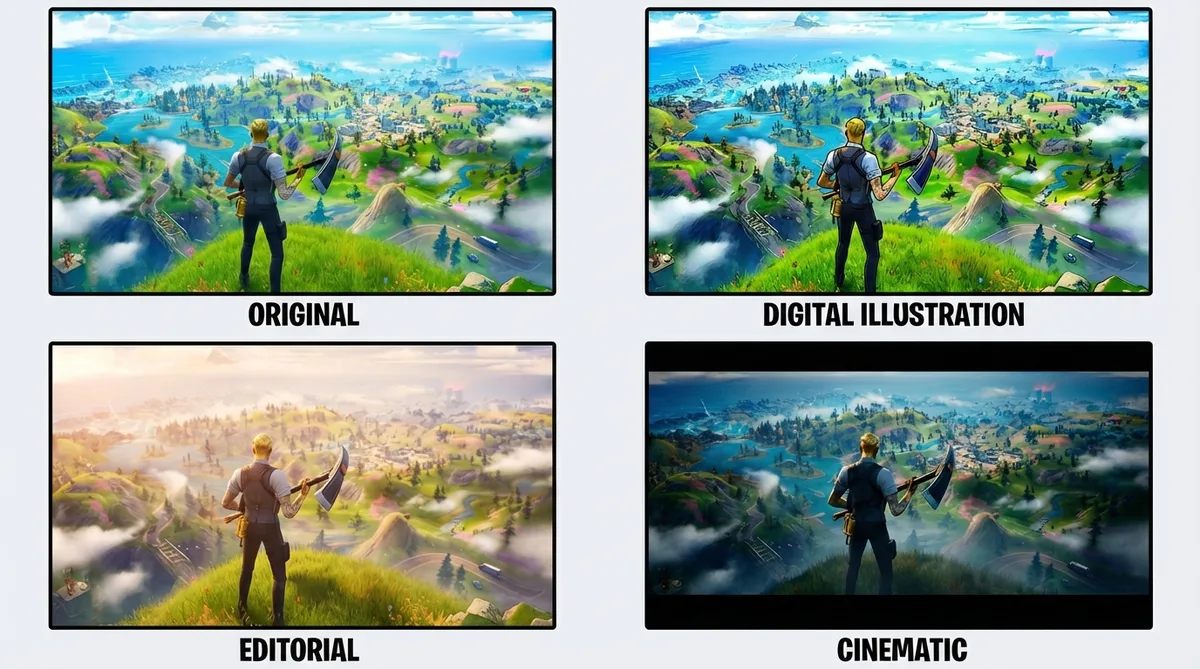
Apply the Digital Illustration filter for the Fortnite look
The Digital Illustration filter gives your thumbnails a stylized cartoon look that matches Fortnite's vibrant art direction - bold outlines, extra-saturated colors, the visual energy of a season trailer. Six filters total, each processed in about 20 seconds.
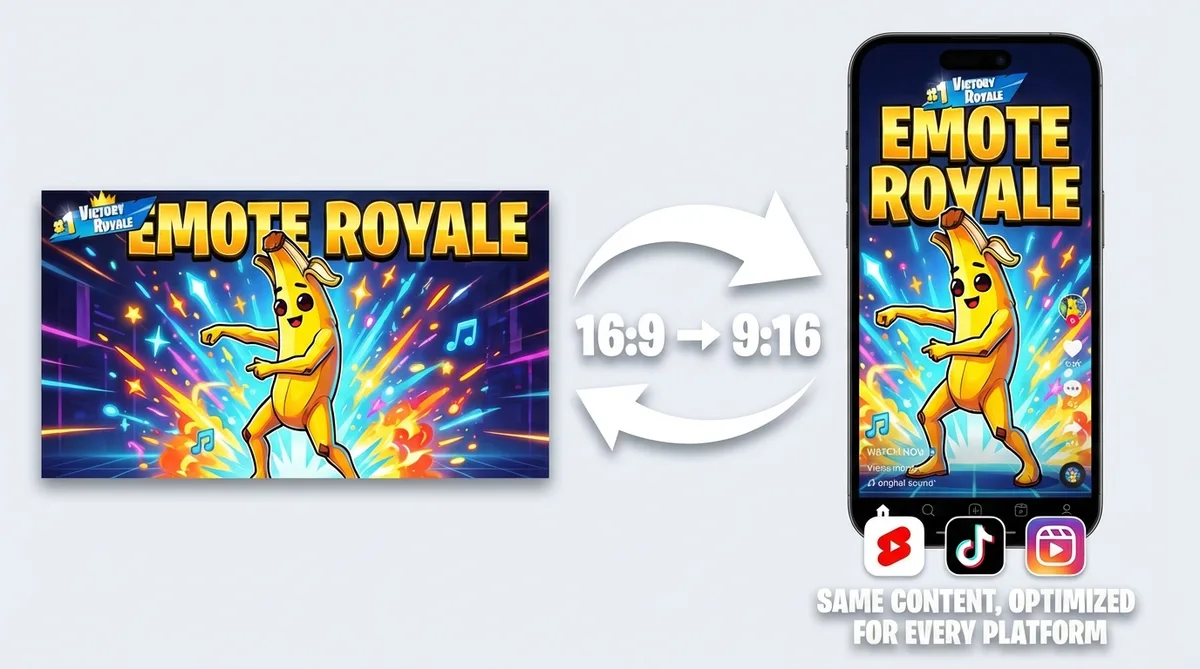
Generate vertical thumbnails for Fortnite Shorts
Fortnite clips - Victory Royale moments, build battle highlights, emote compilations - are built for short-form. Switch to 9:16 templates for YouTube Shorts, TikTok, and Instagram Reels. One video-to-thumbnail workflow for every platform.
How it works
How the Fortnite thumbnail maker works
Three steps from gameplay footage to a finished Fortnite thumbnail.
Add your Fortnite video
Drop your YouTube link or upload a Victory Royale clip, skin combo showcase, or ranked grind (MP4, MOV, AVI, WEBM up to 5GB).
Pick a layout and add your avatar
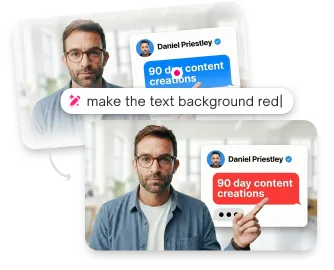
Thumbmagic analyzes your footage and generates composition options. Choose a layout, drop in your creator avatar, and adjust placement to match your content.
Match the energy and export
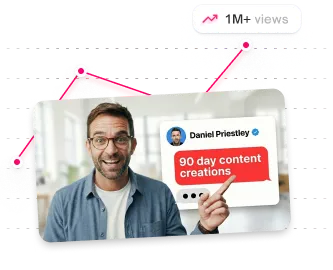
Apply expression presets to match Fortnite energy: Shocked for a failed build battle, Excited for a Victory Royale clutch, Angry for a rage-quit emote moment. Add bold text, adjust colors, and export at 1280x720.
USE CASES
Fortnite thumbnail styles you can generate
This Fortnite thumbnail generator adapts to every content type in the Fortnite ecosystem.
Skin combo showcases
Feature your equipped skin, back bling, and pickaxe in a clean layout. Thumbmagic builds the composition from your gameplay footage.
Victory Royale moments
Gold-toned thumbnails highlighting your win screen or final elim. Generate directly from your Victory Royale clip.
Ranked progression
Display your rank badge from Bronze through Unreal with dynamic character poses. Thumbnails that match the competitive energy of your ranked grind.
Season and update reveals
Feature new Battle Pass skins, map changes, or collab characters. Quick-turn thumbnails for content that trends within hours of a patch.
Build battles and box fights
Action-focused layouts matching competitive Fortnite energy. Generate from your build battle highlights and box fight compilations.
Frequently asked questions
What is the best free Fortnite thumbnail maker?

Thumbmagic generates Fortnite thumbnails from your video URL. Start with three free generations - no card, no watermark.
How do I make Fortnite thumbnails without Blender?
Drop your Fortnite gameplay URL and Thumbmagic skips the FortnitePorting-to-Blender-to-Photoshop pipeline entirely. It analyzes your footage and builds the composition automatically.
What size should Fortnite thumbnails be?
1280x720 pixels at 16:9 for YouTube. Thumbmagic exports at this resolution.
Can AI make Fortnite thumbnails with my skin?
Yes. Thumbmagic's video-first approach works from your Fortnite gameplay video. Thumbnails reflect your actual recorded footage.
How do I make 3D Fortnite thumbnails without Photoshop?
Thumbmagic generates Fortnite thumbnails from your gameplay video, handling composition and background generation automatically.
How long does it take to make a Fortnite thumbnail?
About 45 seconds with Thumbmagic. Compare that to 30 to 60 minutes with the Blender and FortnitePorting pipeline.
Start making Fortnite thumbnails today
Start free - no credit card needed. See what your Fortnite channel looks like with thumbnails that match the top creators.
+50% average CTR increase
2× faster production speed
90% reduction in design cost
