


YouTube Thumbnail Maker
Generate thumbnails from your YouTube video in about 45 seconds.
Paste your video URL and Thumbmagic's AI analyzes your footage, detects faces, and generates two thumbnail variants automatically. Export at 1280x720 with no design skills required.




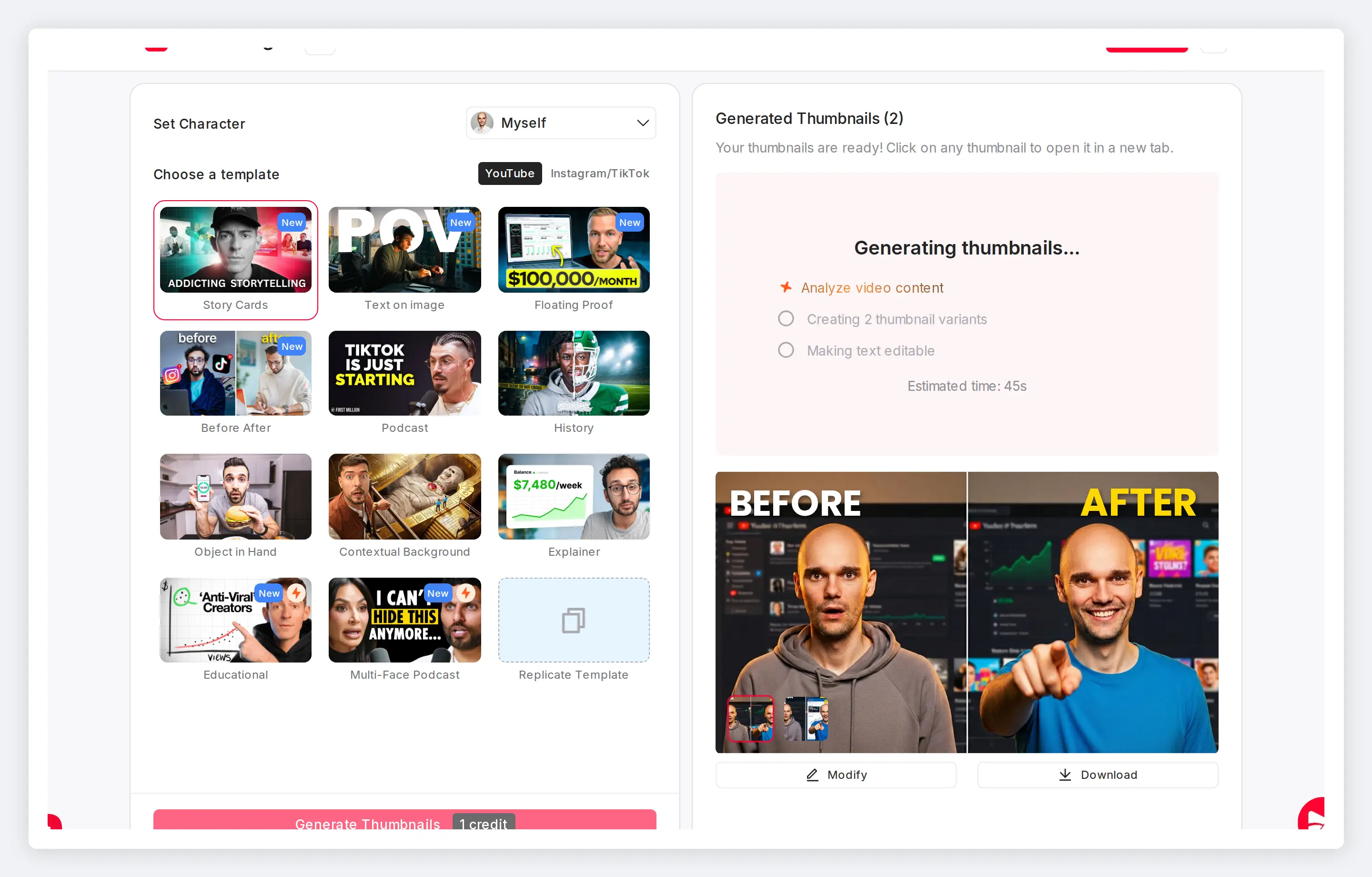
Five surfaces, one thumbnail to earn the click
Your thumbnail shows up in Home feed, Search, Suggested, Subscriptions, and your channel page, every time next to creators who already invest in thumbnail design. 90% of best-performing videos use custom thumbnails. A designed thumbnail earns clicks across every surface.
Features
Built for YouTube thumbnail creation
Every upload competes for clicks across YouTube. These tools handle the specs, styling, and testing so the thumbnail never holds up your upload.
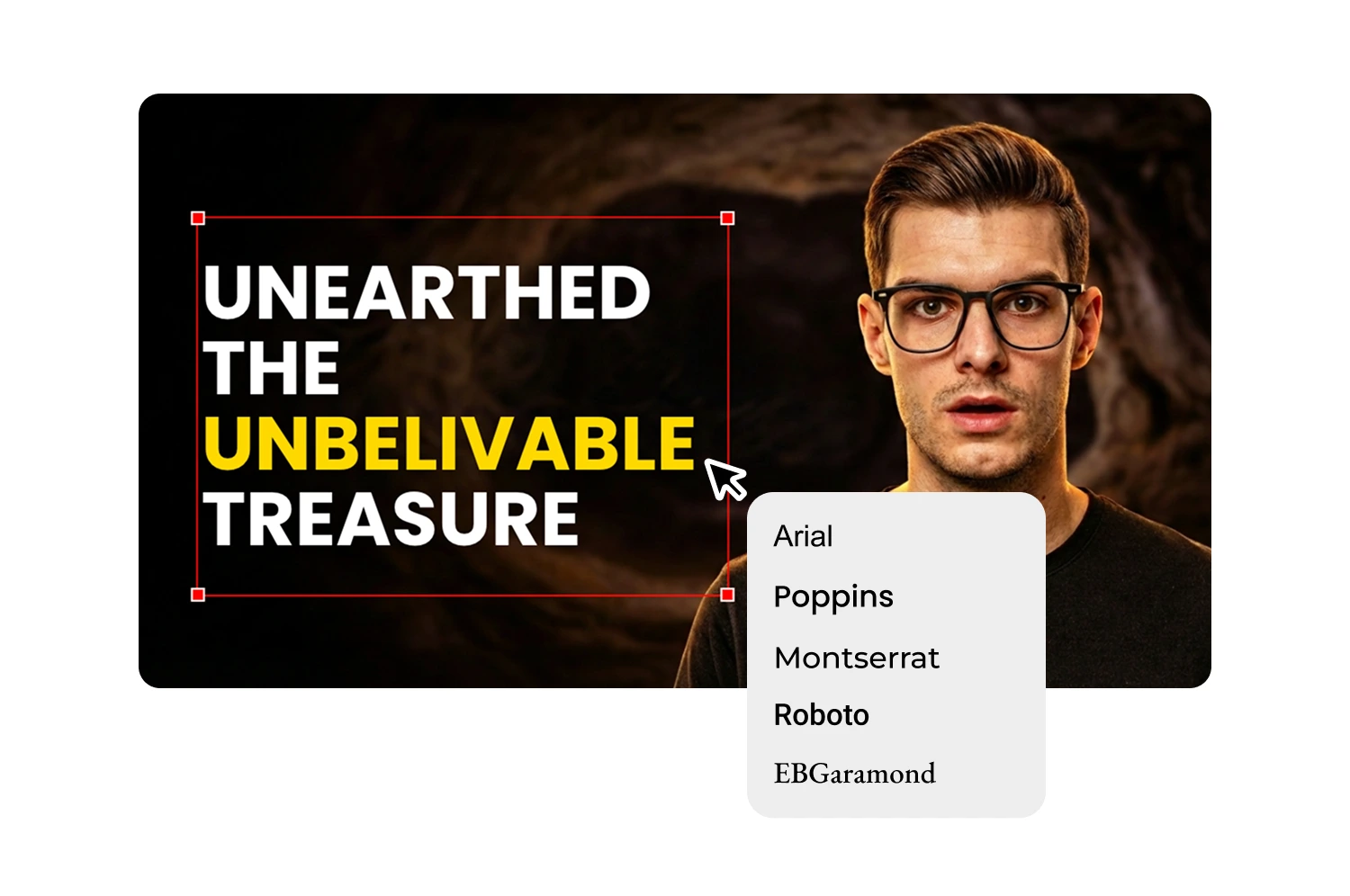
Turn any YouTube video into a thumbnail
Whatever your content, the AI finds the strongest frame from your actual footage: the reaction shot mid-rant, the product reveal, the scenic b-roll moment. The thumbnail comes from your video, not a template library.
Export at YouTube's exact specs
Every thumbnail exports at 1280x720, 16:9, under 2MB. YouTube's specs are built into the export so you upload straight to Studio without resizing or format conversion.

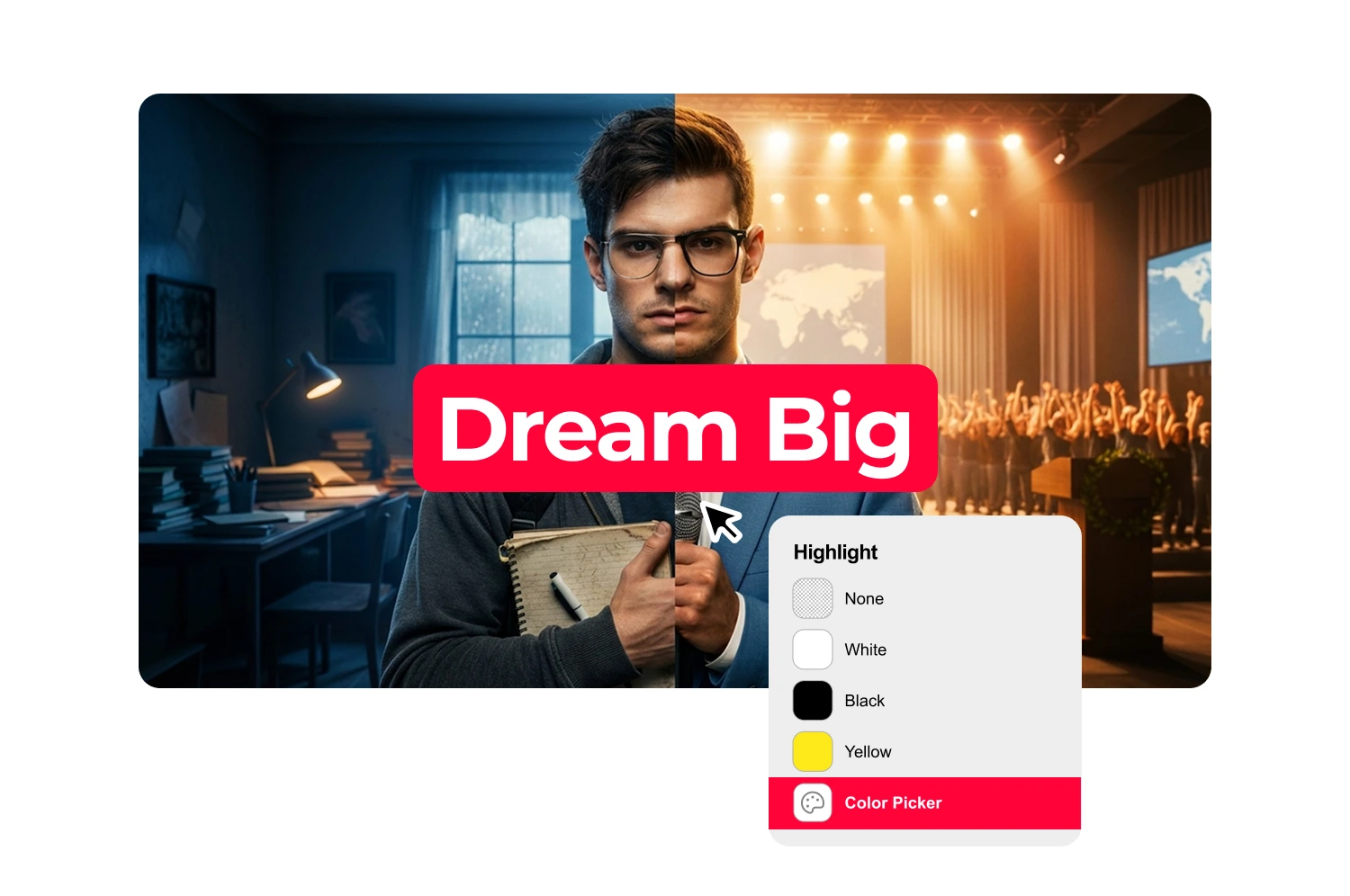
Match your expression to each video's energy
Upload one photo of your face and the expression changer generates six variations without reshooting: Surprised, Shocked, Excited, Happy, Angry, Curious. Use a different expression for every video from the same photo.
Edit thumbnails without Photoshop
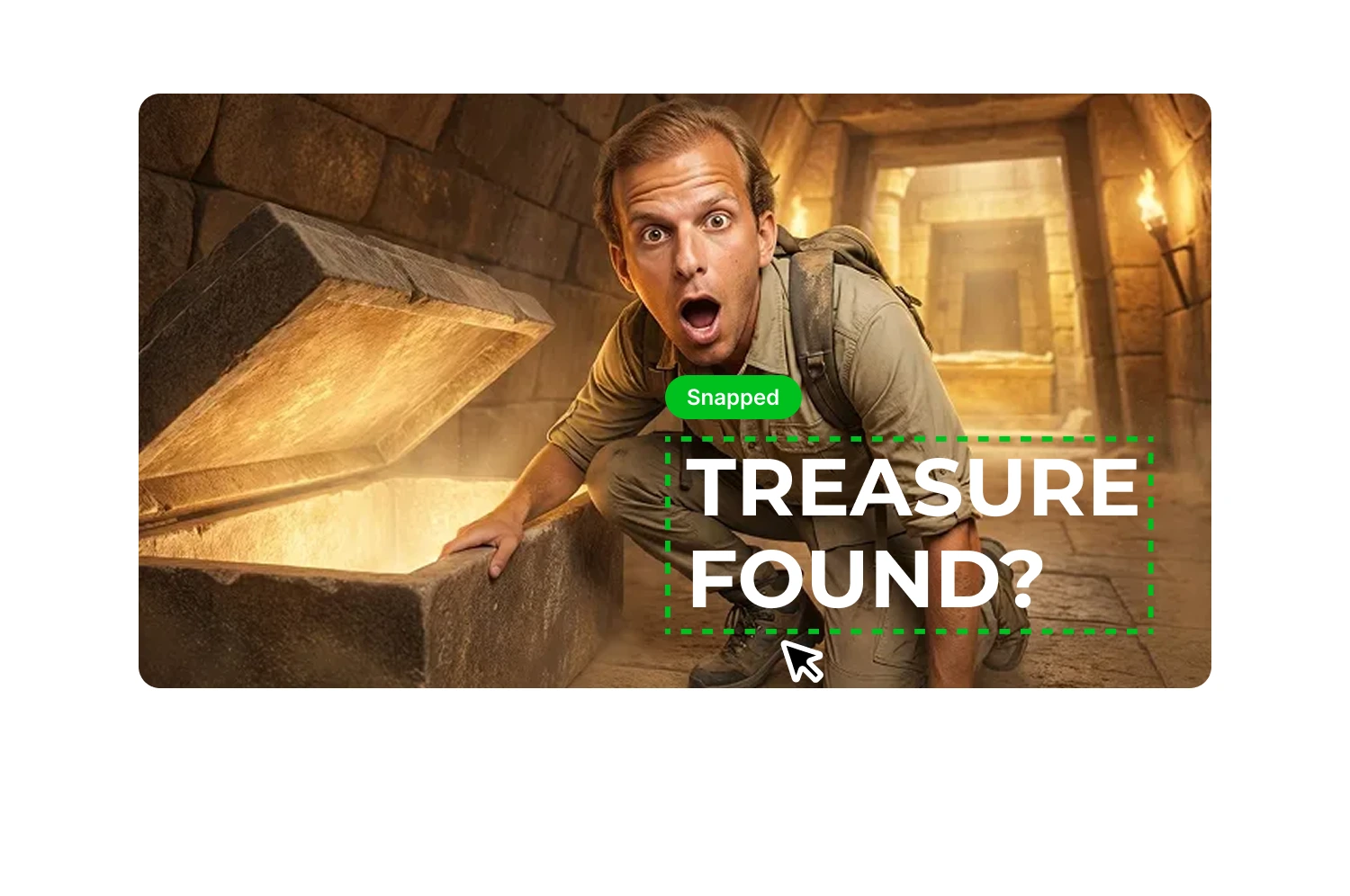
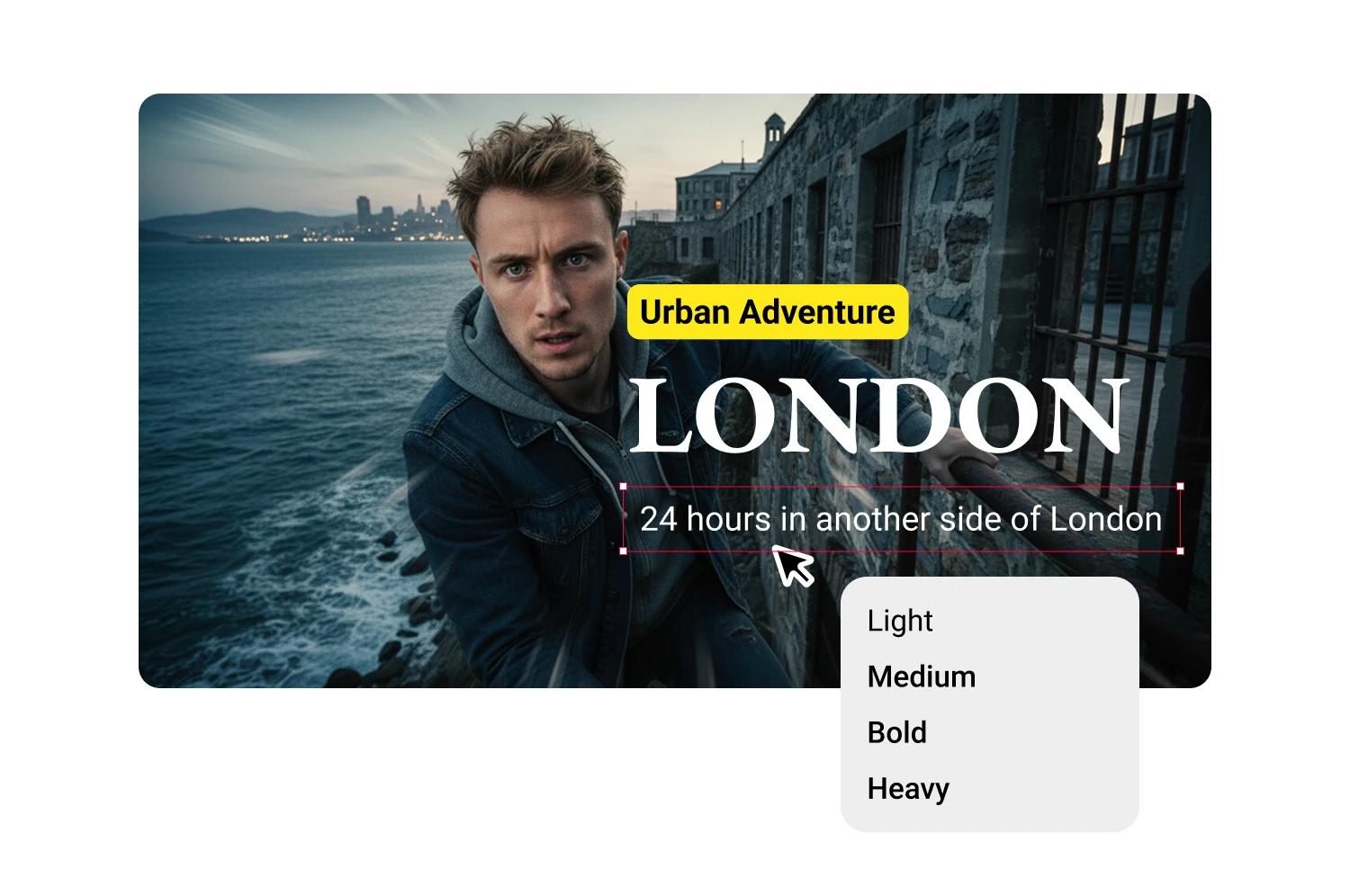
The thumbnail editor handles bold headlines, your face with text overlay, and consistent channel branding. Customize layout, colors, and typography, then download at 1280x720.
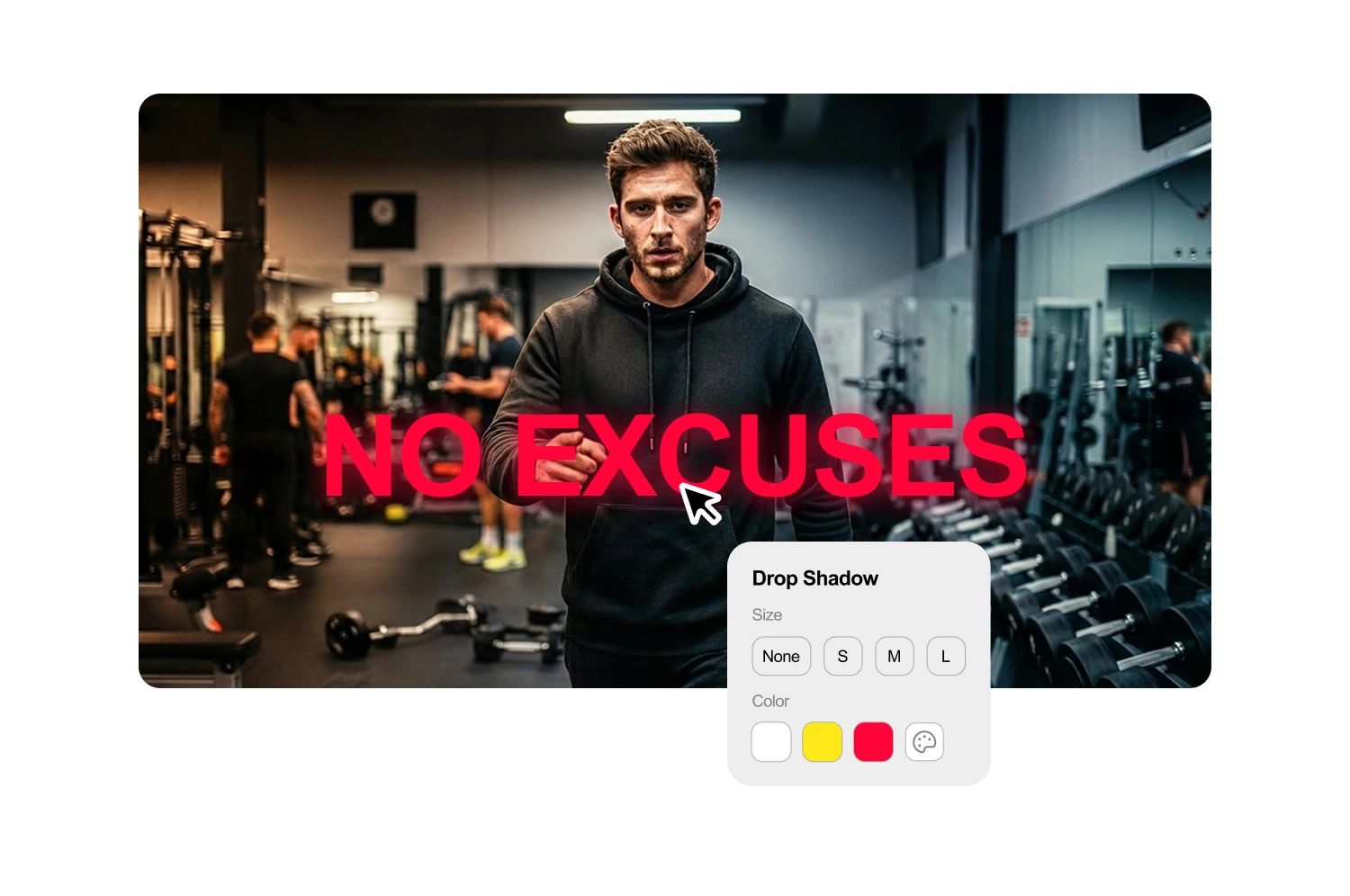
Add text that reads at thumbnail size
Over 70% of YouTube watch time happens on mobile, where thumbnails show up tiny. The text generator creates short, high-contrast text sized for phone screens first.
Generate variants and A/B test
Each generation produces two thumbnail options. Feed them into YouTube's built-in Test and Compare to find which variant earns more watch time share.
How it works
How the YouTube thumbnail maker works
Follow three steps from video URL to finished thumbnail.
1. Paste your YouTube URL or upload video
Enter any YouTube link or upload MP4, MOV, AVI, or WEBM files up to 5GB for unpublished videos.
2. Pick a template and customize
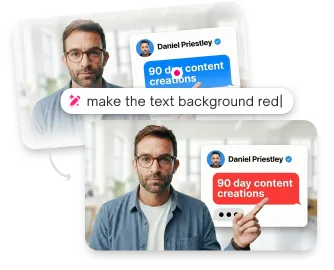
The AI identifies key frames and detects faces. Choose a layout, adjust text, colors, and expressions to match your video's content.
3. Download at 1280x720
Export your finished thumbnail at the resolution and format YouTube requires. Upload directly to YouTube Studio.
USE CASES
Who uses YouTube thumbnail makers
From daily uploaders to once-a-week creators, anyone who wants more clicks from every video they make.
Growing channels
Viewers judge a video by its thumbnail before they check your subscriber count. Thumbmagic gives every upload the same visual quality as channels ten times your size.
Daily and weekly uploaders
Three to seven videos per week means thumbnail design cannot be the bottleneck. About 45 seconds per thumbnail keeps your upload schedule intact without cutting corners on quality.
Tutorial and how-to creators
Educational content pulls search traffic for months after publishing, but only if the thumbnail communicates the topic at a glance. Readable text and a clear topic on the thumbnail keep evergreen videos earning clicks.
Commentary and reaction creators
Facial expressions sell the click on commentary content. The expression changer matches your reaction to each video's energy without a separate photo shoot.
Podcast and interview channels
Dozens of episodes need consistent series branding, but redesigning the layout per guest kills your publishing rhythm. Apply one template across every episode with different guests and titles.
Multi-format creators
The same content goes to standard YouTube, Shorts, TikTok, and vlogs. Generate landscape thumbnails here, then switch to vertical templates for Shorts and TikTok, or try the vlog thumbnail maker for lifestyle content.
Frequently asked questions
What is the best free YouTube thumbnail maker?

Thumbmagic generates thumbnails directly from your video URL using AI. Three free generations, six thumbnail variants, no credit card, and no watermark.
How do I make a YouTube thumbnail without Photoshop?
Paste your YouTube URL into Thumbmagic. The AI analyzes your video and generates thumbnail options automatically. Customize text, colors, and expressions, then download at 1280x720.
Do YouTube thumbnails affect views?
Custom thumbnails influence whether viewers click your video in Home feed, Search, and Suggested. YouTube reports that 90% of best-performing videos use custom thumbnails rather than auto-generated frames.
How long does it take to make a YouTube thumbnail with AI?
About 45 seconds from pasting your URL to downloading a finished thumbnail. Compare that to 20 to 40 minutes of manual work in Photoshop or Canva.
Can I A/B test my YouTube thumbnails?
Yes. YouTube offers a built-in Test and Compare feature that tests thumbnail variants and measures which earns more watch time share. Thumbmagic generates two variants per run to give you options to test.
What does the free tier include?
Three free generations totaling six thumbnail variants. No credit card required, no watermark. Enough to cover a week of uploads and test which style earns more clicks.
Make every thumbnail earn its click
Generate studio-quality thumbnails that stop scrolling and drive clicks in seconds. No design skills needed.
+50% average CTR increase
2× faster production speed
90% reduction in design cost
